



Spustite svoj produkt WooCommerce Customizer V 4 krokoch
Rýchlo vytvorte výkonné, vrstvené 2D produktové prispôsobovače – bez potreby programovania. Postupujte podľa týchto krokov, aby ste prešli od nápadu k živému produktu, s nástrojmi na konverziu vašich návrhov, preskúmanie pokročilých funkcií a objavenie prípadov použitia.
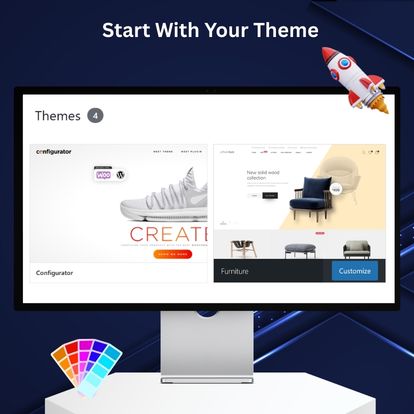
Použite svoju WP tému – alebo špeciálne vytvorenú tému
WP Configurator funguje s akoukoľvek modernou WordPress témou. Pre zážitok hneď po vybalení si vyberte naše elegantné, špecializované témy plne kompatibilné s WP Configurator Pro a WooCommerce.
Preskúmajte naše témy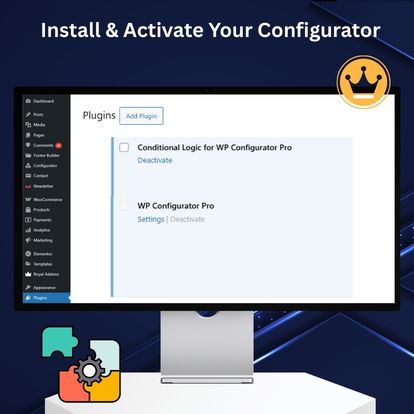
Nainštalujte WP Configurator Pro (a vyberte si plán)
Pridajte plugin na svoju WP stránku, aby ste odomkli čisté, intuitívne rozhranie na tvorbu prispôsobiteľných produktov vo WooCommerce. Žiadne externé dashboardy ani SaaS účty – všetko je vo WordPresse.
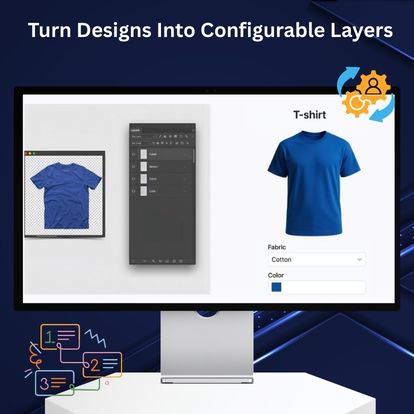
Vytvorte vrstvy a vyberte si skin/šablónu
Oživte svoje návrhy (Ďalší krok)
Máte vrstvené súbory alebo ploché dizajny? Preveďte svoje PSD/PNG/SVG assety do vrstiev pripravených na konfiguráciu. Je to najrýchlejší spôsob, ako prejsť od konceptu k živému produktu – dokonalé zarovnanie, čisté exporty a menej revízií.
Naučte sa, ako konvertovať PSD konfigurátor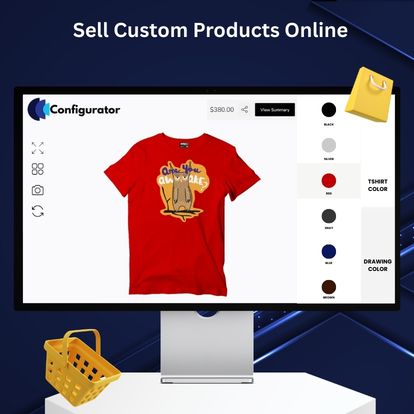
Publikujte a začnite predávať
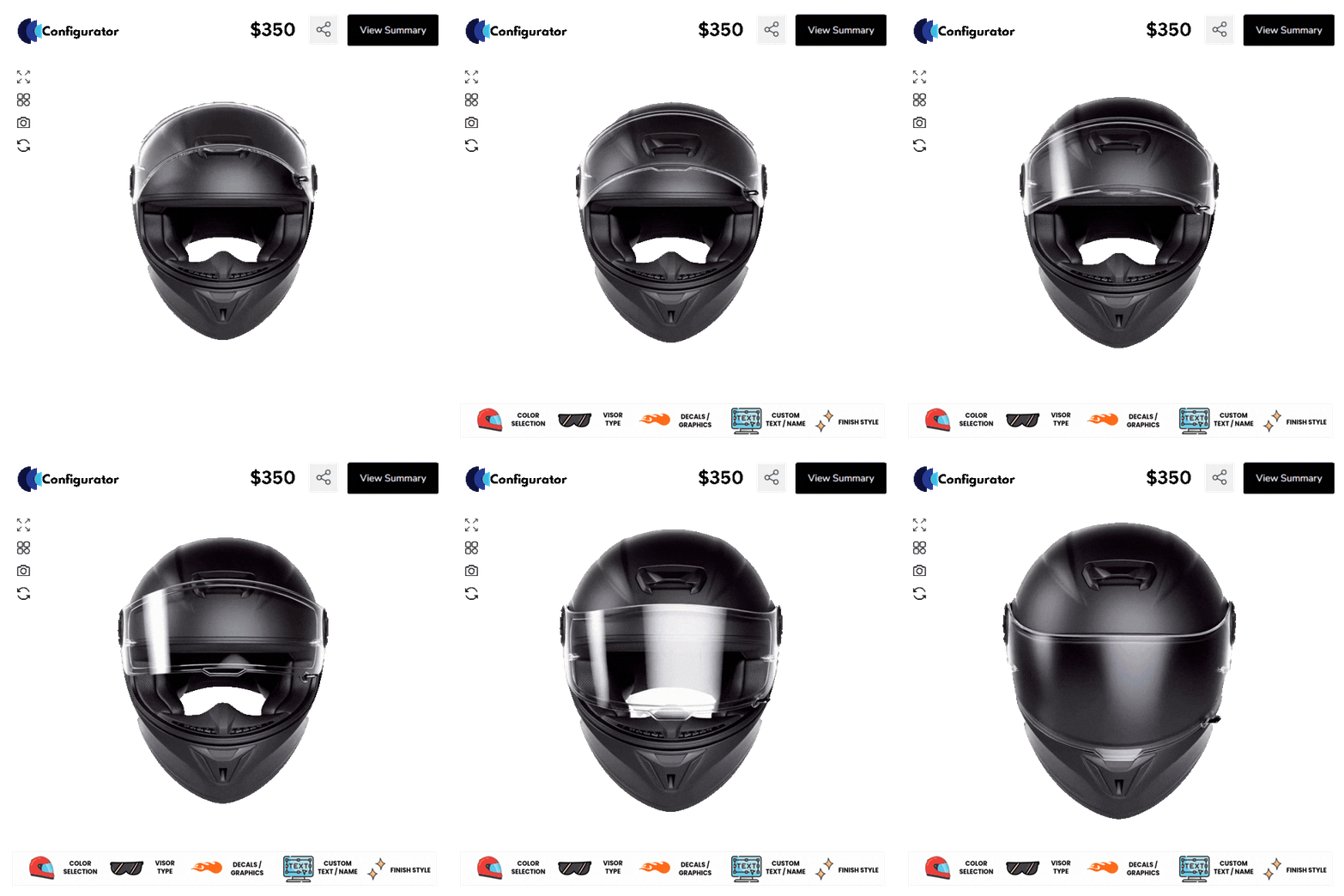
Pripojte konfigurátor k vášmu WooCommerce produktu, ukážte si ho na mobile/desktop a spustite ho naživo. Nakupujúci si môžu personalizovať v reálnom čase a zaplatiť ako obvykle – bez ďalších krokov.
Kúpte si profesionálny plán
Použite svoju WP tému – alebo špeciálne vytvorenú tému
WP Configurator funguje s akoukoľvek modernou WordPress témou. Pre zážitok hneď po vybalení si vyberte naše elegantné, špecializované témy plne kompatibilné s WP Configurator Pro a WooCommerce.
Preskúmajte naše témy
Nainštalujte WP Configurator Pro (a vyberte si plán)
Pridajte plugin na svoju WP stránku, aby ste odomkli čisté, intuitívne rozhranie na tvorbu prispôsobiteľných produktov vo WooCommerce. Žiadne externé dashboardy ani SaaS účty – všetko je vo WordPresse.
Vytvorte vrstvy a vyberte si skin/šablónu
Oživte svoje návrhy (Ďalší krok)
Máte vrstvené súbory alebo ploché dizajny? Preveďte svoje PSD/PNG/SVG assety do vrstiev pripravených na konfiguráciu. Je to najrýchlejší spôsob, ako prejsť od konceptu k živému produktu – dokonalé zarovnanie, čisté exporty a menej revízií.
Naučte sa, ako konvertovať PSD konfigurátor
Publikujte a začnite predávať
Pripojte konfigurátor k vášmu WooCommerce produktu, ukážte si ho na mobile/desktop a spustite ho naživo. Nakupujúci si môžu personalizovať v reálnom čase a zaplatiť ako obvykle – bez ďalších krokov.
Kúpte si profesionálny plánVLASTNÉ DIELA
Budujte svoju budúcnosť s nami
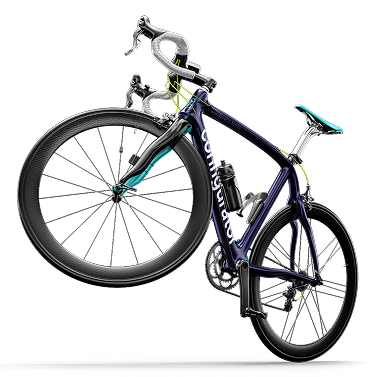
Každá webová stránka je jedinečná. Ak potrebujete vlastné riešenie, ktoré zodpovedá vašej značke, poskytujeme komplexné prispôsobené riešenia vrátane tvorby konfigurátorov a služieb obrázkov.
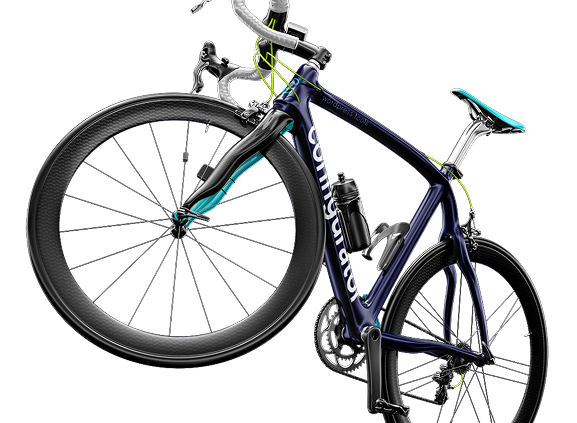
Máte jedinečné požiadavky? Máme Mám to pre teba
Chápeme, že každý obchod je iný. Ak vaše potreby presahujú základné nastavenia, náš tím dokáže WP Configurator prispôsobiť presne vášmu pracovnému postupu – od používateľského rozhrania a skinov až po zložité ceny, logiku a integrácie.
Čo vám vieme prispôsobiť

-

Špeciálne používateľské rozhranie a skiny – Nové rozloženia, zážitky na celú obrazovku, viacstupňové plynulosti.
-
Pokročilé pravidlá a ceny – Podmienená logika, balíčky, stupňovité ceny, schvaľovacie kroky.
-
Integrácie – ERP, PIM, tlač na požiadanie, fulfillment, doručenie a CRM nástroje.
-
Aktíva a exporty – Súbory pripravené na tlač, PDF, odkazy na zdieľanie a pipeline assetov.
-
Výkon a rozsah – Stratégia cache, optimalizácia médií a veľké katalógy.
-
Súlad a lokalizácia – Dostupnosť, viacjazyčnosť, nuansy meny/daní.

100% záruka vrátenia peňazí bez rizika
Ste plne chránení našou 100% zárukou vrátenia peňazí. Ak nebudete úplne spokojní do 15 dní od nákupu, ste viac než vítaní na plnú refundáciu.
Často sa pýtajú Otázky
Je WP Configurator kompatibilný s mojou témou?
Áno. Funguje so všetkými modernými WordPress témami. Pre komplexný vzhľad a atmosféru je naša špecializovaná téma dostupná na ThemeForest.
Potrebujem nejaké externé služby na spustenie konfigurátora?
Nie. WP Configurator beží úplne vo WordPresse a WooCommerce. Máte kontrolu nad dátami, výkonom a dostupnosťou.
Môžem pridať cenové pravidlá a logiku?
Áno. Môžete vytvárať vrstvené možnosti s pravidlami, ktoré upravujú ceny, dostupnosť alebo viditeľnosť na základe výberu zákazníka.