

January 1, 2026
It is a no-brainer that online shopping activity rises significantly during holidays. The demand for almost all types of products goes way beyond the usual value during the holiday season. Consequently, many business owners ask, “How to increase eCommerce sales during the holiday season?”
You’re likely to have a lot of shoppers visit your virtual store during the holiday rush. Therefore, it is best to help them easily find and choose products as they visit your shop.
There are several things you can do to boost your revenue during the holidays. For example, show them targeted products and related products with offers of value-added add-ons and customization to boost your sales.
In this blog, we will look into 10 ways to increase your sales during the holiday season.
What’s better than getting gifts on holidays? Getting gift bundles. Combine complementary products into ready-made gift sets, with options for your customers to personalize individual items.
Let your shoppers add custom text, images, accessories, premium materials, gift wrapping, or handwritten messages to increase average order value (AOV).
Use early-bird discounts, festive coupon codes, flash sales, and countdown offers to create urgency.
Encourage customers to add more products to their carts by offering free shipping above a minimum order value.
Use cross-selling to display complementary items and upselling to present premium product options.
Organize products by recipient, occasion, price range, or category – for example, “Gifts for Parents” or “Personalized Gifts Under $50.”
Provide visual previews and clearly structured customization options so shoppers can confidently design personalized gifts.
Send automated email reminders featuring the abandoned products, delivery deadlines, and relevant holiday incentives.
Display reviews, customer photos, and previous product configurations to establish trust and inspire gift ideas.
Clearly communicate the final ordering dates for standard, expedited and international holiday delivery.
Increasing holiday sales requires more than discounts – it depends on making shopping convenient, engaging, and personal. By applying these 10 strategies to increase ecommerce sales during the holiday season, you can help your customers find suitable gifts, increase AOV, and encourage repeat purchases.
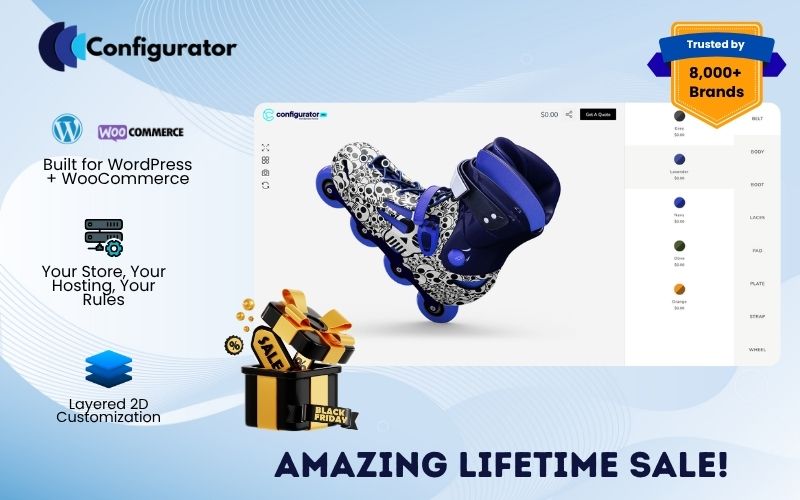
With WP Configurator, you can let shoppers visually customize products and create personalized gifts in minutes. Embrace the growing demand for personalization, offer a memorable WooCommerce shopping experience, and build lasting customer loyalty.


Cielo M. is an experienced professional with specialization in pre-and-post sales support . She is helping businesses enhance their e-commerce platforms through customization and software integration. At WPConfigurator, she interacts with customers on daily basis and provide resolution on all the support requests. She is fluent user of word press, woo-commerce and creates demo which helps in bringing client imagination to life. Cielo is known for her ability to create tailored, user-friendly product configuration systems that meet the unique needs of both businesses and consumers. Her passion for innovation and customer-centric design has made her a trusted leader in the field.

You are fully protected by our 100% Money Back Guarantee. If you aren’t completely satisfied within 15 days of purchase, you’re more than welcome to a full refund.