



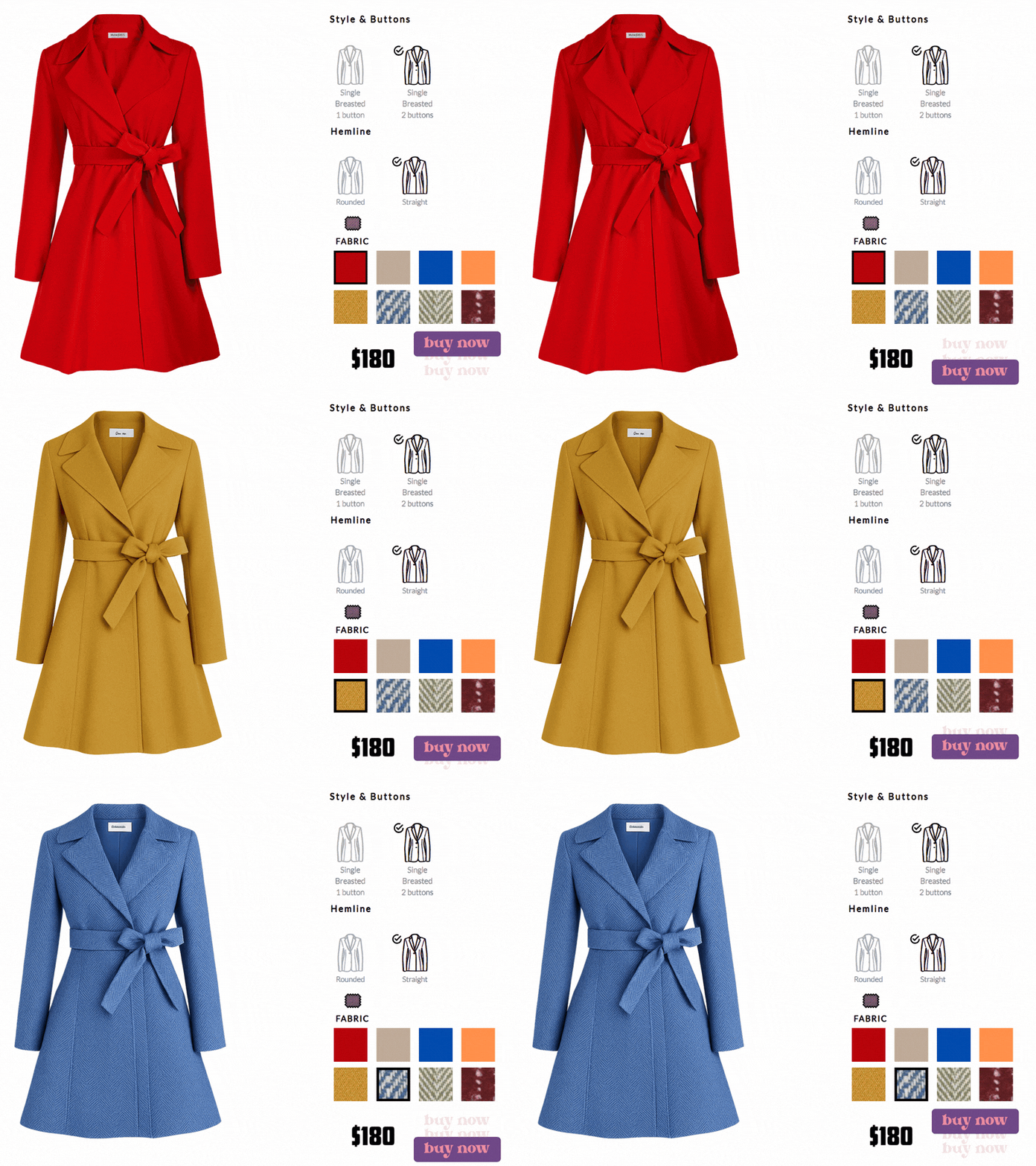
Trusted by leading brands across the globe
Our clients include top brands across various sectors, reflecting the versatility and reliability of our product Designer for WooCommerce.



























What is a product designer for WooCommerce
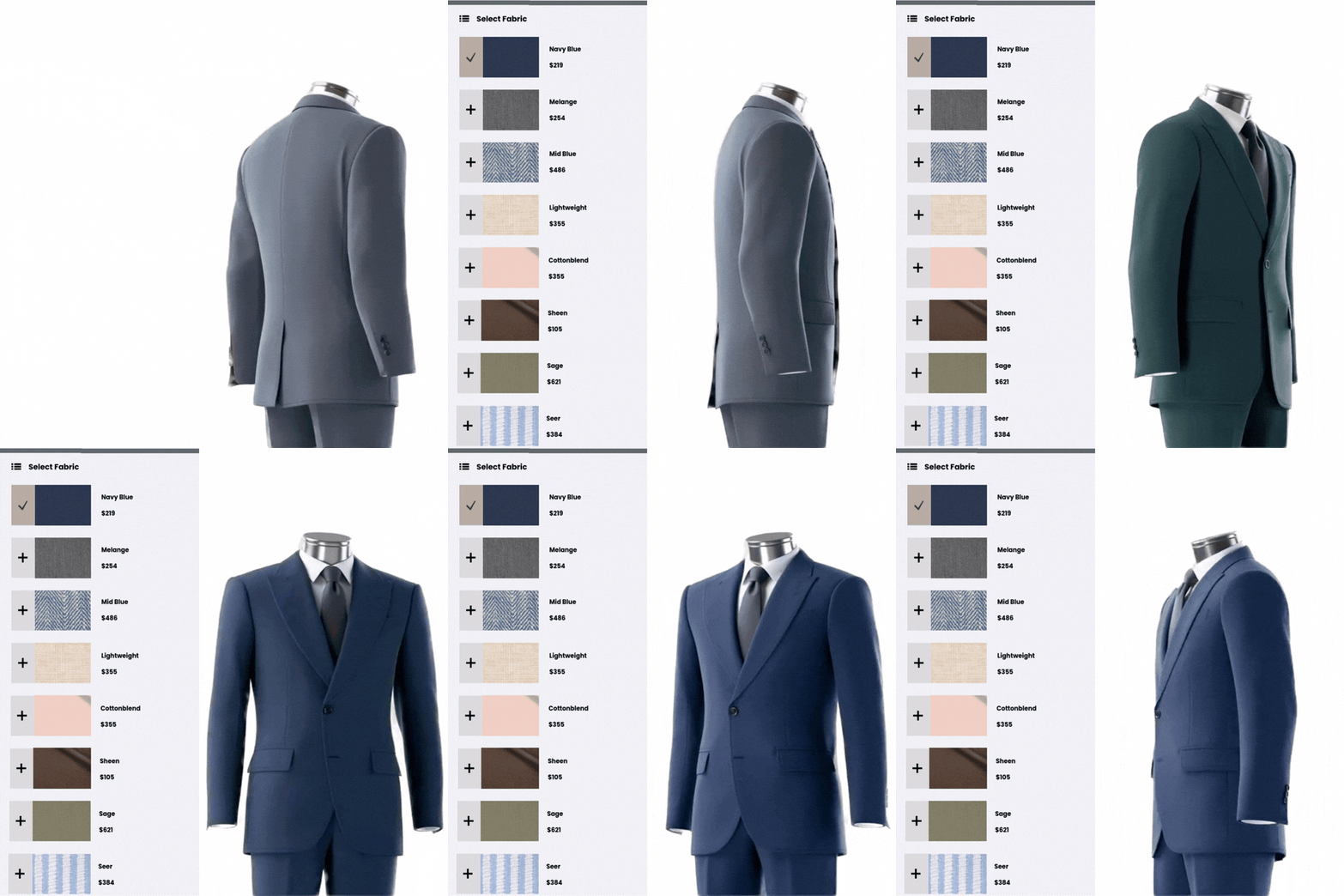
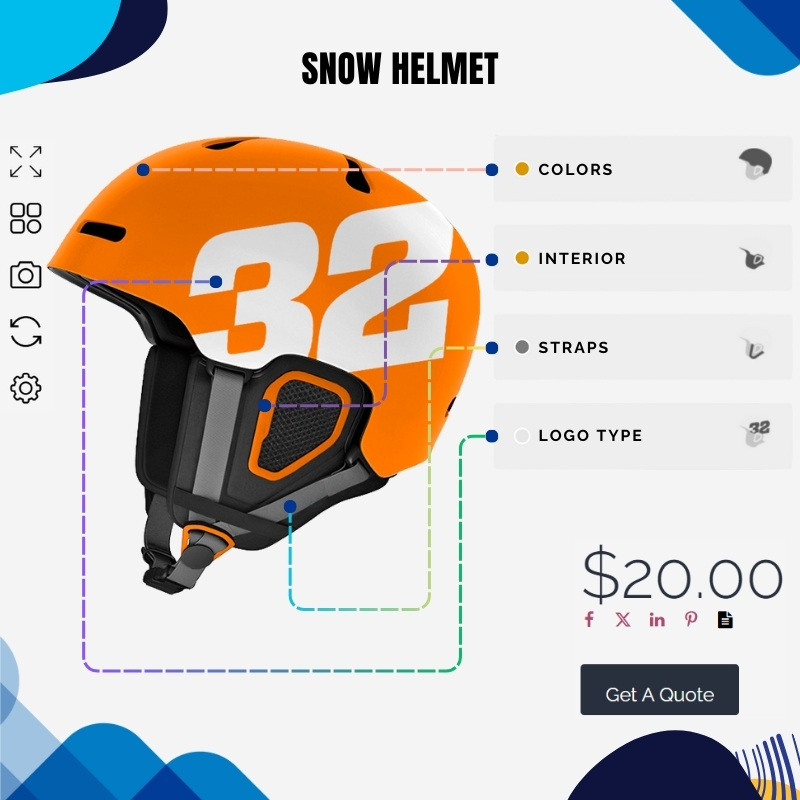
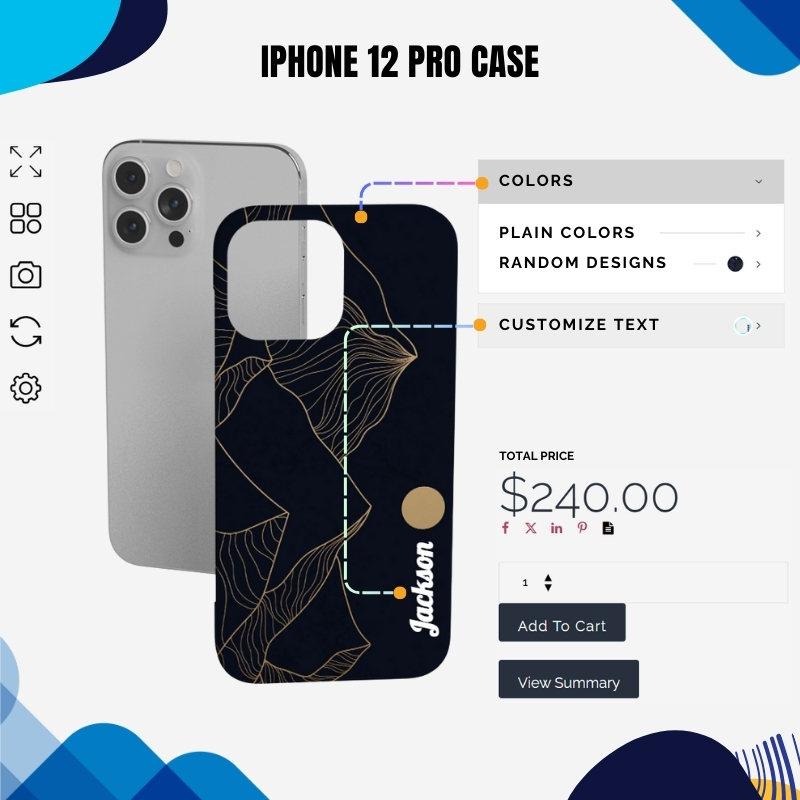
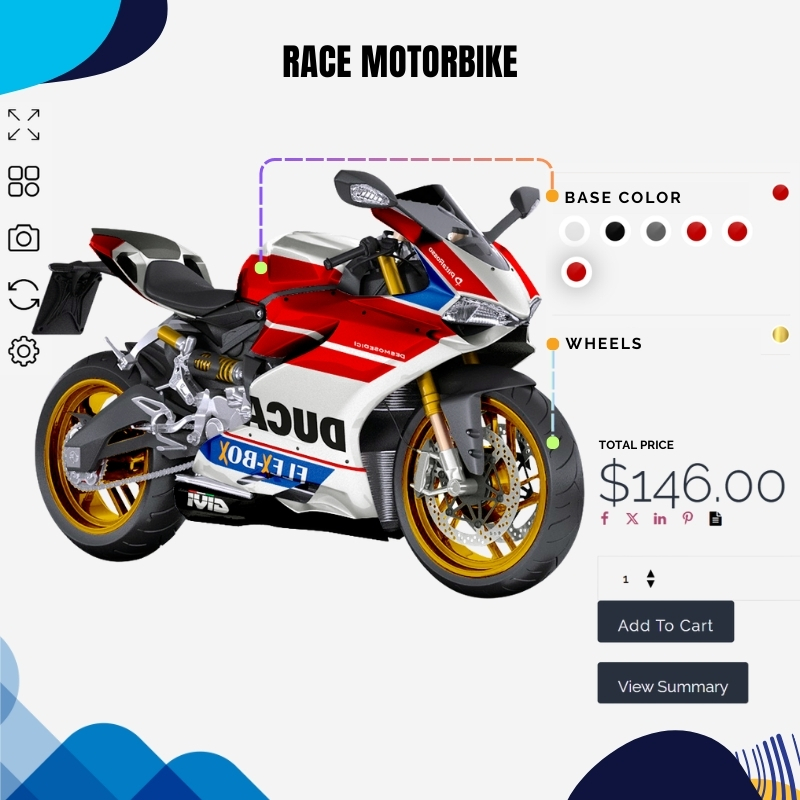
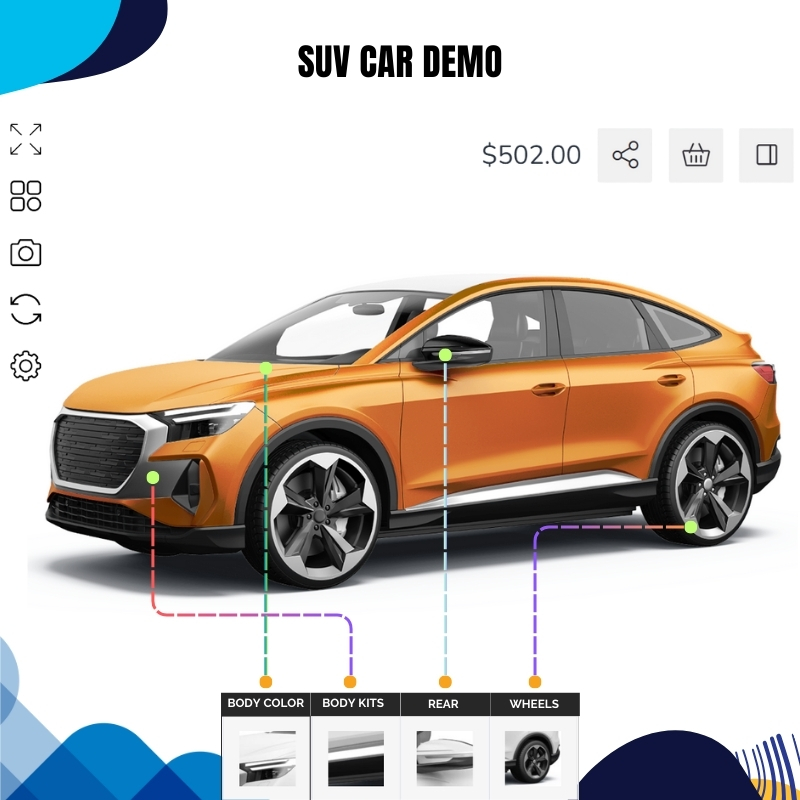
A Product Designer for WooCommerce is a tool that allows customers to customize products directly on your online store. It lets them add text, images, change colors, and see real-time previews before buying. This is perfect for selling custom t-shirts, mugs, phone cases, or any personalized items. For store owners, it improves user experience, increases engagement, and helps boost sales by offering a more interactive shopping journey. It integrates with your WooCommerce store, so you can manage customized orders just like any other product.
How to design woocommerce product page
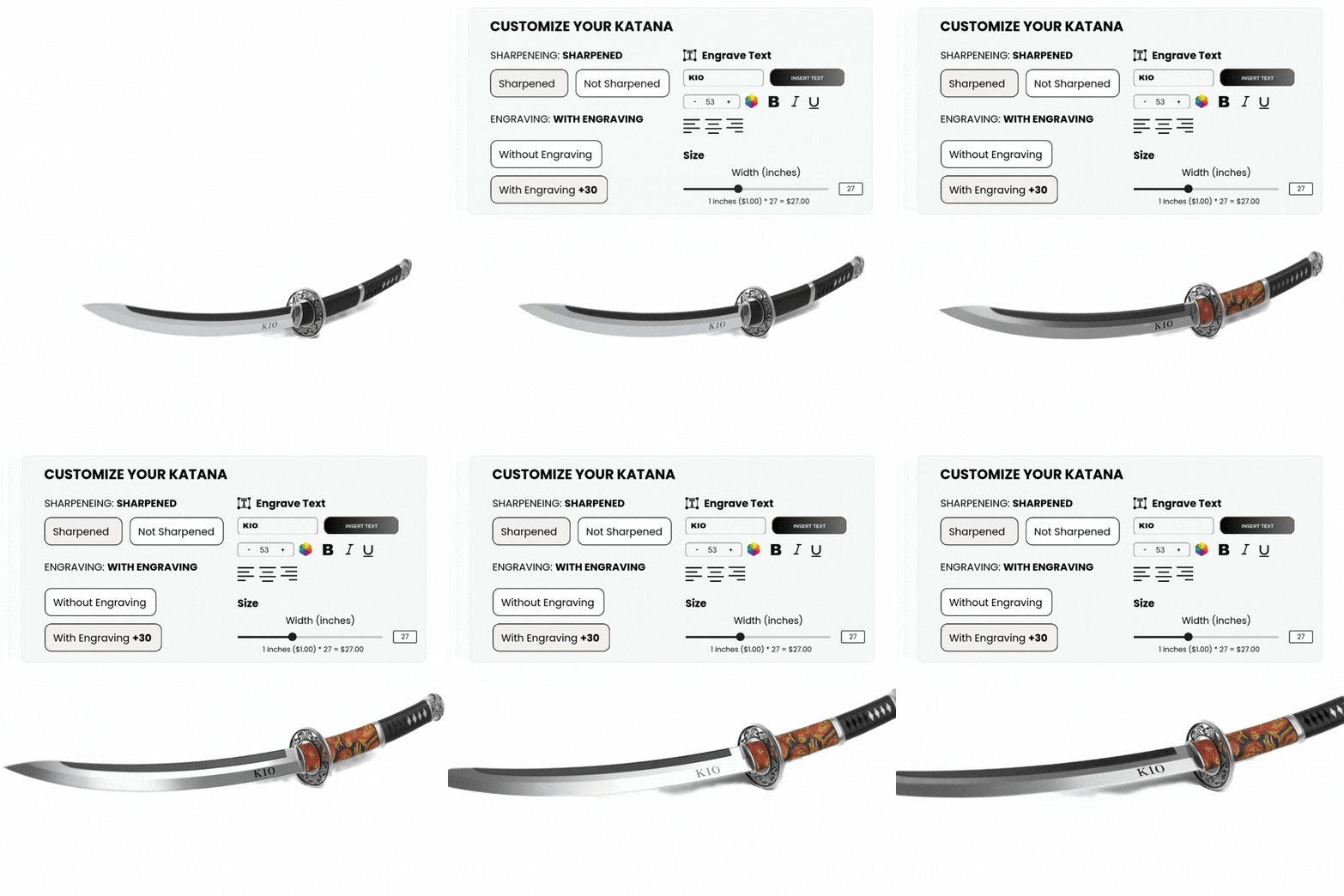
To design a WooCommerce product page, you need to make it clear, attractive, and easy to use. Use a page builder like Elementor to customize the layout without coding. Add clear product images, prices, descriptions, and customer reviews. If you sell customizable items, use a product designer plugin so users can personalize before buying. Make sure the page works well on mobile and includes trust elements like return policies or shipping info. A good design helps build trust and increases sales.
How to add a WooCommerce custom product designer
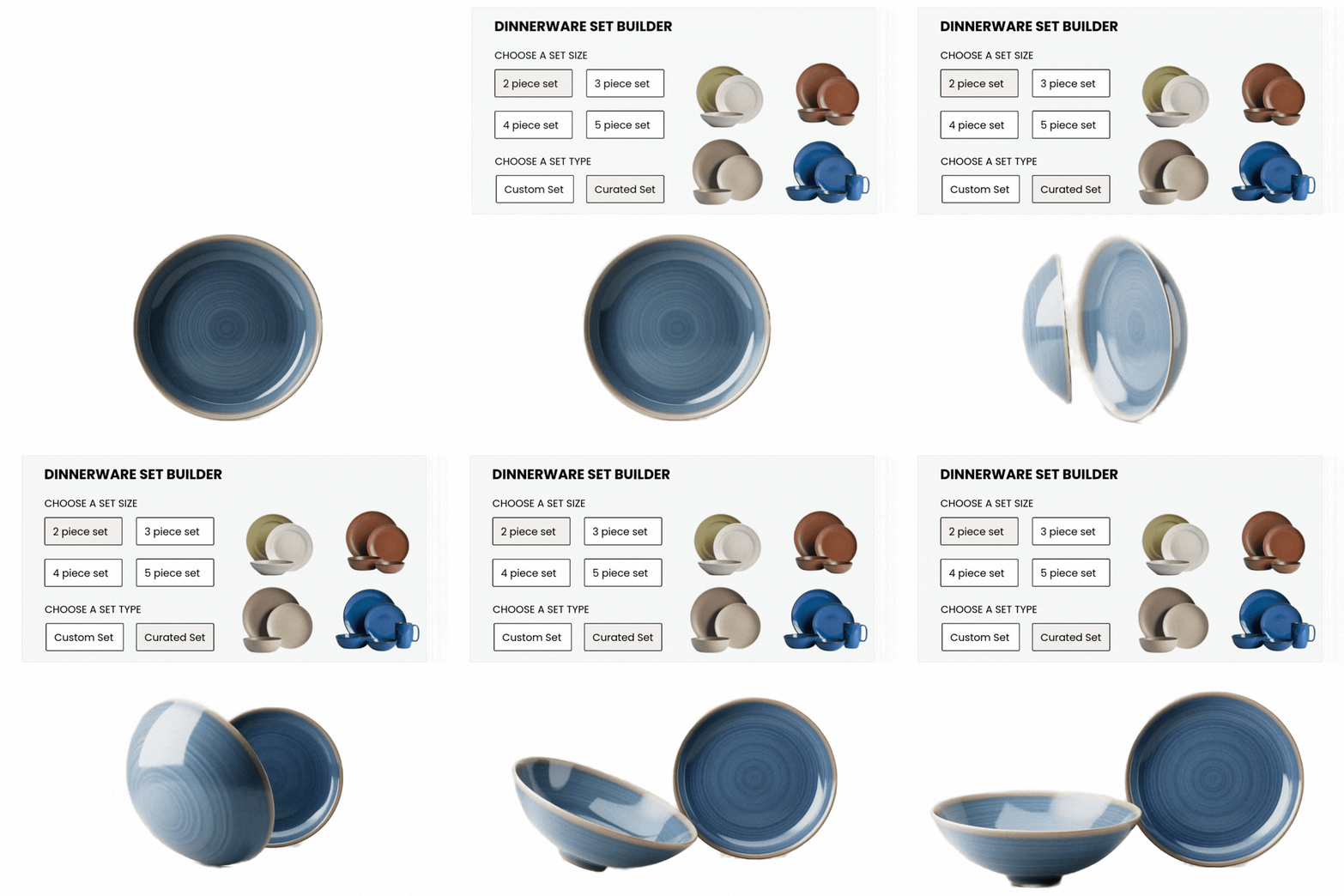
To add a custom product designer to your WooCommerce store, follow these simple steps:
- Choose a Plugin: Pick a WooCommerce product designer plugin like WP Configurator or Fancy Product Designer.
- Install the Plugin: Go to your WordPress dashboard, click on Plugins > Add New, upload the plugin file, and activate it.
- Set Up Your Designer Tool: Follow the plugin’s setup guide to create design options—like color changes, text, or image uploads.
- Assign to Products: Choose which products you want to make customizable and apply the design settings.
Once set up, your customers will be able to personalize products directly on your store before purchasing—helping you offer a unique and engaging shopping experience.
Stand Out with WP Configurator’s Woocommerce Product Designer

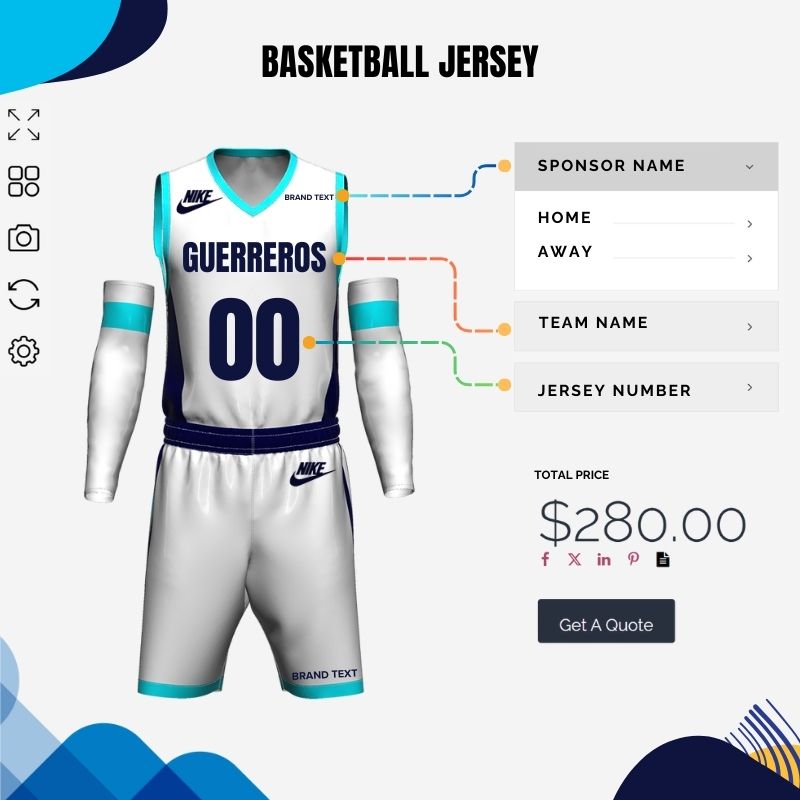
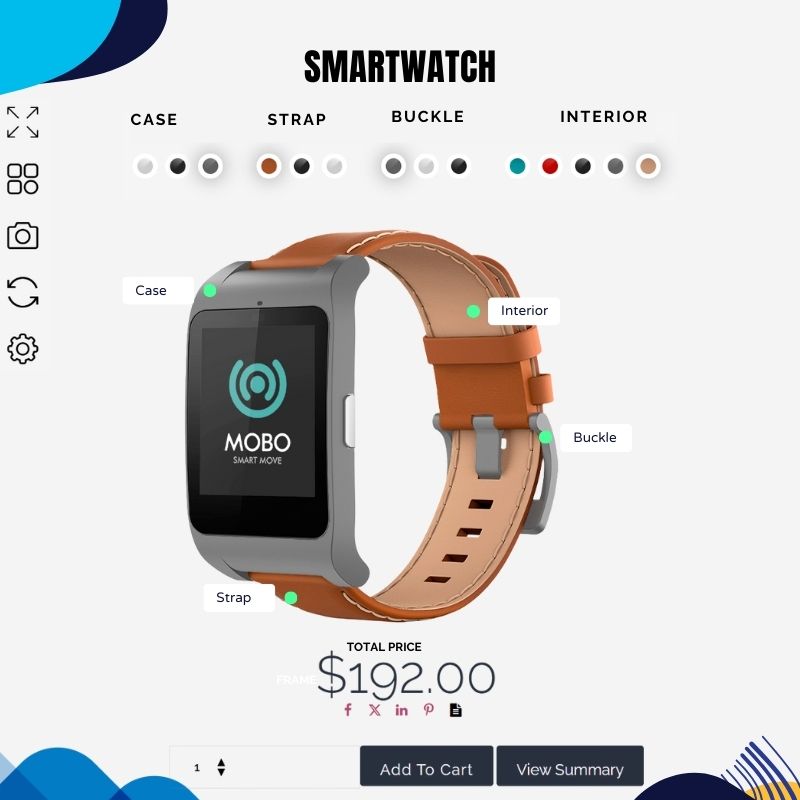
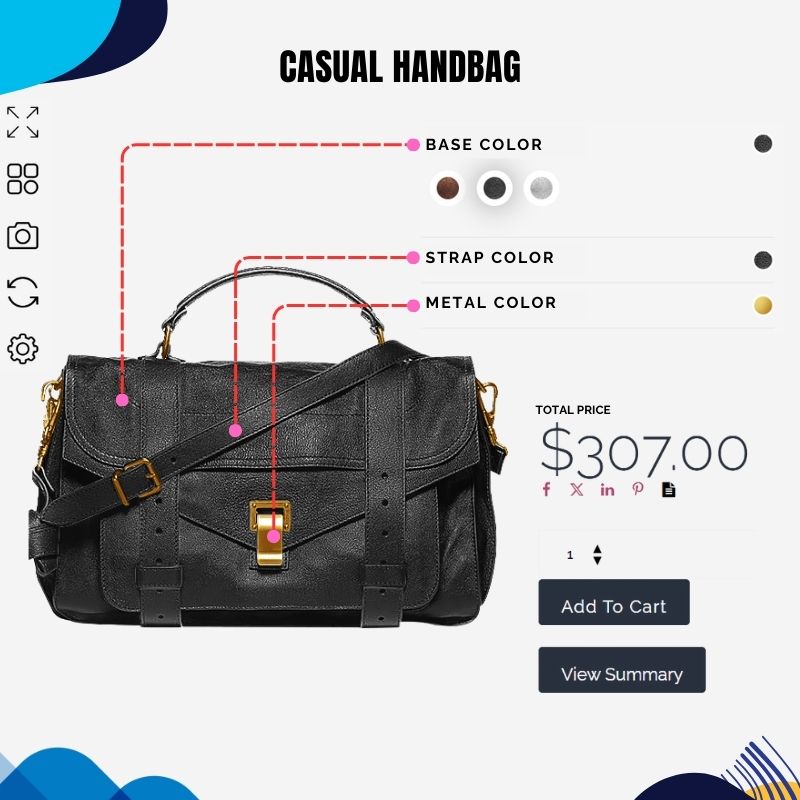
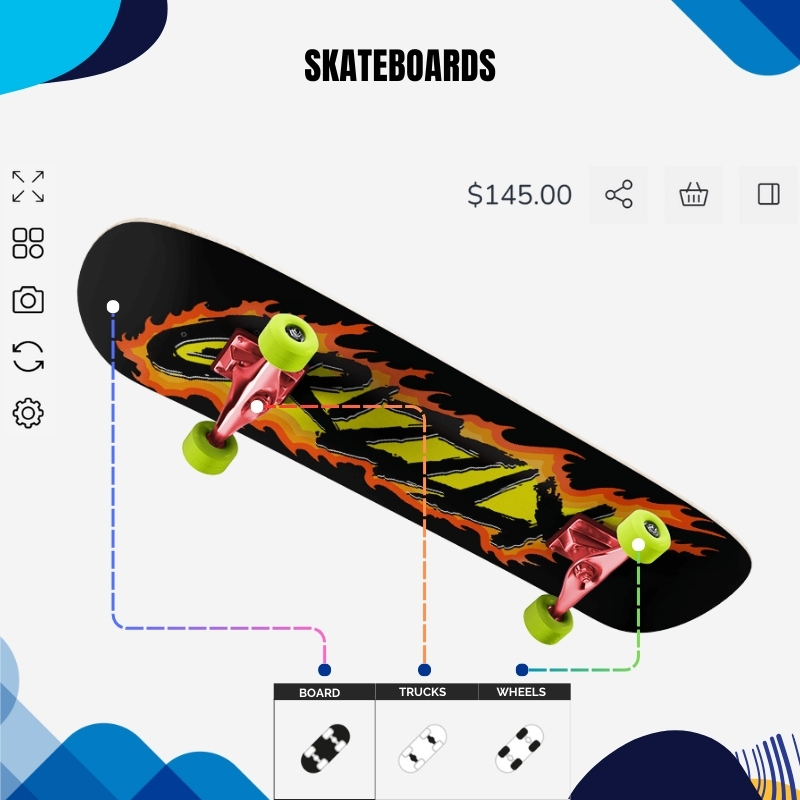
Live Product Customization
Let customers see real-time previews as they personalize colors, text, images, and more.

Mobile-Friendly & Intuitive
Designed for all devices with a smooth, user-friendly interface that drives conversions.

Seamless WooCommerce Integration
Easily sync with your store, manage orders, and offer a fully customizable shopping experience.

Boost Engagement & Sales
Turn shoppers into creators, increase time on site, and grow your revenue with interactive design tools.
Live Product Customization
Let customers see real-time previews as they personalize colors, text, images, and more.
Mobile-Friendly & Intuitive
Designed for all devices with a smooth, user-friendly interface that drives conversions.
Seamless WooCommerce Integration
Easily sync with your store, manage orders, and offer a fully customizable shopping experience.
Boost Engagement & Sales
Turn shoppers into creators, increase time on site, and grow your revenue with interactive design tools.
Plugin + all addons for 1 site
Buy Now @ $299Check out our Demos
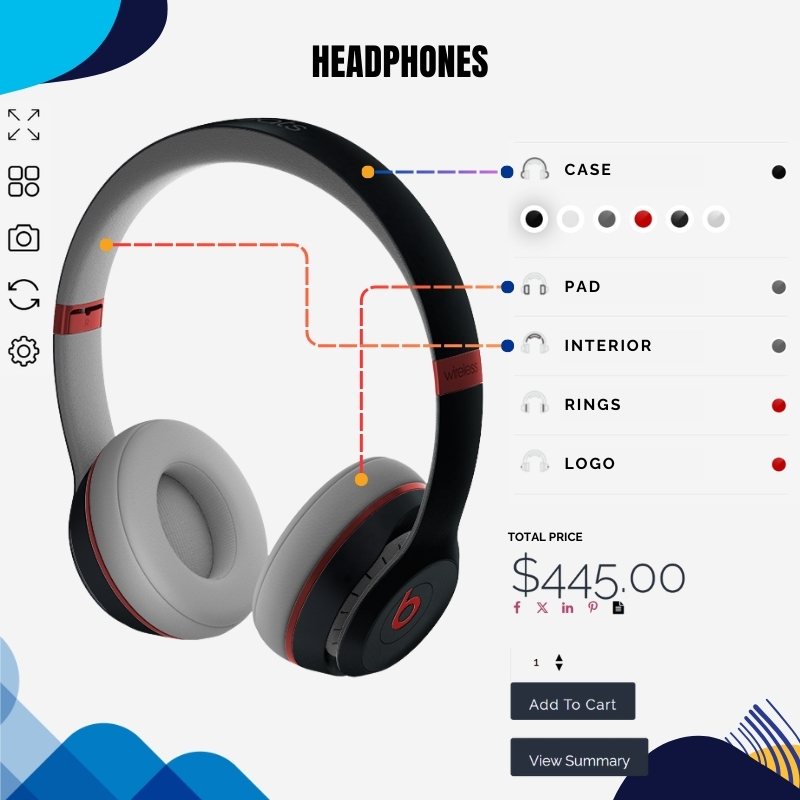
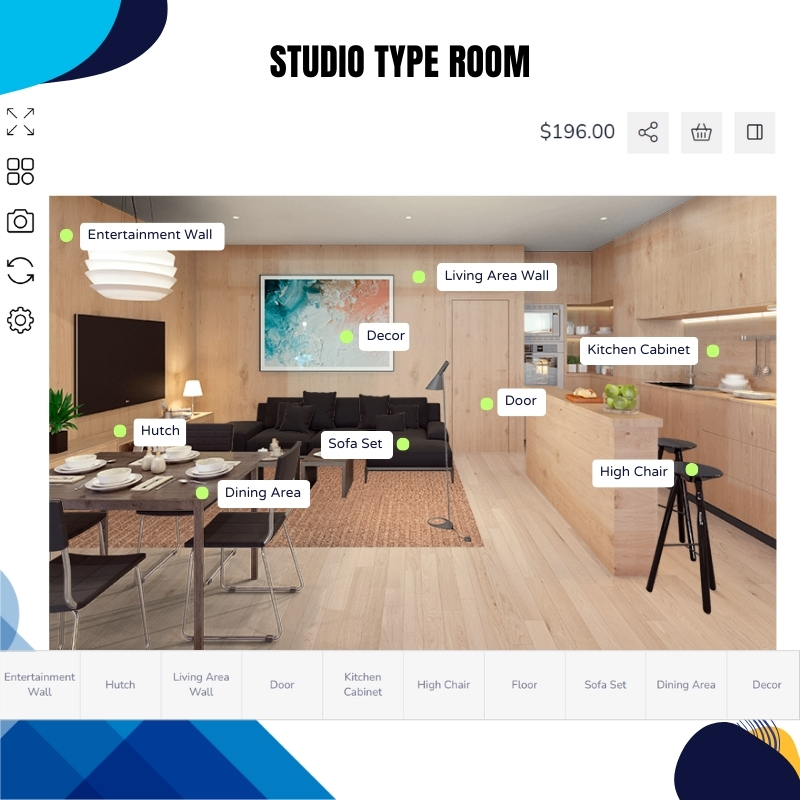
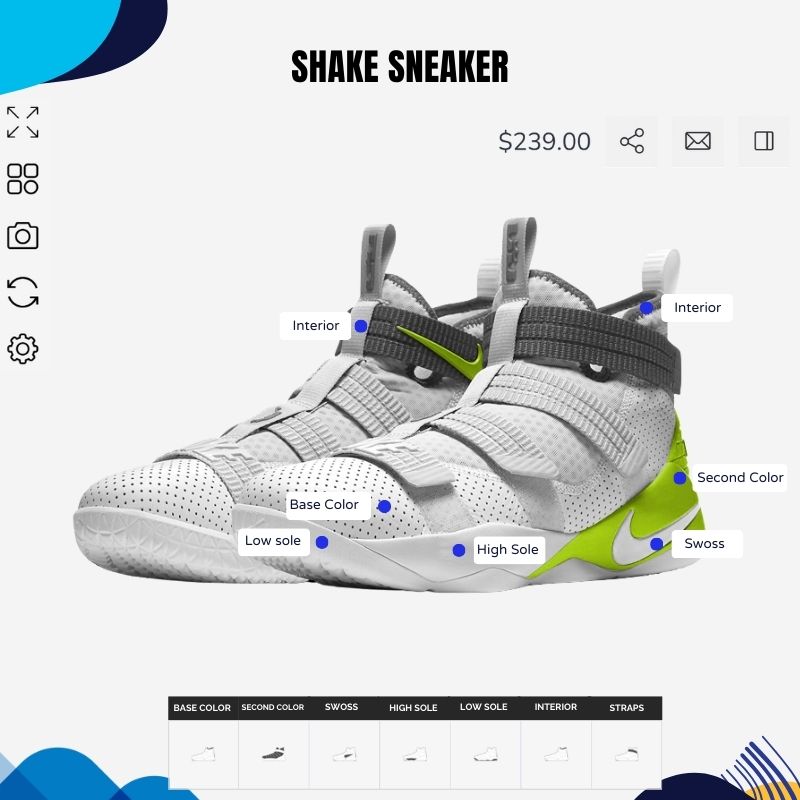
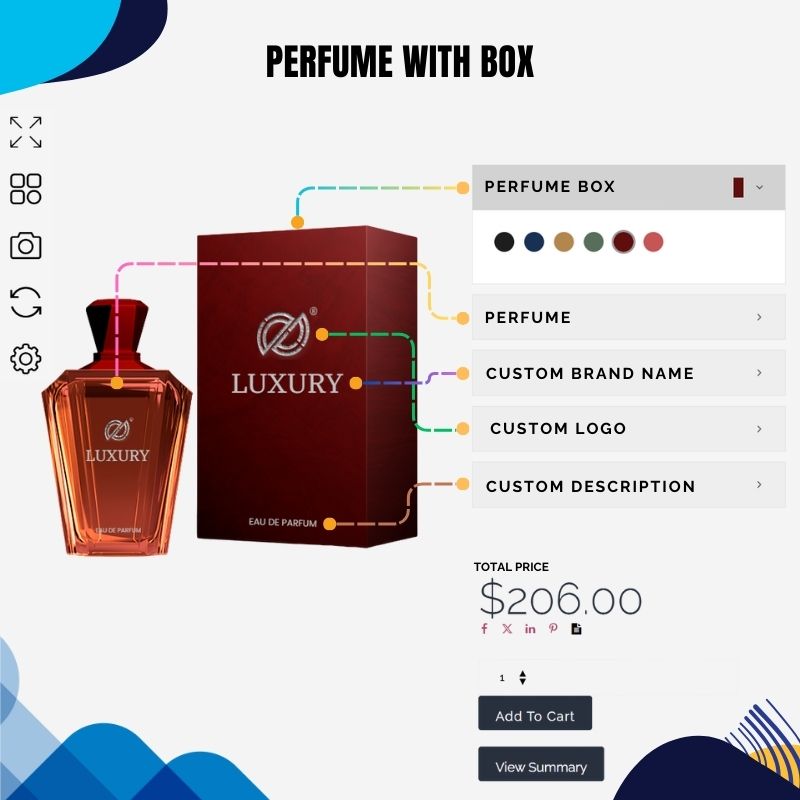
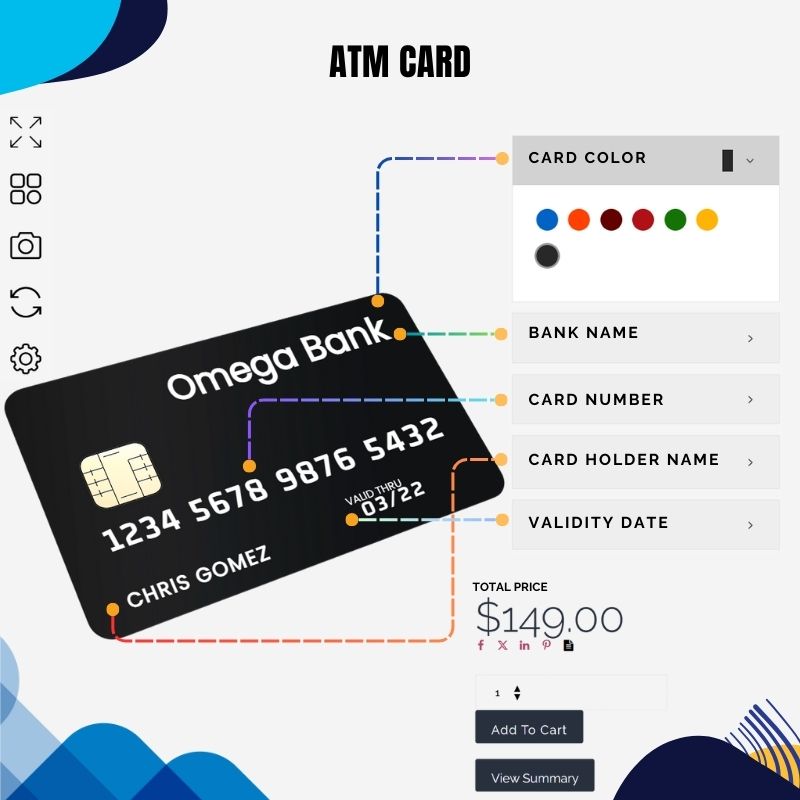
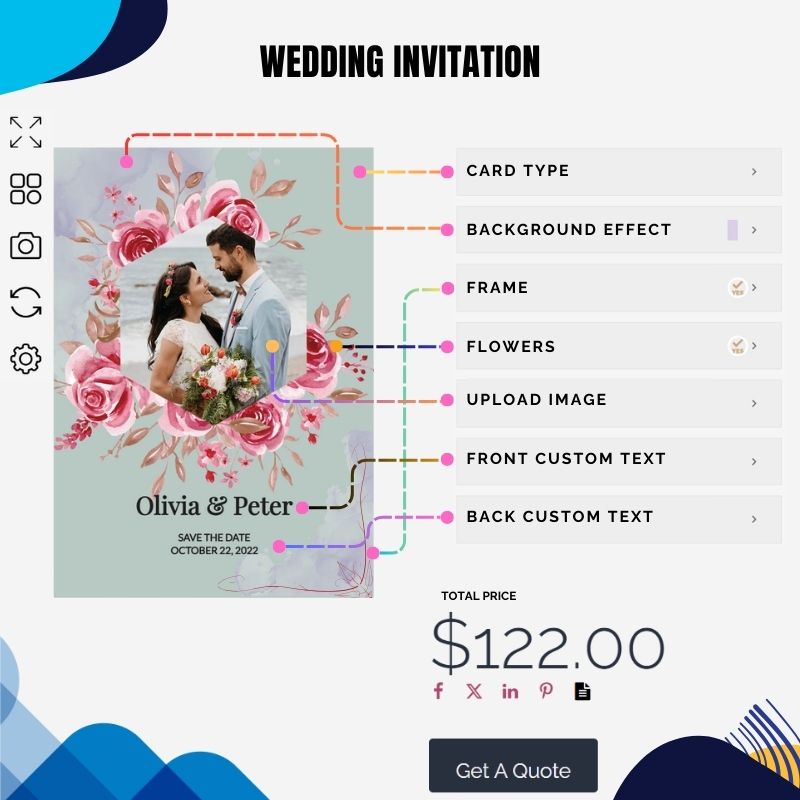
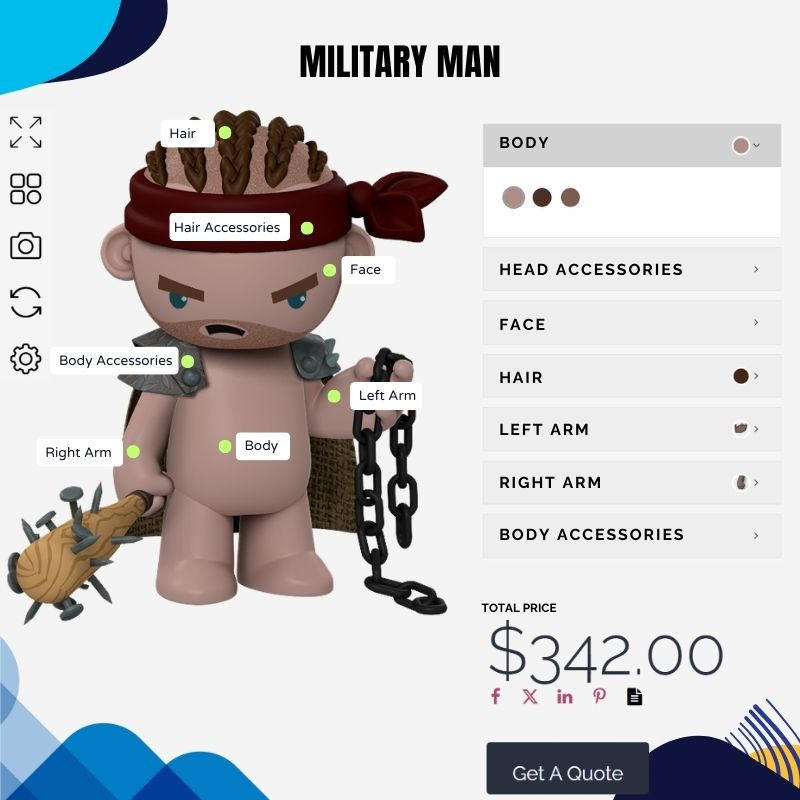
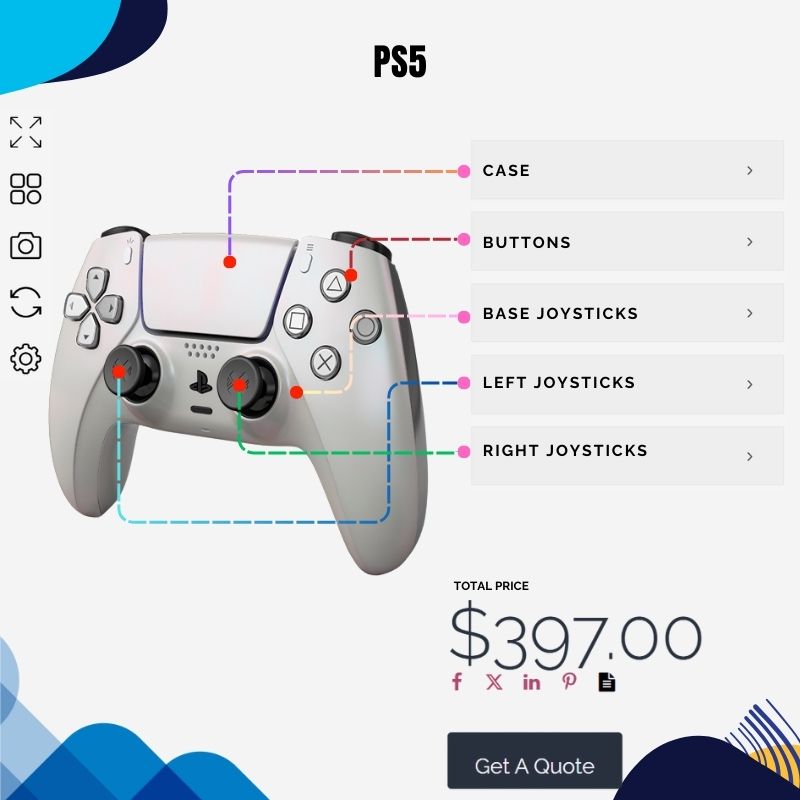
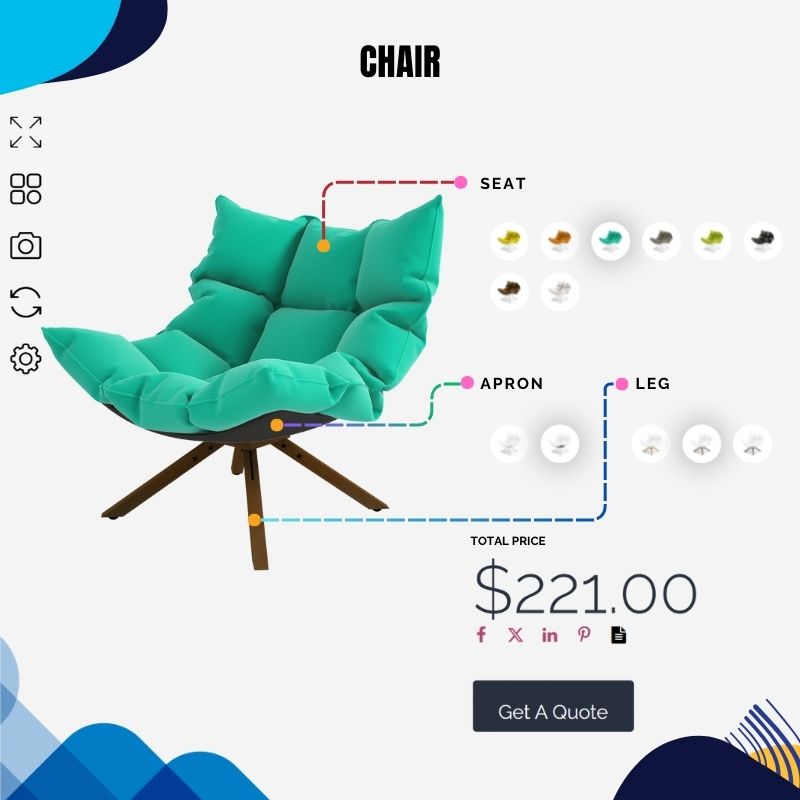
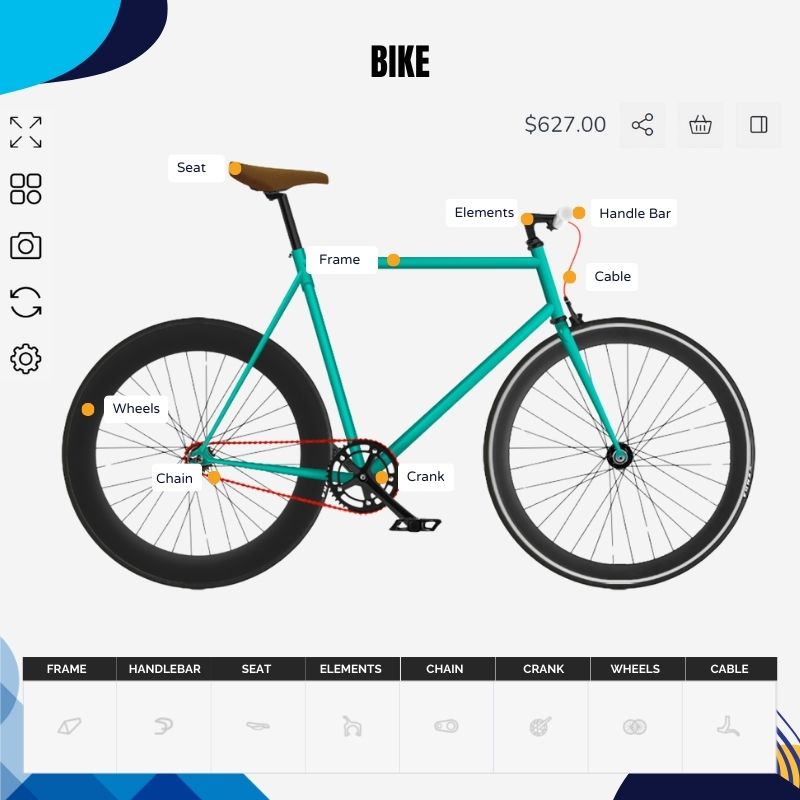
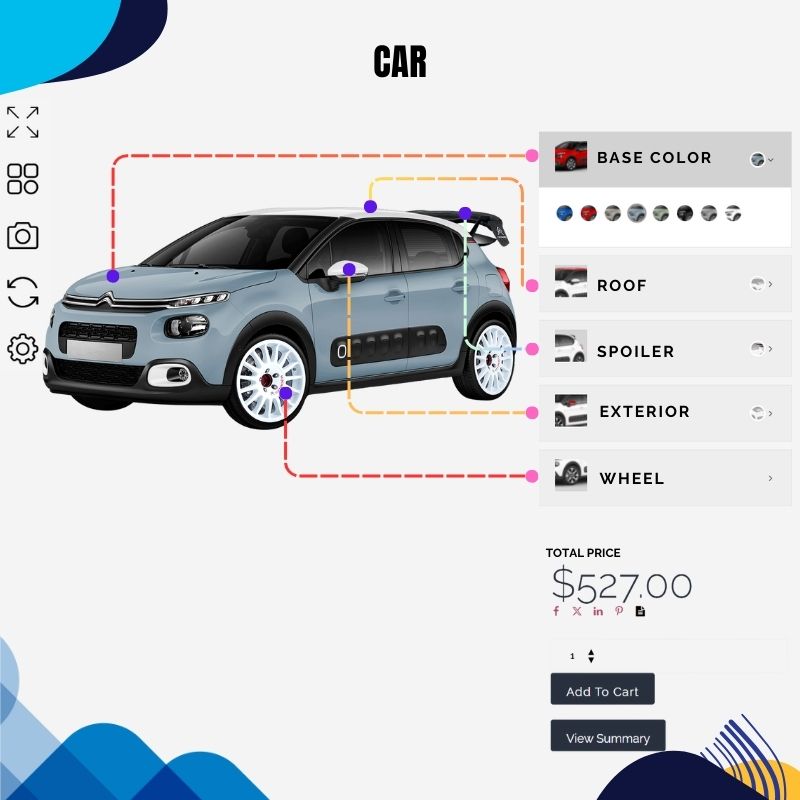
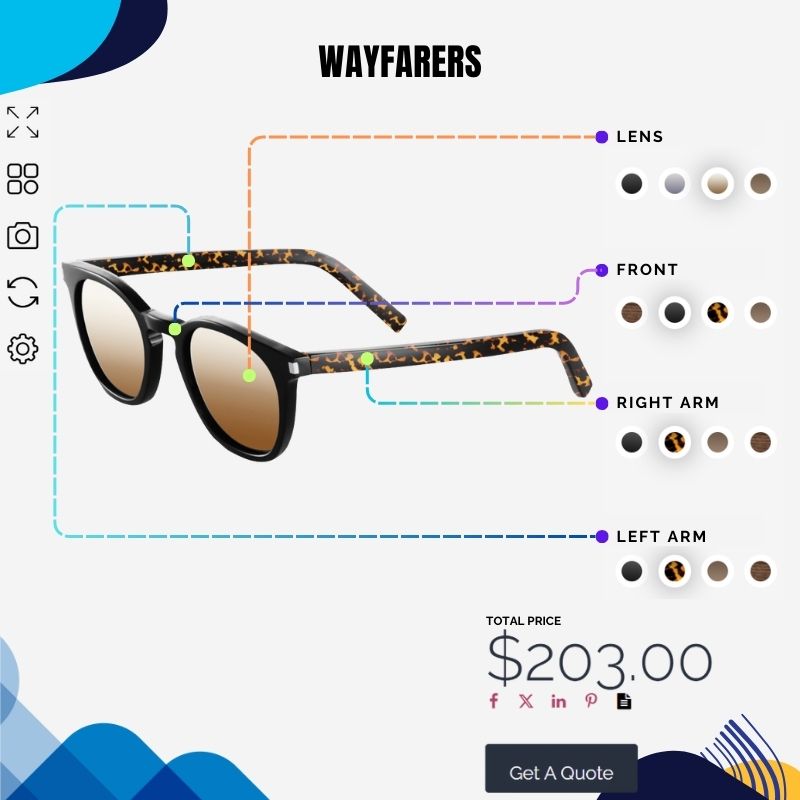
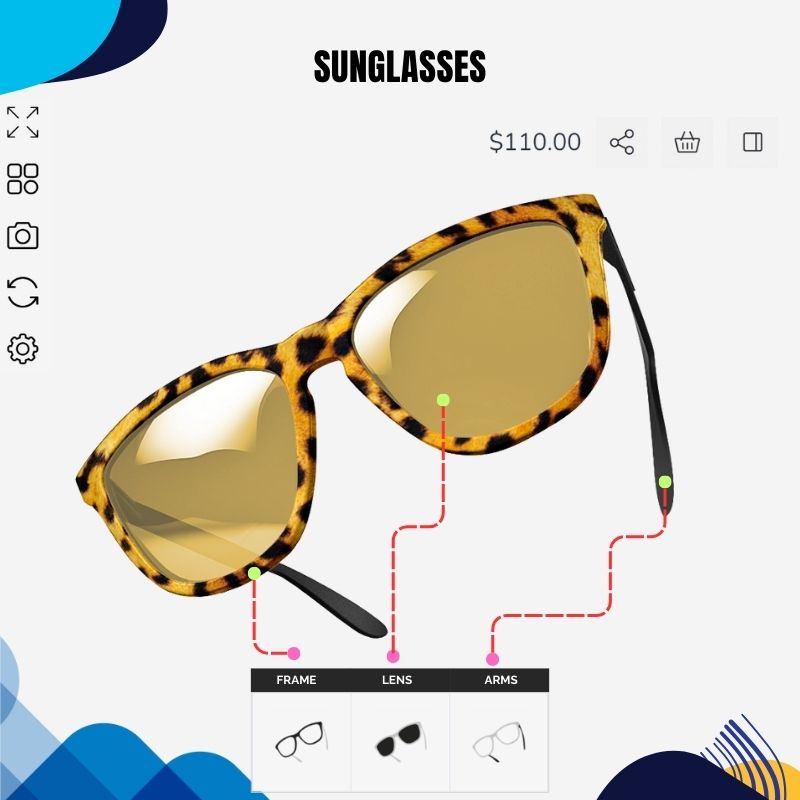
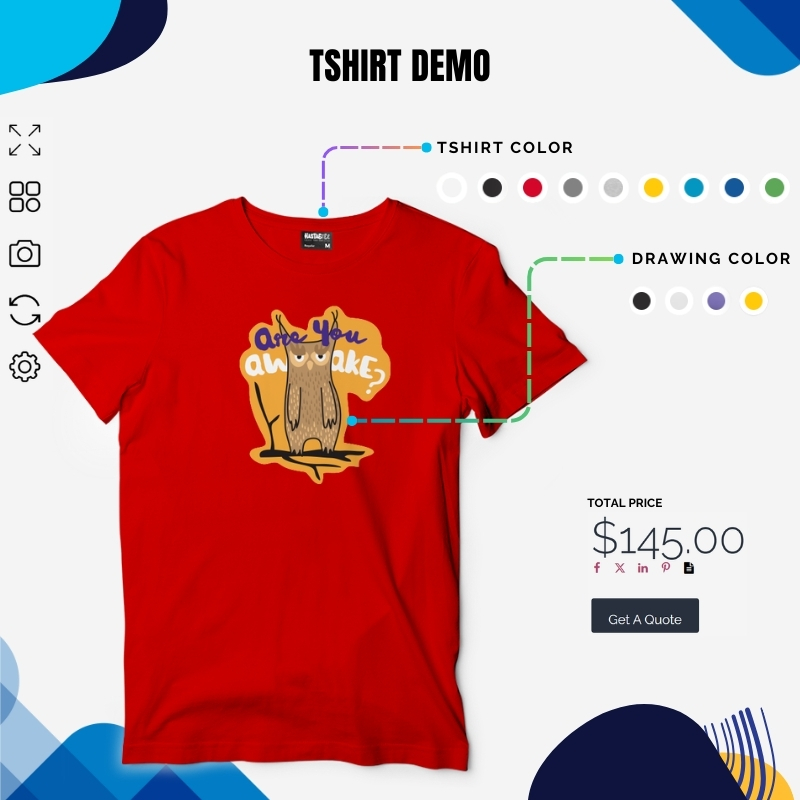
Best WooCommerce product designer Features
Why Choose WP Configurator Product designer for Woocommerce

Live Preview
Customers can see their changes instantly—whether they add text, upload a photo, or choose a color. This helps them feel confident before buying.

User-Friendly Interface
A clean and simple layout makes it easy for anyone to use, even on mobile. No learning curve means more people will use it.

Text and Image Upload
Shoppers can add their own text, change fonts, and upload images or logos to make the product truly personal.

Multiple Product Views
Show different angles of your product (like front, back, or sides), so customers can design every part they want.
Live Preview
Customers can see their changes instantly—whether they add text, upload a photo, or choose a color. This helps them feel confident before buying.
User-Friendly Interface
A clean and simple layout makes it easy for anyone to use, even on mobile. No learning curve means more people will use it.
Text and Image Upload
Shoppers can add their own text, change fonts, and upload images or logos to make the product truly personal.
Multiple Product Views
Show different angles of your product (like front, back, or sides), so customers can design every part they want.
What Our Customers Are Saying

zarbikes.com
“Before using WPConfigurator, I struggled to display custom products on my website, Zarbikes.com. WP Configurator Pro tool changed everything. Now, I can showcase my products exactly how I want, and I’m excited to explore more features to enhance other areas of my site.”
Read More

sepra-solutions.com
“Our website’s user experience has improved dramatically thanks to WPConfigurator. The site is now easier to navigate, and this has supported our business growth. We’re very satisfied with how things have turned out.”
Read More
artchustudio.com
“Our website has improved significantly since we started using WPConfigurator. The shopping experience is now smoother, and our customers love how easy it is to customize products. It’s been a game-changer for us.”
Read More
cancio.es
“I needed a configurator for a client, and WP Configurator Pro was the perfect fit. It was straightforward to set up, and the client-side interface is simple and intuitive. The end-user experience is seamless, which made my client very happy.”
Read More
vo2sportswear
“Adding a kit designer to our website was a priority, but other options were too expensive. WPConfigurator provided a cost-effective solution. It’s been fantastic for generating leads—customers can create custom designs effortlessly. Using our own garment patterns ensures accurate previews, and the ability to upload text and images for logos and squad numbers is a huge bonus.”
Read More
himandi.rs
“WPConfigurator has made it much easier for my customers to understand my products. The clear and simple descriptions have been a big help, and it’s had a positive impact on my business.”
Read More
dansk-rideudstyr.dk
“With WPConfigurator, we’ve been able to showcase our products more effectively. The website is now more user-friendly, and the improved experience has directly contributed to an increase in sales. We couldn’t be happier with the results.”
Read More
momiheadmade.com
“We use WPConfigurator to customize bags for our customers, and it’s been a fantastic product configurator tool. It’s easy to use and fits our needs perfectly. It’s made a big difference for our business.”
Read More
farmyth.com
“We are able to offer better shopping experience to our client.”
Read More
olijo.com
“Selling personalized products became much easier with WPConfigurator. Our website is now more functional and user-friendly, and customers really appreciate the customization options. It’s been a great addition to our business.”
Read More
Platex.com
“Being able to offer to our customers easy customization of a product. With features to see the product actual look and how much it will cost them. This open new business niche and increased sales.”
Read More
easytags
“Boosted revenue and increased customer engagement.”

dantebrtoni.com
“Enabled us to show to our customers what they should have in a clear and innovative way.”
Read More
“Great support, fast responses, and very accommodating! I tried the configurator, and it’s an absolutely fantastic tool. Unfortunately, it didn’t work for my specific use case, but I received a refund immediately. The support team was quick, friendly, reliable, and very professional. Highly recommended!”
Read More

“Great support and response time I bought the plugin december 2024 and had alot of problems with it. It may be my setup or that i bought in in a middle of an update period for woocommerce, wordpress etc. They went far to help me out and was outstanding when it came to support and detailed responses. Unfortunately we couldn t find a solution that made it to work since when one thing was fixed the next problem showed up. They refunded me after they (and i) tried to solve the problems. I m a bit sad since the plugin looks really awesome and does everything i need. 5 stars for the hard effort to help me out!”
Read More
“Exceptional Tool for Customizing Products – WP Configurator Review I recently came across WP Configurator while searching for a reliable product configurator online, and I must say, it s a game changer! The tool is incredibly user-friendly and allowed me to customize products exactly how I wanted with just a few clicks. The interface is intuitive, making it easy even for someone with minimal technical skills like myself to navigate and use effectively.”
Read More
“WPConfigurator is an incredible product configuration plugin and platform. You can create a super professional-looking configuration. The support team is responsive and always ready to help you find a solution. I highly recommend WPConfigurator and their friendly and knowledgeable support team.”
Read More
“Had an issue with the woocommerce order of a configurator product and even though they didnt have that feauture yet they created a little script i could add to my site which helped me out immensly. Thank you so much to the wonderful team of configurator pro!”
Read More
“This plugin means lot for my project. I had an issue and they found a way to solve it… eventhough we had a long time working on it. But the idea was always to find the best way to give a solution in order to the project’s going on and go live for customers’ benefit. I’m gratefull of this effort.This plugin means lot for my project. I had an issue and they found a way to solve it… eventhough we had a long time working on it. But the idea was always to find the best way to give a solution in order to the project’s going on and go live for customers’ benefit. I’m gratefull of this effort.”
Read More
“I’ve been using WPConfigurator, and honestly, it’s been great. It’s really easy to set up, and you can customize just about anything. Whenever I’ve needed help, the support team has been quick to respond. If you need a solid tool for product configurators, this one’s a winner.”
Read More
“I’m using wpconfigurator software for 4 years and I’m really happy, with the support and with the plugin, thanks wpconfigurator team!”
Read More
“Im really satisfied with the quality and price of this awesome plugin. Is the most intuitive product configurator in the market. Thank You WPConfigurator Team!”
Read More
“Best WordPress configurator Plugin After trying several configurator plugins, I can confidently say that WPConfigurator is the best of the bunch. Its seamless integration with WooCommerce and user-friendly interface make customization a breeze. The support team is exceptional and even went above and beyond (But they a day or two fix to find fix the issue, with my experience usually issues causes other plugins). WPConfigurator is the ultimate choice if you need a configurator for wordpress.”
Read More
zarbikes.com
“Before using WPConfigurator, I struggled to display custom products on my website, Zarbikes.com. WP Configurator Pro tool changed everything. Now, I can showcase my products exactly how I want, and I’m excited to explore more features to enhance other areas of my site.”
Read More
sepra-solutions.com
“Our website’s user experience has improved dramatically thanks to WPConfigurator. The site is now easier to navigate, and this has supported our business growth. We’re very satisfied with how things have turned out.”
Read More
artchustudio.com
“Our website has improved significantly since we started using WPConfigurator. The shopping experience is now smoother, and our customers love how easy it is to customize products. It’s been a game-changer for us.”
Read More
cancio.es
“I needed a configurator for a client, and WP Configurator Pro was the perfect fit. It was straightforward to set up, and the client-side interface is simple and intuitive. The end-user experience is seamless, which made my client very happy.”
Read More
vo2sportswear
“Adding a kit designer to our website was a priority, but other options were too expensive. WPConfigurator provided a cost-effective solution. It’s been fantastic for generating leads—customers can create custom designs effortlessly. Using our own garment patterns ensures accurate previews, and the ability to upload text and images for logos and squad numbers is a huge bonus.”
Read More
himandi.rs
“WPConfigurator has made it much easier for my customers to understand my products. The clear and simple descriptions have been a big help, and it’s had a positive impact on my business.”
Read More
dansk-rideudstyr.dk
“With WPConfigurator, we’ve been able to showcase our products more effectively. The website is now more user-friendly, and the improved experience has directly contributed to an increase in sales. We couldn’t be happier with the results.”
Read More
momiheadmade.com
“We use WPConfigurator to customize bags for our customers, and it’s been a fantastic product configurator tool. It’s easy to use and fits our needs perfectly. It’s made a big difference for our business.”
Read More
farmyth.com
“We are able to offer better shopping experience to our client.”
Read More
olijo.com
“Selling personalized products became much easier with WPConfigurator. Our website is now more functional and user-friendly, and customers really appreciate the customization options. It’s been a great addition to our business.”
Read More
Platex.com
“Being able to offer to our customers easy customization of a product. With features to see the product actual look and how much it will cost them. This open new business niche and increased sales.”
Read More
easytags
“Boosted revenue and increased customer engagement.”
dantebrtoni.com
“Enabled us to show to our customers what they should have in a clear and innovative way.”
Read More
“Great support, fast responses, and very accommodating! I tried the configurator, and it’s an absolutely fantastic tool. Unfortunately, it didn’t work for my specific use case, but I received a refund immediately. The support team was quick, friendly, reliable, and very professional. Highly recommended!”
Read More
“Great support and response time I bought the plugin december 2024 and had alot of problems with it. It may be my setup or that i bought in in a middle of an update period for woocommerce, wordpress etc. They went far to help me out and was outstanding when it came to support and detailed responses. Unfortunately we couldn t find a solution that made it to work since when one thing was fixed the next problem showed up. They refunded me after they (and i) tried to solve the problems. I m a bit sad since the plugin looks really awesome and does everything i need. 5 stars for the hard effort to help me out!”
Read More
“Exceptional Tool for Customizing Products – WP Configurator Review I recently came across WP Configurator while searching for a reliable product configurator online, and I must say, it s a game changer! The tool is incredibly user-friendly and allowed me to customize products exactly how I wanted with just a few clicks. The interface is intuitive, making it easy even for someone with minimal technical skills like myself to navigate and use effectively.”
Read More
“WPConfigurator is an incredible product configuration plugin and platform. You can create a super professional-looking configuration. The support team is responsive and always ready to help you find a solution. I highly recommend WPConfigurator and their friendly and knowledgeable support team.”
Read More
“Had an issue with the woocommerce order of a configurator product and even though they didnt have that feauture yet they created a little script i could add to my site which helped me out immensly. Thank you so much to the wonderful team of configurator pro!”
Read More
“This plugin means lot for my project. I had an issue and they found a way to solve it… eventhough we had a long time working on it. But the idea was always to find the best way to give a solution in order to the project’s going on and go live for customers’ benefit. I’m gratefull of this effort.This plugin means lot for my project. I had an issue and they found a way to solve it… eventhough we had a long time working on it. But the idea was always to find the best way to give a solution in order to the project’s going on and go live for customers’ benefit. I’m gratefull of this effort.”
Read More
“I’ve been using WPConfigurator, and honestly, it’s been great. It’s really easy to set up, and you can customize just about anything. Whenever I’ve needed help, the support team has been quick to respond. If you need a solid tool for product configurators, this one’s a winner.”
Read More
“I’m using wpconfigurator software for 4 years and I’m really happy, with the support and with the plugin, thanks wpconfigurator team!”
Read More
“Im really satisfied with the quality and price of this awesome plugin. Is the most intuitive product configurator in the market. Thank You WPConfigurator Team!”
Read More
“Best WordPress configurator Plugin After trying several configurator plugins, I can confidently say that WPConfigurator is the best of the bunch. Its seamless integration with WooCommerce and user-friendly interface make customization a breeze. The support team is exceptional and even went above and beyond (But they a day or two fix to find fix the issue, with my experience usually issues causes other plugins). WPConfigurator is the ultimate choice if you need a configurator for wordpress.”
Read More
Other Solutions Page

Product Configurator
Build interactive product configurations with real-time visual previews.
Learn More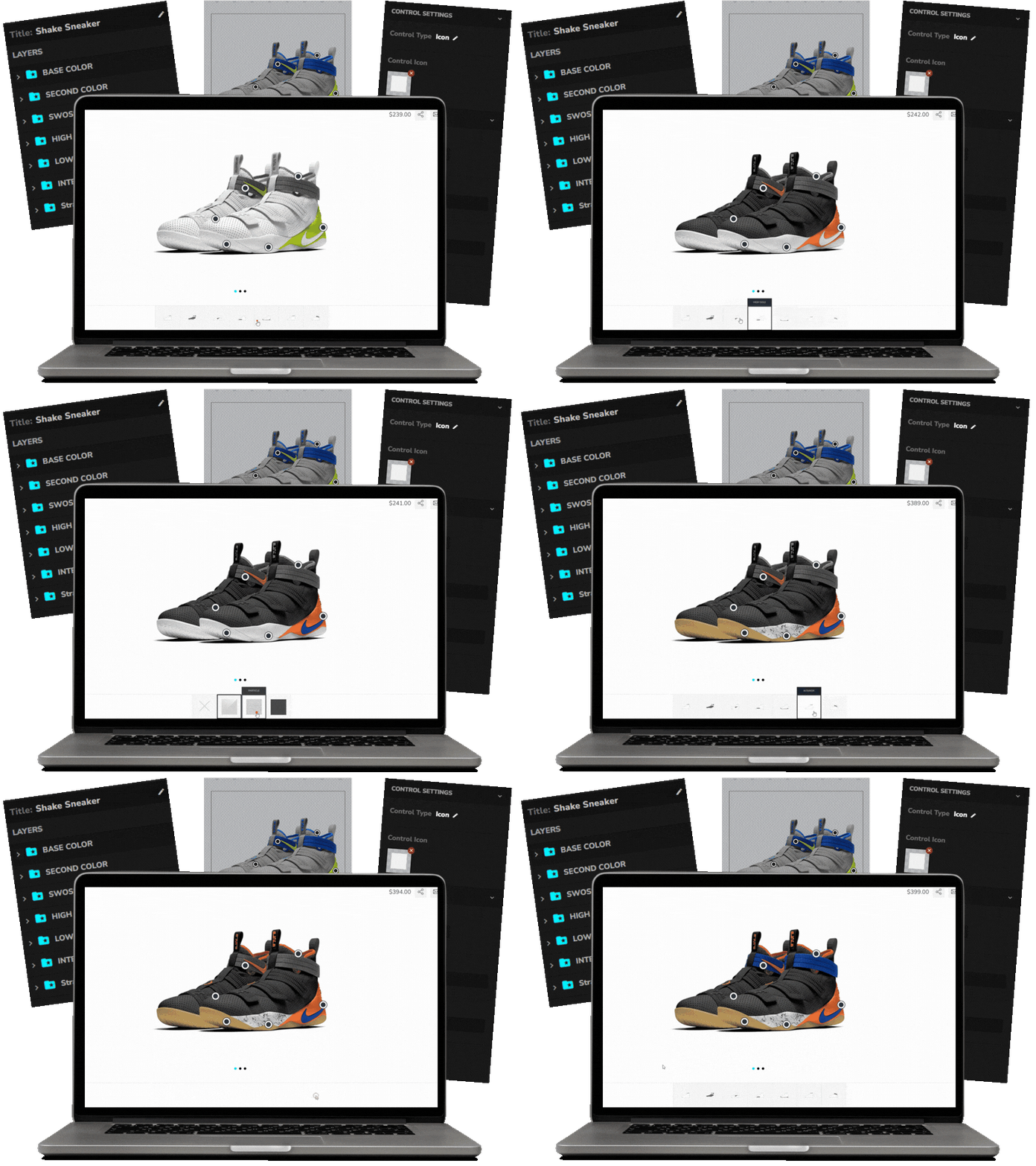
WooCommerce Product Configurator
Add visual product customization directly inside the native WooCommerce flow.
Learn More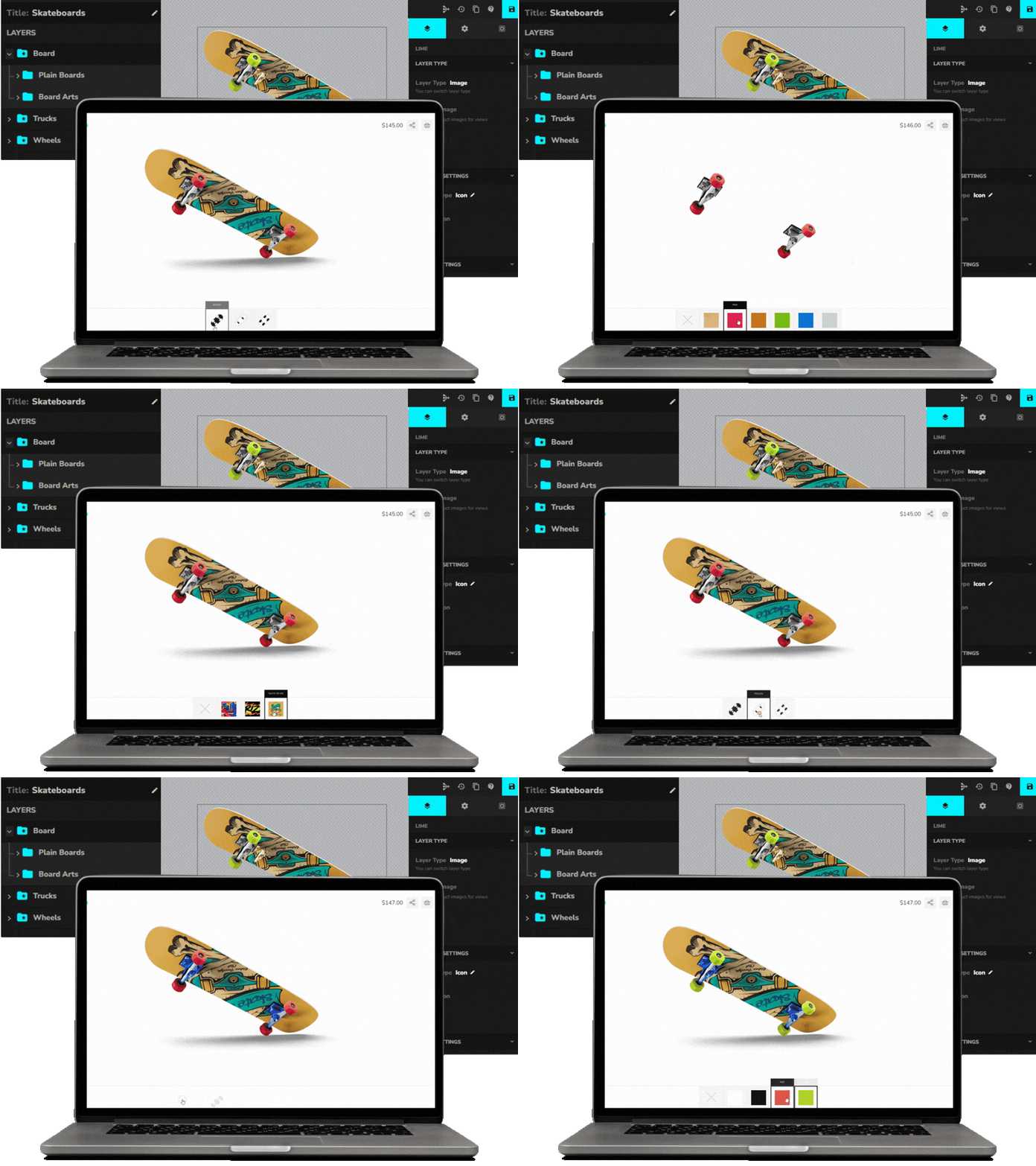
Visual Product Configurator for WooCommerce
Manage complex visual configurations with save, share, and output features.
Learn More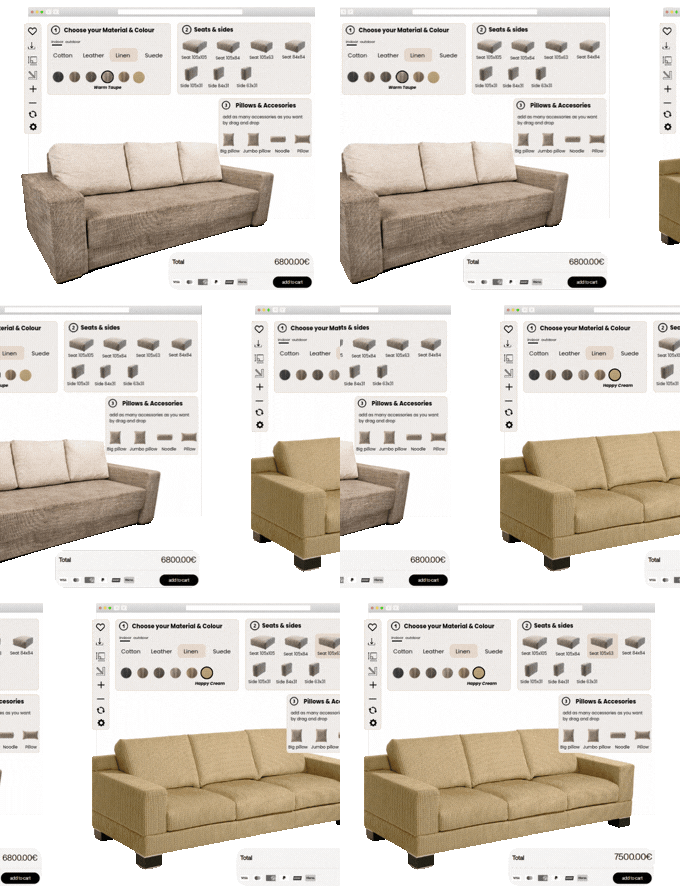
2D Product Configurator
Create high-performance 2D configurations with unlimited layers and views.
Learn More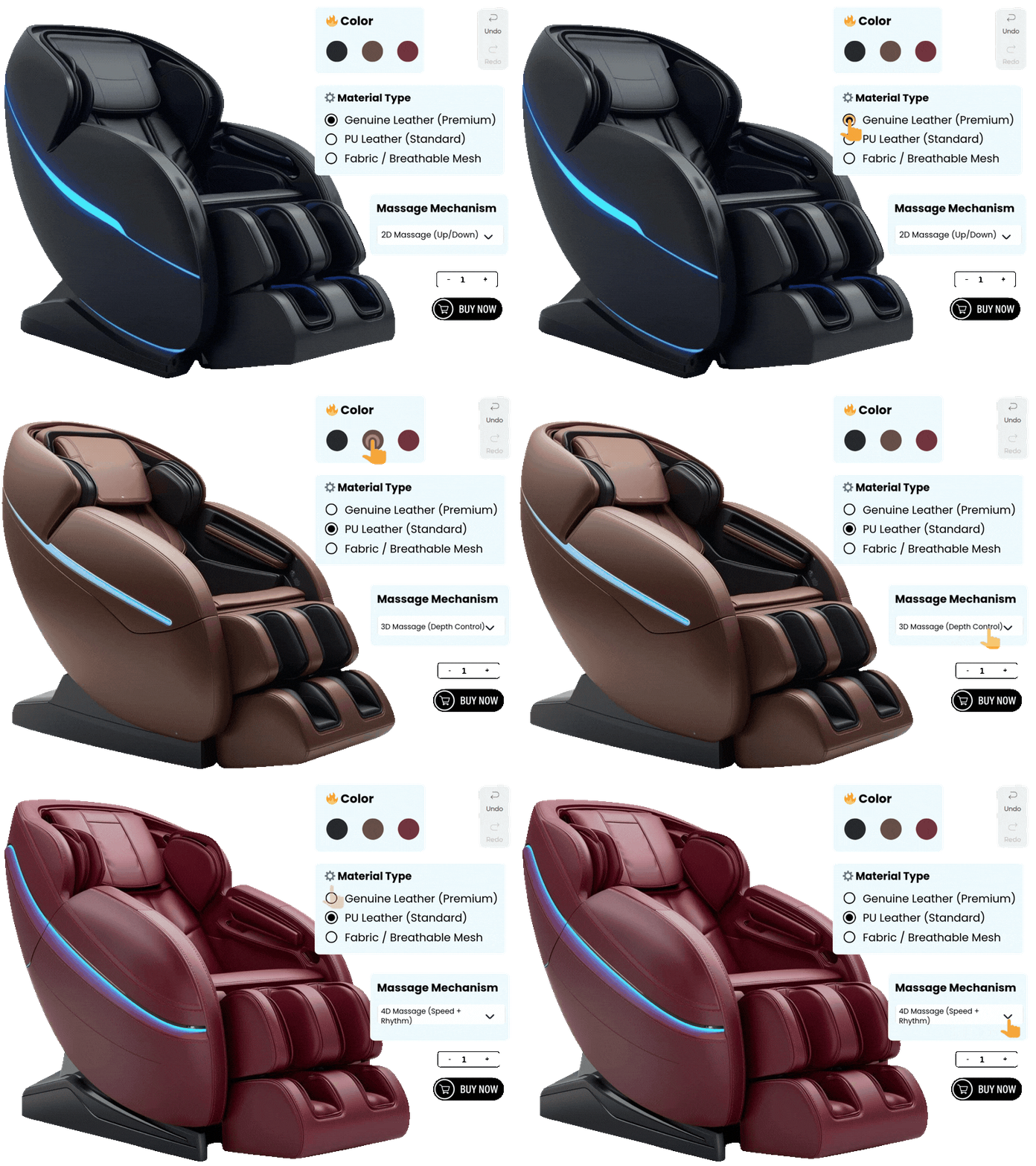
Visual Product Customizer
Self-hosted customizer with text, image uploads, and WooCommerce checkout.
Learn More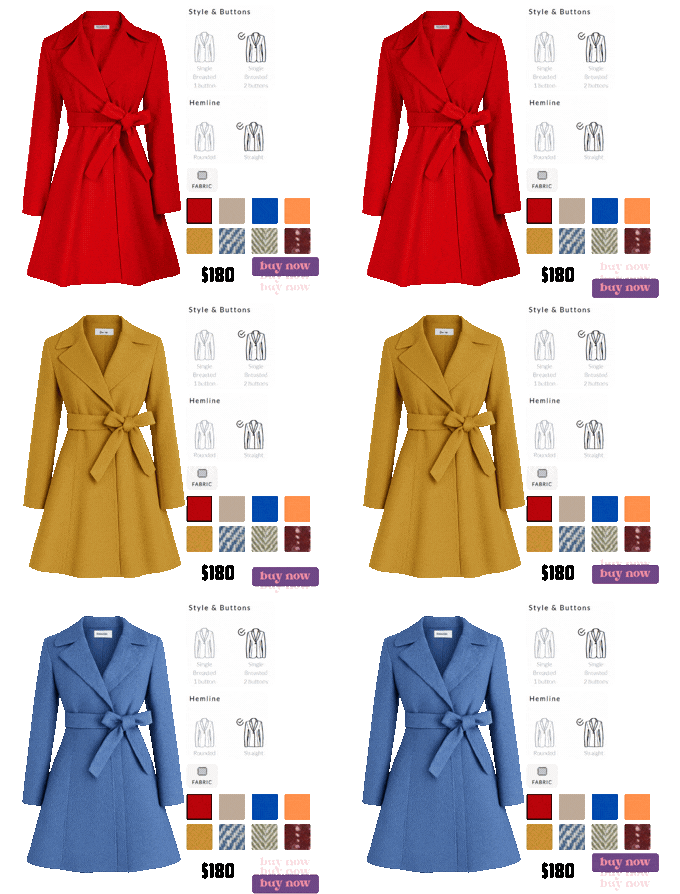
Product Designer for WooCommerce
Let customers design personalized products with live previews and tools.
Learn More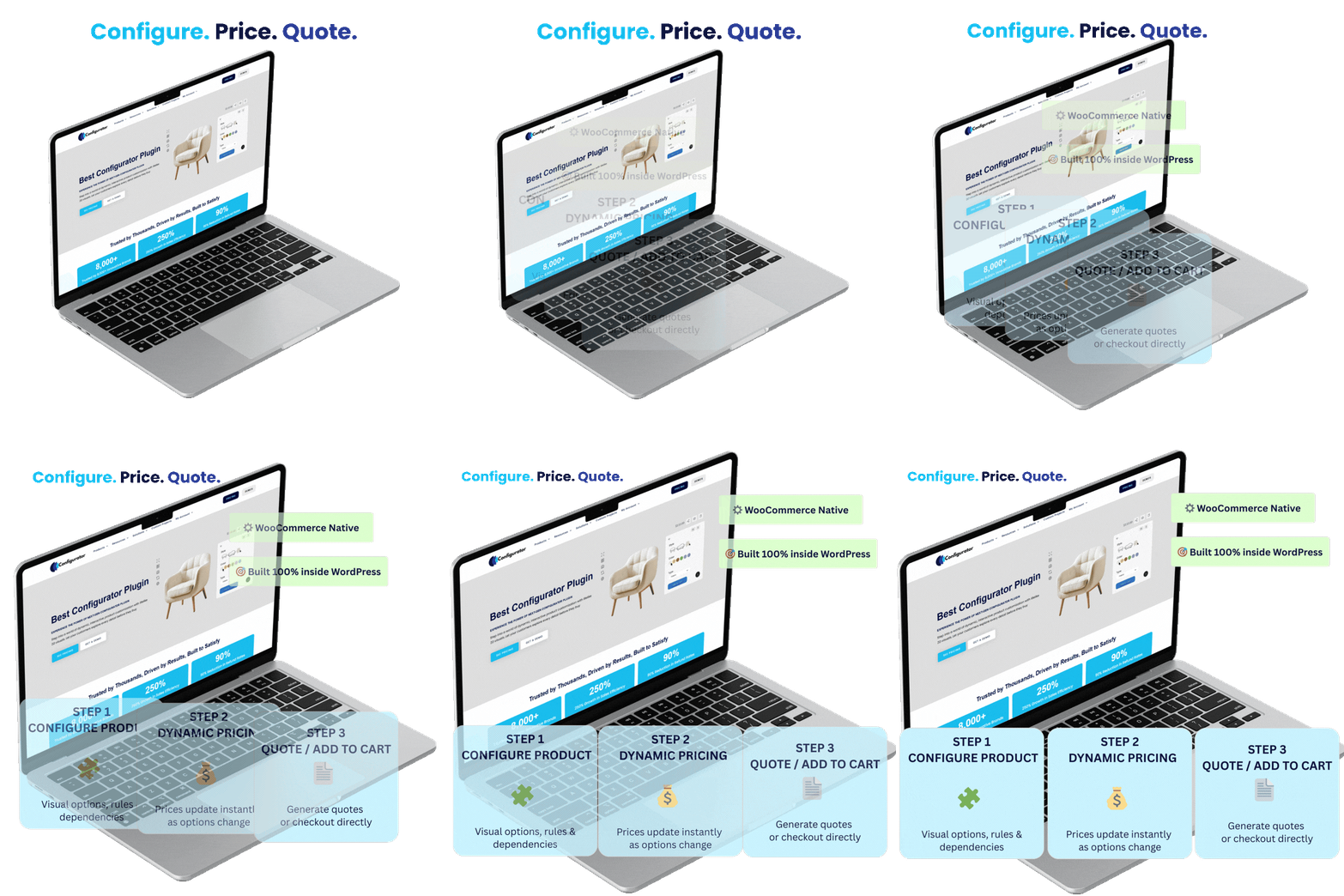
CPQ for WooCommerce (Configure, Price, Quote)
Configure, price, quote, and convert orders—natively inside WooCommerce.
Learn More
Product Configurator
Build interactive product configurations with real-time visual previews.
Learn More
WooCommerce Product Configurator
Add visual product customization directly inside the native WooCommerce flow.
Learn More
Visual Product Configurator for WooCommerce
Manage complex visual configurations with save, share, and output features.
Learn More
2D Product Configurator
Create high-performance 2D configurations with unlimited layers and views.
Learn More
Visual Product Customizer
Self-hosted customizer with text, image uploads, and WooCommerce checkout.
Learn More
Product Designer for WooCommerce
Let customers design personalized products with live previews and tools.
Learn More
CPQ for WooCommerce (Configure, Price, Quote)
Configure, price, quote, and convert orders—natively inside WooCommerce.
Learn More
100% No-Risk Money Back Guarantee
You are fully protected by our 100% Money Back Guarantee. If you aren’t completely satisfied within 15 days of purchase, you’re more than welcome to a full refund.
Want to learn more about Product Configurator For WooCommerce (FAQ’s)
What is WooCommerce Product Customizer?
WooCommerce Product Customizer is a tool that lets customers personalize products before buying them. It allows users to change colors, add text, upload images, and see their changes in real-time. For example, if someone is buying a t-shirt, they can choose the color, write a message, or add their own design.
Can I see what my product looks like before I buy it?
Yes, the product designer shows a live preview as you customize. You’ll see exactly how your design looks in real time before adding it to your cart.
Can I upload my own images or logos?
Yes, you can upload your own images, logos, or artwork directly into the designer. You can also move, resize, and place them where you like.
Can I customize products using my phone or tablet?
Yes, the product designer is mobile-friendly. You can easily create and preview your designs on smartphones and tablets without any trouble.
Will my custom design be added to the WooCommerce order (for printing/production)?
Typically, yes. A WooCommerce product designer plugin can attach the customer’s design (preview image + design data) to the order so your team can download it for fulfillment, reprints, or approvals - no manual back-and-forth.
Does it support print-ready exports like PDF/SVG and high-resolution files?
Many do. Look for export options such as high-res PNG/JPG and vector formats (PDF/SVG) so you can send artwork to print vendors with fewer edits - especially important for signage, apparel, and packaging workflows.
How Do These Product Designer Plugins Work?
Product designer plugins work by letting customers customize a product directly on your website. When someone clicks on a product, they’ll see options like adding text, uploading images, changing colors, or choosing styles. As they make changes, the product updates in real-time, so they can see exactly how it will look.
Do I need any special skills to use the product designer?
Not at all! The tool is designed to be easy for everyone. Just click, drag, and type to customize your product. No design experience needed.
Will my design be saved if I leave the page?
Some designers offer a save feature. If it s available, you can save your design and come back to finish it later. Be sure to check for a "Save" or "Download" option.
Is a product designer for WooCommerce compatible with variable products and add-ons?
Yes. A good product designer for WooCommerce works with variable products (size, material, style) and can show the right design area/options per variation - so shoppers can build a personalized product without breaking your product setup.
Can I control which areas customers can customize (and restrict fonts/colors)?
Yes. Most tools let you define “design zones” (front/back/side), limit fonts, allow only brand colors, and set image upload rules. This keeps personalization clean, consistent, and production-ready.
Can I add extra charges for customizations (text, image, premium colors)?
Yes. A solid custom product builder for WooCommerce can apply pricing rules - like charging for extra text lines, adding a fee for image uploads, or pricing premium materials - so your totals stay accurate before checkout.