



Product Add-Ons for WP Configurator
Extend WP Configurator Pro with powerful add-ons for product personalization, conditional rules, dynamic pricing, inventory control, and page-builder embedding — all inside WordPress + WooCommerce.
Best for: Stores selling configurable products like printed goods, furniture, accessories, custom gifts, modular products, and made-to-order items.

Top brands across industries trust WP Configurator to sell customizable products online. From footwear and sports gear to automotive and apparel, our clientele choose WP Configurator for its flexibility, reliability, and conversion-focused buying experience.



























Pick Add-Ons Now, Upgrade Anytime
Start with only the add-ons you need today – and expand later as your catalog, pricing rules, and personalization requirements grow.
Whether you want smarter conditional logic, automated pricing, tighter inventory control, or richer buyer customization (text, image, inputs), you can enable features incrementally without rebuilding your configurators.
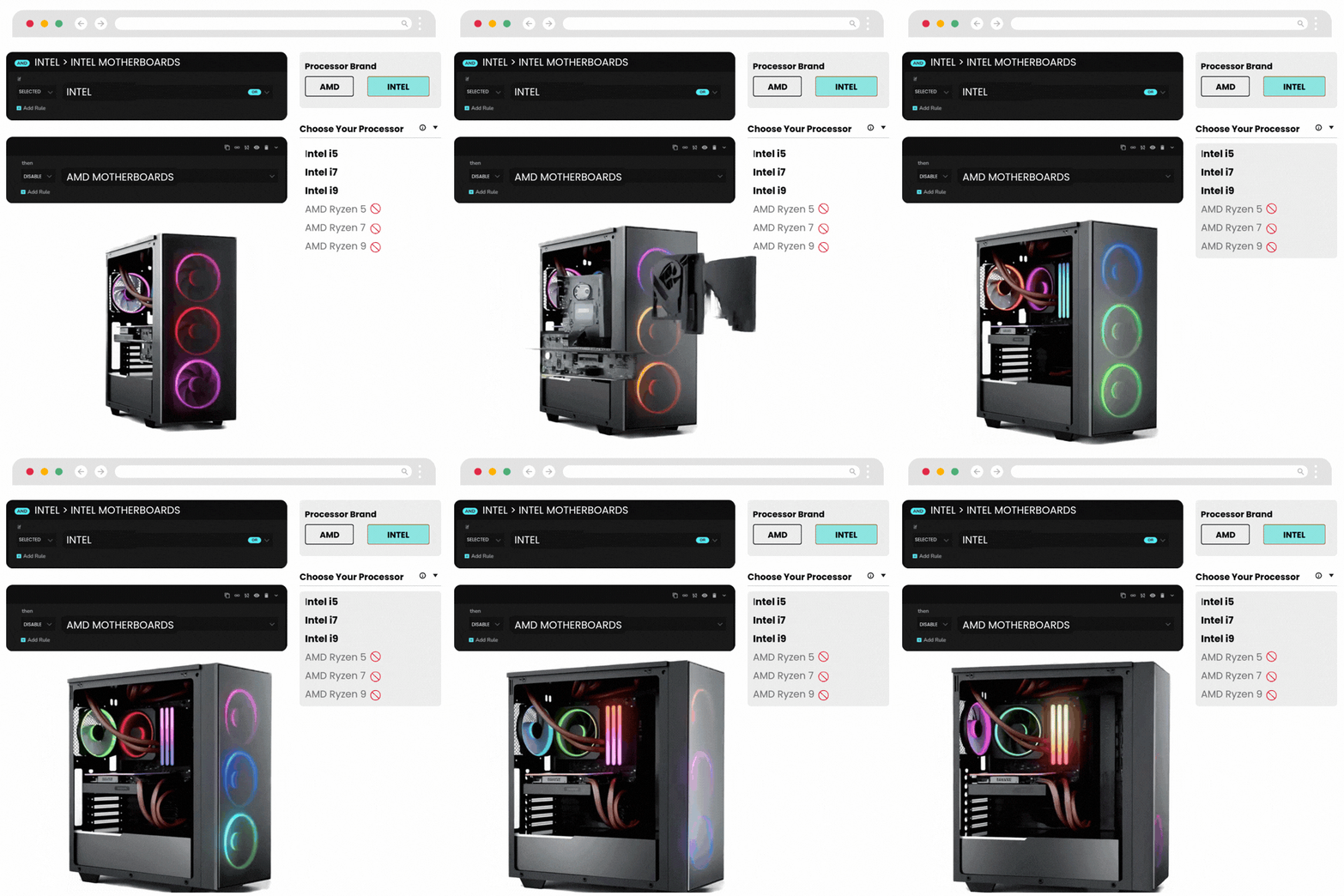
Conditional Logic
Make every configuration valid – automatically
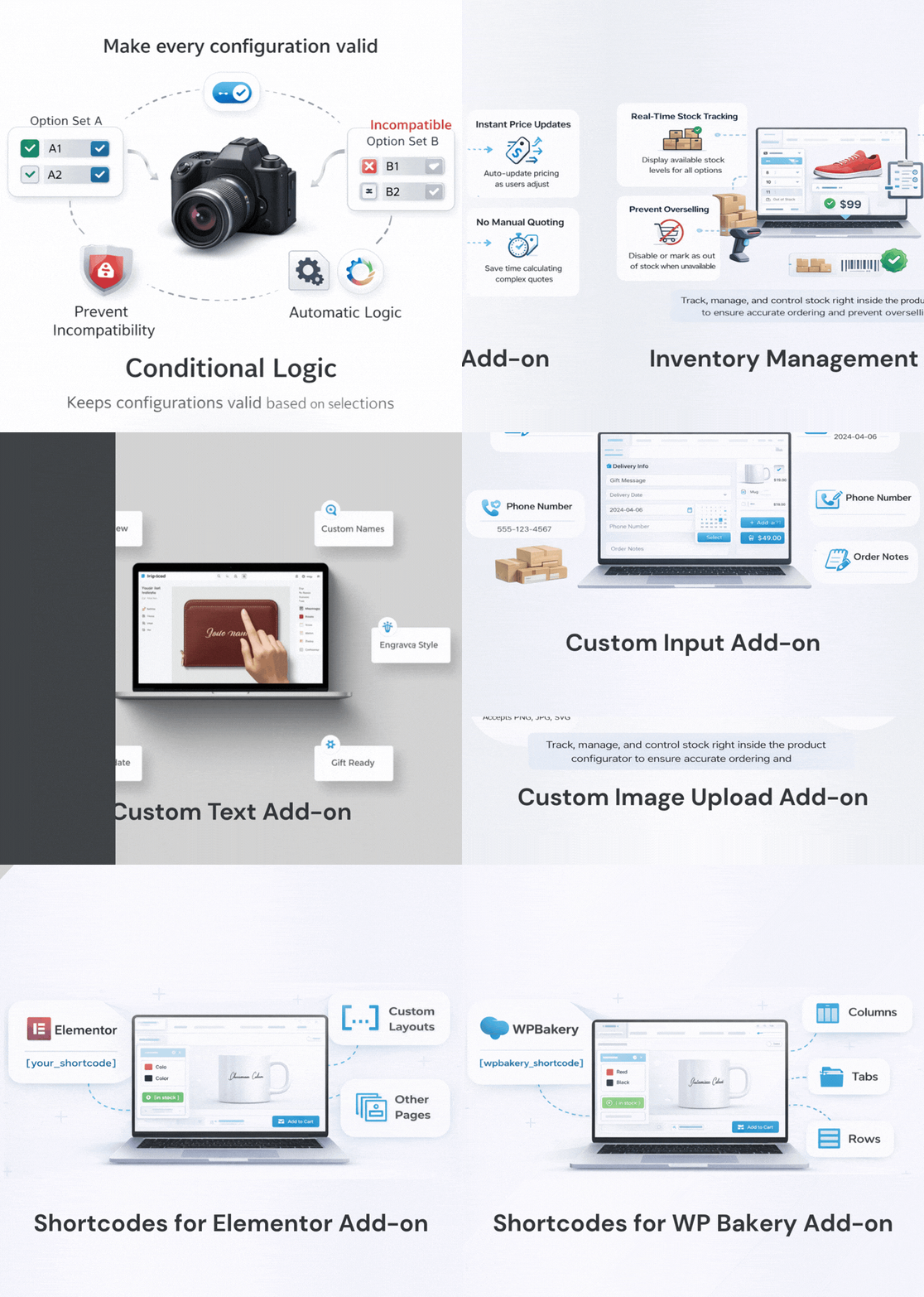
Conditional Logic lets you control what customers can see and choose based on earlier selections. This keeps the UX clean and prevents incompatible product builds.
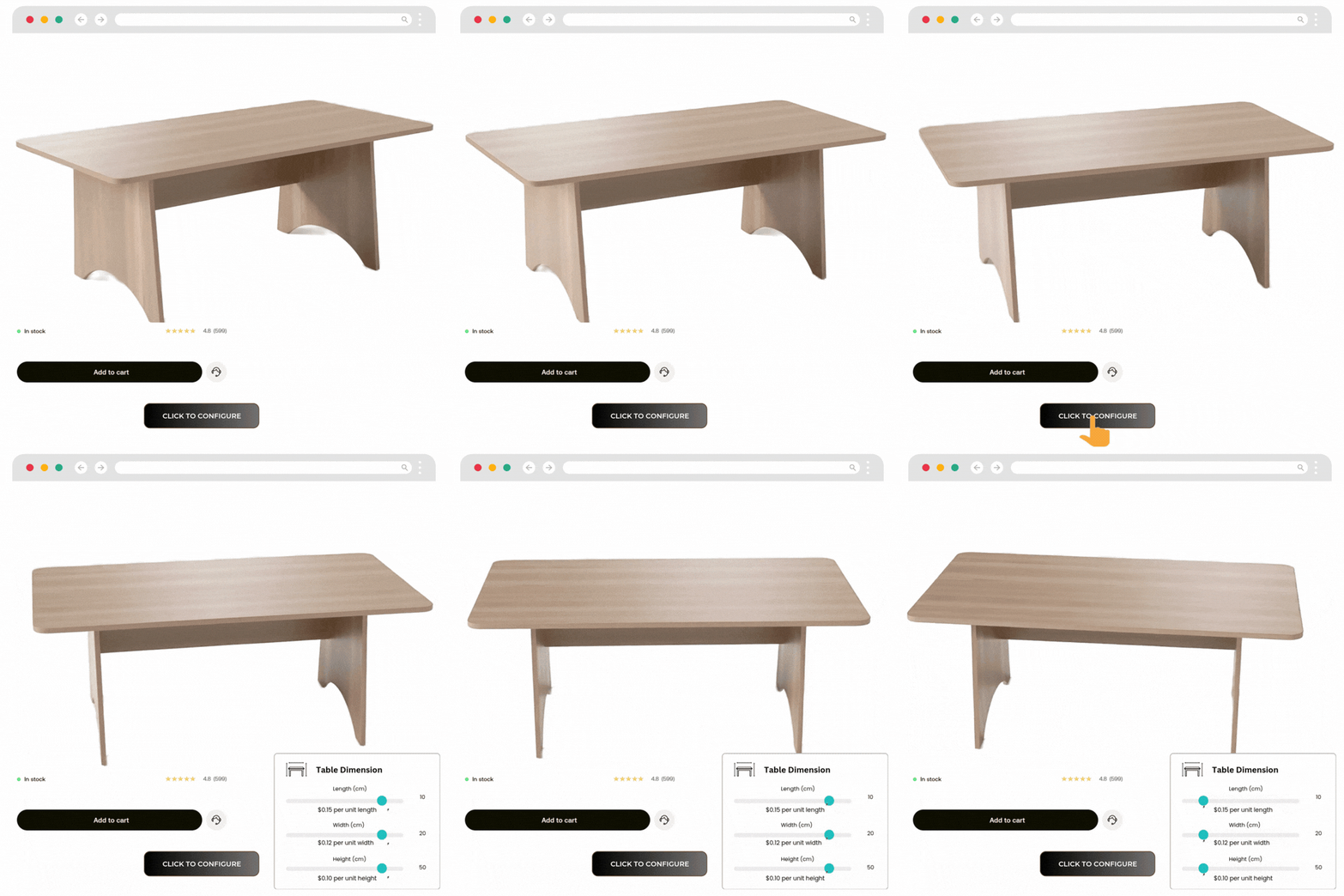
Dynamic Range Pricing
Price changes automatically as the customer enters measurements
Dynamic Range Pricing helps you sell products priced by size, dimensions, ranges, or customer inputs — without manual quoting.
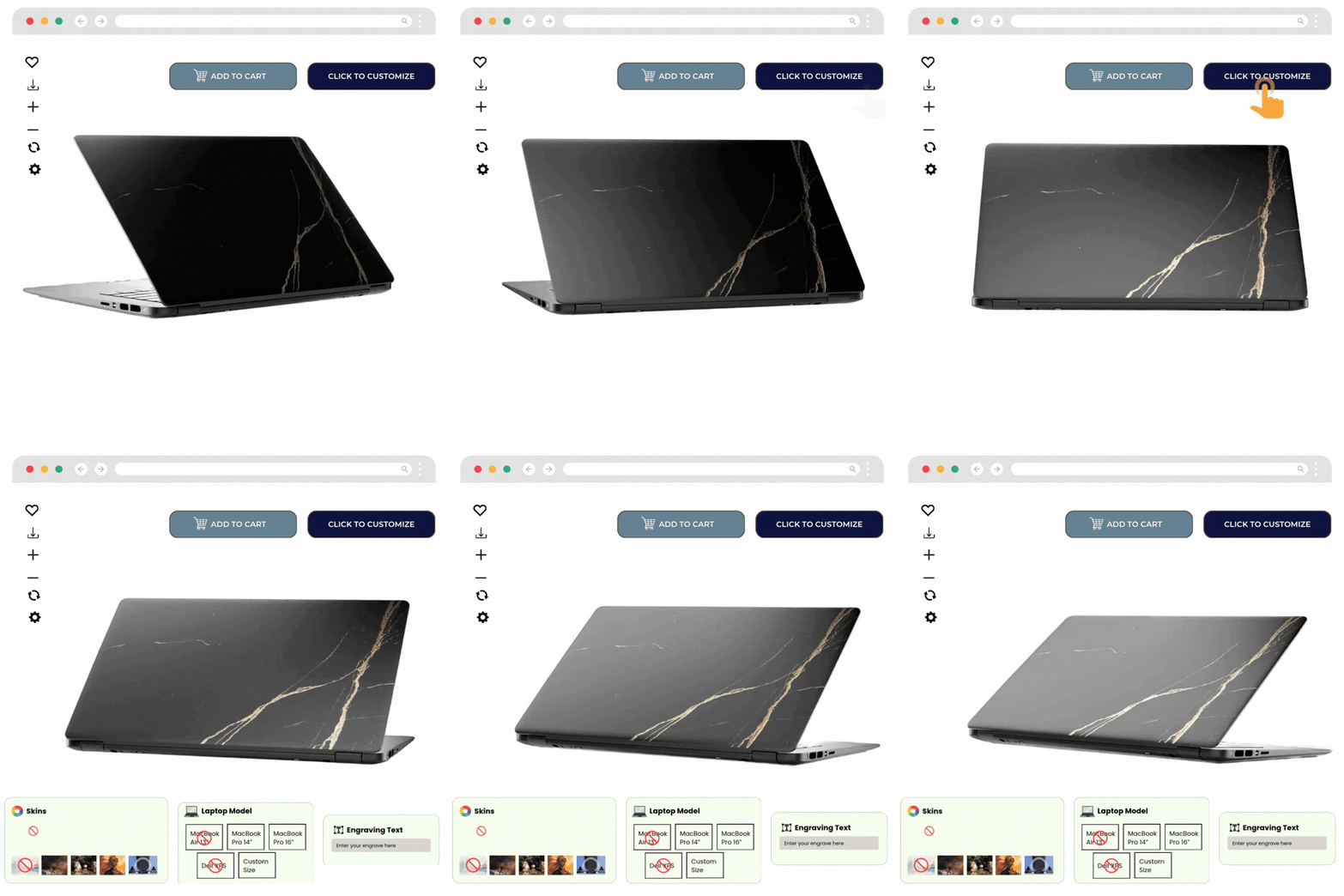
Inventory Management
Prevent overselling — right inside the configurator.
Inventory Management lets you manage availability at the option/layer level so customers can only order what’s actually in stock.

Custom Image Upload
Let customers upload a logo or image and preview it instantly.
Custom Image Upload enables image personalization directly within the product builder — ideal for branded products and custom gifts.
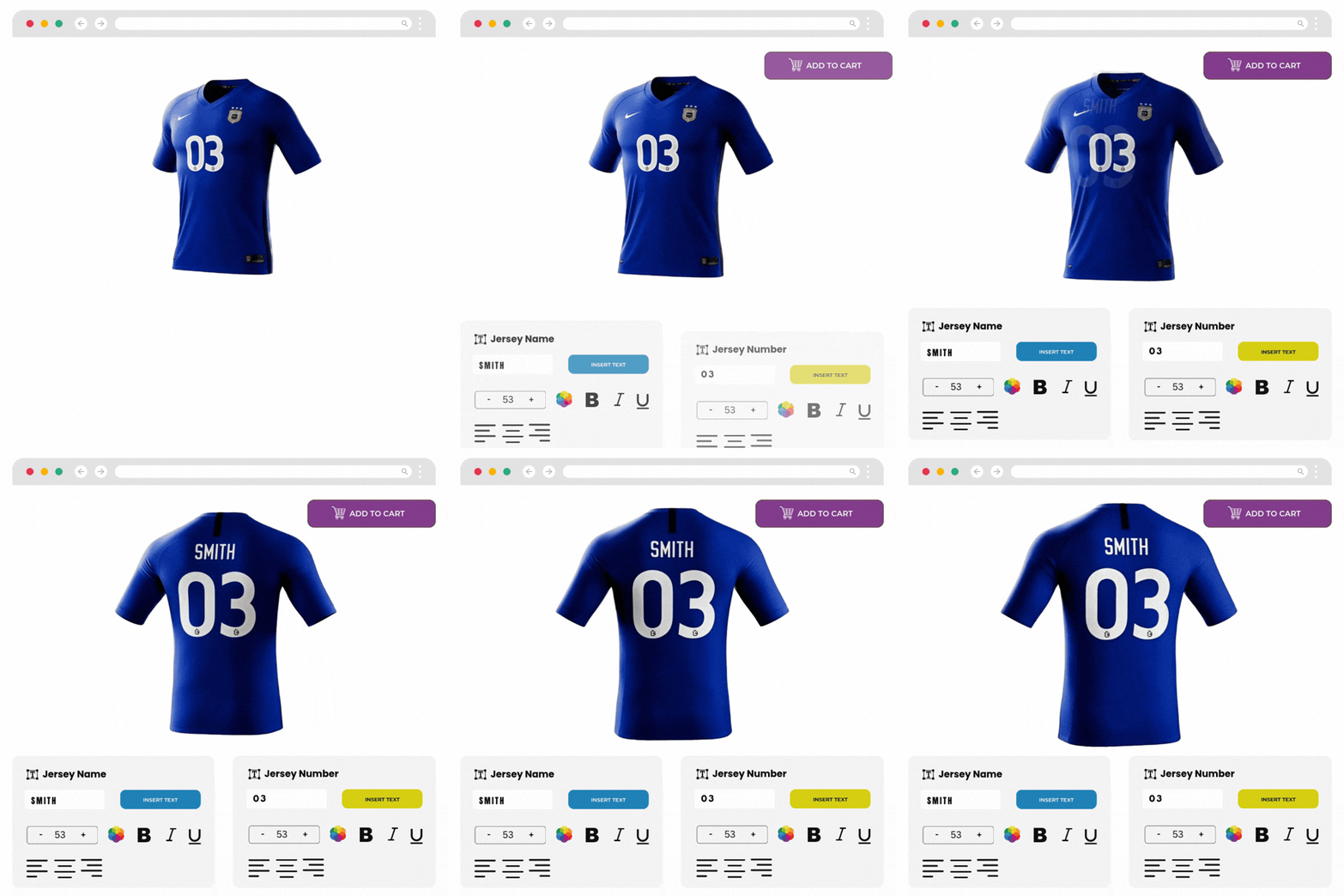
Custom Text
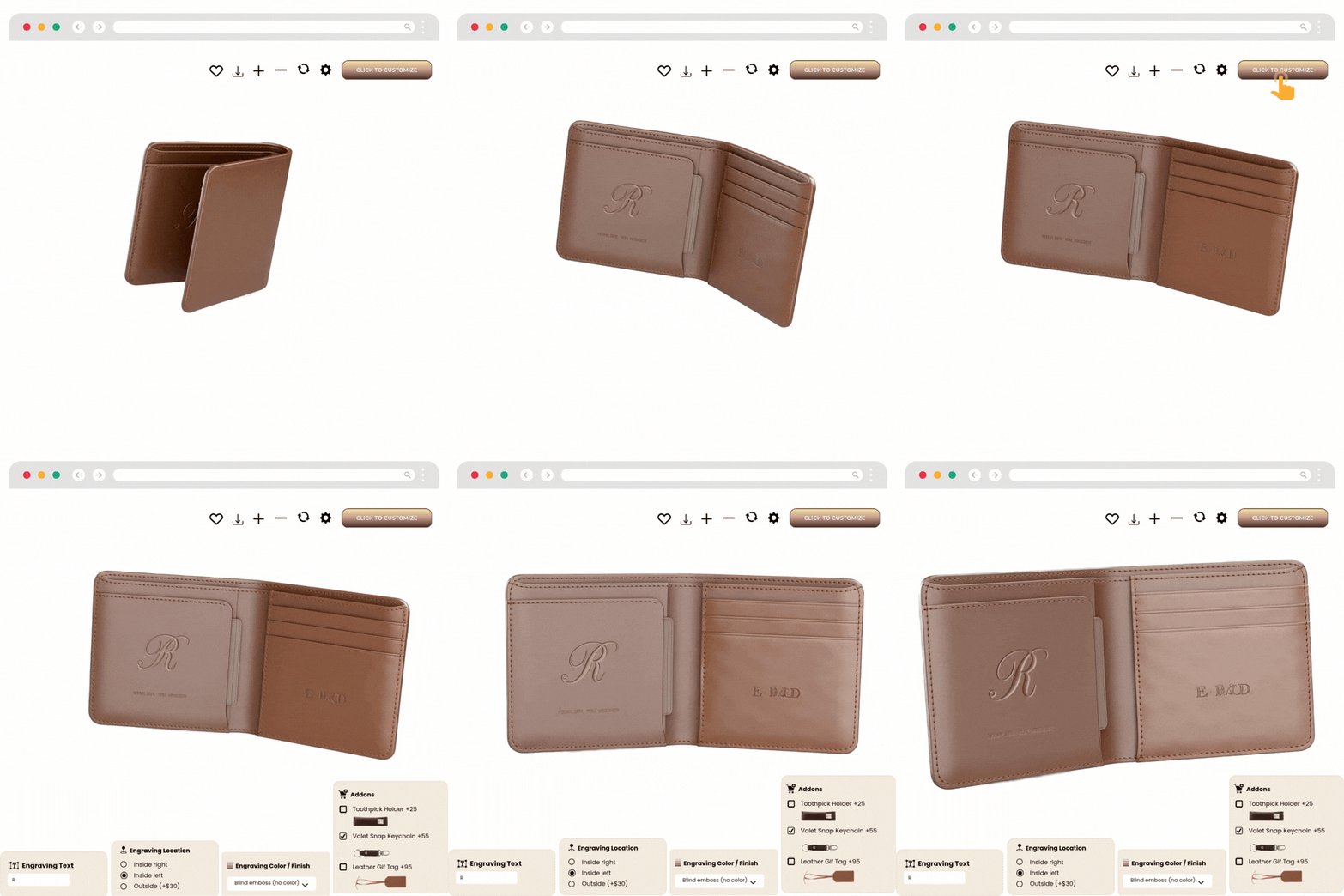
Add names, messages, or engraving-style text in real time
Custom Text lets shoppers type their text and see it reflected on the product preview while they customize.
Custom Input
Collect extra order details during customization.
Custom Input adds one or more input fields to capture order-critical information that isn’t part of visual customization.

Shortcodes for Elementor
Place your configurator anywhere with Elementor.
This add-on gives you shortcode support designed for Elementor so you can build custom layouts without being locked to one product-page structure.

Shortcodes for WPBakery
Embed your configurator in WPBakery layouts.
Use WPBakery shortcodes to place the configurator in your custom page structures — rows, columns, tabs, and more.
Conditional Logic
Make every configuration valid – automatically
Conditional Logic lets you control what customers can see and choose based on earlier selections. This keeps the UX clean and prevents incompatible product builds.
Dynamic Range Pricing
Price changes automatically as the customer enters measurements
Dynamic Range Pricing helps you sell products priced by size, dimensions, ranges, or customer inputs — without manual quoting.
Inventory Management
Prevent overselling — right inside the configurator.
Inventory Management lets you manage availability at the option/layer level so customers can only order what’s actually in stock.
Custom Image Upload
Let customers upload a logo or image and preview it instantly.
Custom Image Upload enables image personalization directly within the product builder — ideal for branded products and custom gifts.
Custom Text
Add names, messages, or engraving-style text in real time
Custom Text lets shoppers type their text and see it reflected on the product preview while they customize.
Custom Input
Collect extra order details during customization.
Custom Input adds one or more input fields to capture order-critical information that isn’t part of visual customization.
Shortcodes for Elementor
Place your configurator anywhere with Elementor.
This add-on gives you shortcode support designed for Elementor so you can build custom layouts without being locked to one product-page structure.
Shortcodes for WPBakery
Embed your configurator in WPBakery layouts.
Use WPBakery shortcodes to place the configurator in your custom page structures — rows, columns, tabs, and more.
Start Building a Smarter, Higher-Converting Product Configurator Today
Choose your add-ons, see real examples, and start selling more custom products. Build cleaner configurations with smarter rules, real-time pricing, and personalization — without switching platforms.
Use Add-Ons to Turn a Configurator into a Sales Engine
A basic configurator helps customers see variations. Add-ons help customers decide and buy – faster with fewer mistakes. They upgrade the experience from “selection” to guided selling, where only valid options appear, pricing updates instantly, personalization is effortless, and availability stays accurate.

Higher Conversions with Better Clarity
Customers see exactly what they’re buying — reducing uncertainty and increasing add-to-cart confidence.

Fewer Mistakes with Guided Configurations
Rules-based logic prevents invalid combinations and reduces order corrections and supports back-and-forth.

Faster Quoting with Automated Pricing
Dynamic pricing removes manual calculations and helps customers get instant totals — even for complex setups.

Fewer Stock Issues with Option-Level Inventory
Stop overselling configurable variations by managing availability at the option/layer level.
Higher Conversions with Better Clarity
Customers see exactly what they’re buying — reducing uncertainty and increasing add-to-cart confidence.
Fewer Mistakes with Guided Configurations
Rules-based logic prevents invalid combinations and reduces order corrections and supports back-and-forth.
Faster Quoting with Automated Pricing
Dynamic pricing removes manual calculations and helps customers get instant totals — even for complex setups.
Fewer Stock Issues with Option-Level Inventory
Stop overselling configurable variations by managing availability at the option/layer level.
Choose How You Buy
Buy only what you need — or bundle add-ons for better value.
-

Individual Add-Ons: Best for specific use-cases
-
Bundles / Plans: Best for stores building multiple configurators or scaling product lines.

100% No-Risk Money Back Guarantee
You are fully protected by our 100% Money Back Guarantee. If you aren’t completely satisfied within 15 days of purchase, you’re more than welcome to a full refund.
WP Configurator Pro Add-Ons Frequently Asked Questions
What are WooCommerce product add-ons in WP Configurator?
They are optional extensions that add advanced features like conditional logic, dynamic pricing, inventory control, custom inputs, and personalization tools (text/image) to WP Configurator Pro.
Do these add-ons work without WP Configurator Pro?
No. These add-ons require WP Configurator Pro to be installed and active.
Can I buy add-ons individually?
Yes. You can purchase individual add-ons or choose a plan/bundle depending on your needs.
Which add-on is best for compatibility rules?
Use Conditional Logic to show/hide/disable options based on selections and prevent incompatible configurations.
Which add-on is best for pricing by size or measurement?
Use Dynamic Range Pricing to calculate totals automatically from customer-entered dimensions or ranges.
Can I prevent customers from ordering out-of-stock variations?
Yes. Inventory Management helps you manage availability at the option/layer level to reduce overselling issues.
Can customers upload images or logos during customization?
Yes. Custom Image Upload enables image/logo uploads with instant preview inside the configurator.
What is Custom Input used for if it’s not visual?
Custom Input is ideal for collecting required order details like measurements, IDs, notes, or special instructions during configuration.
Can customers add names or messages on the product?
Yes. Custom Text enables real-time text personalization with a live preview.
How do I embed the configurator on custom-designed pages?
Use Shortcodes for Elementor or Shortcodes for WPBakery, depending on your page builder, to place configurators inside custom layouts.