



































Buy Today and Save 10%! Use Coupon Code: INSTA10 🏷️


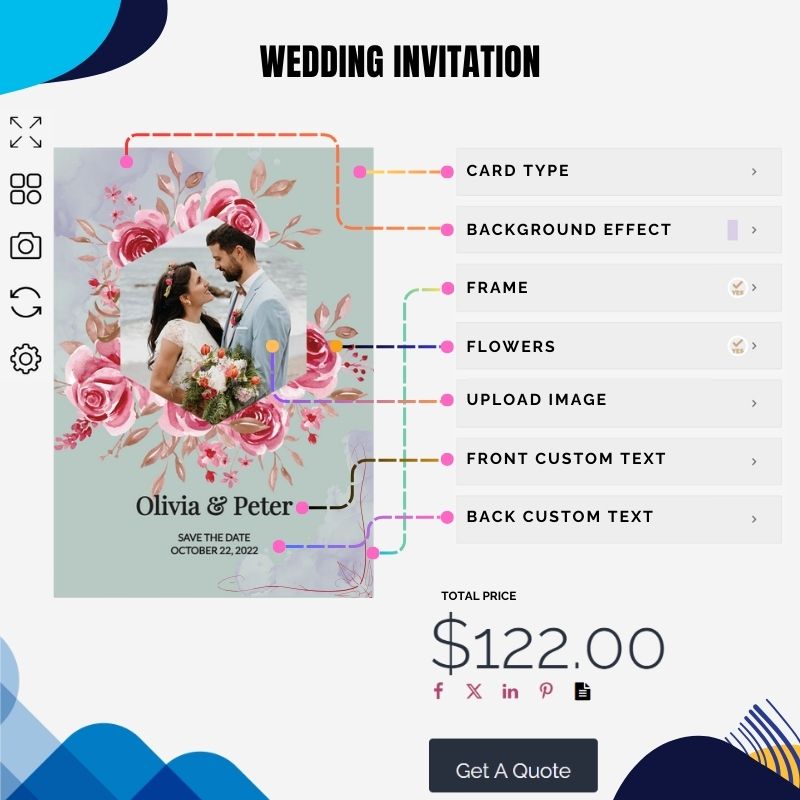
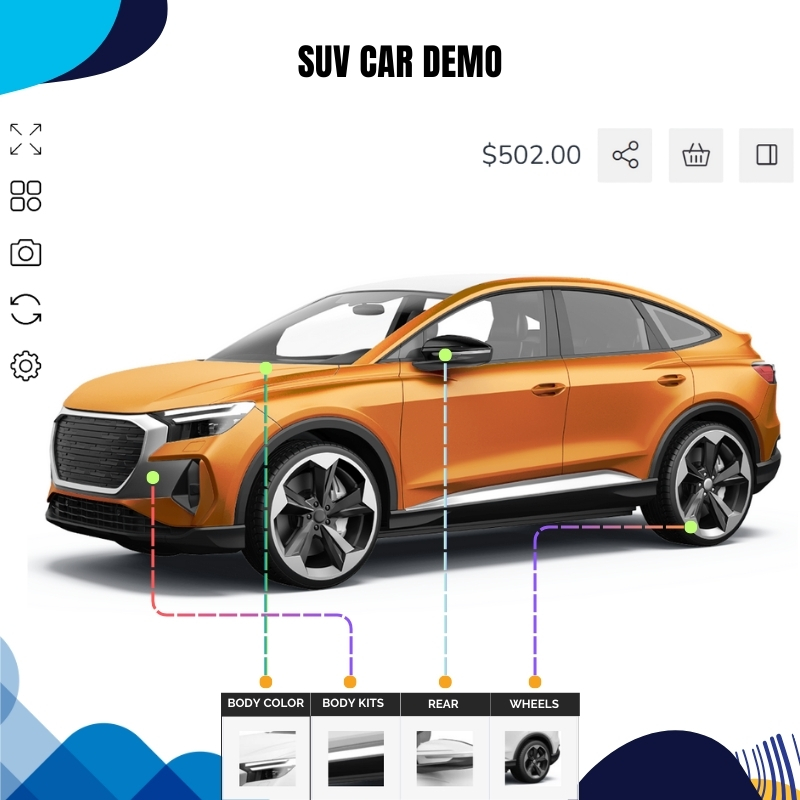
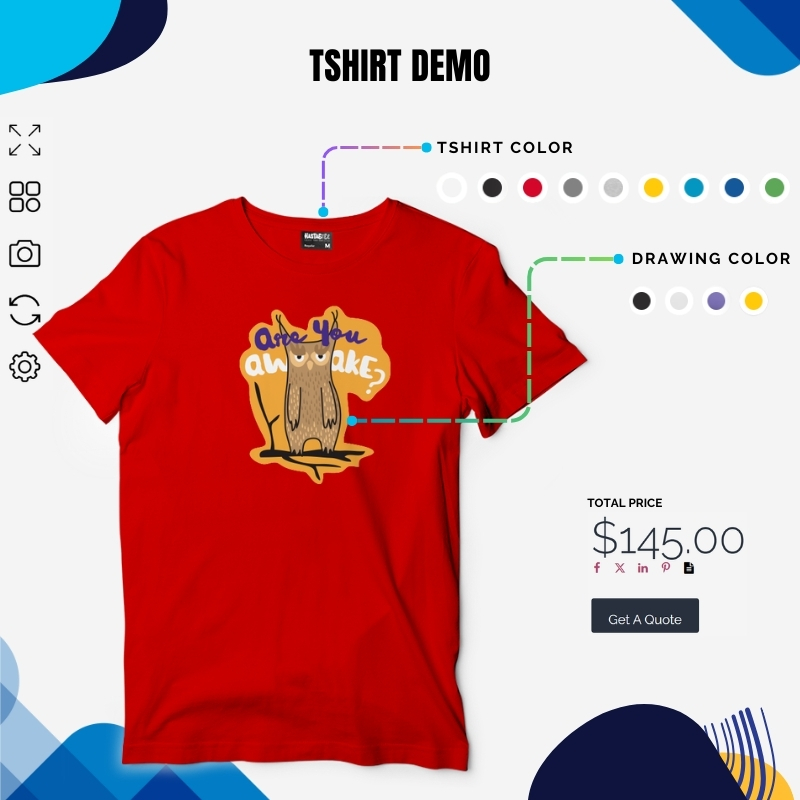
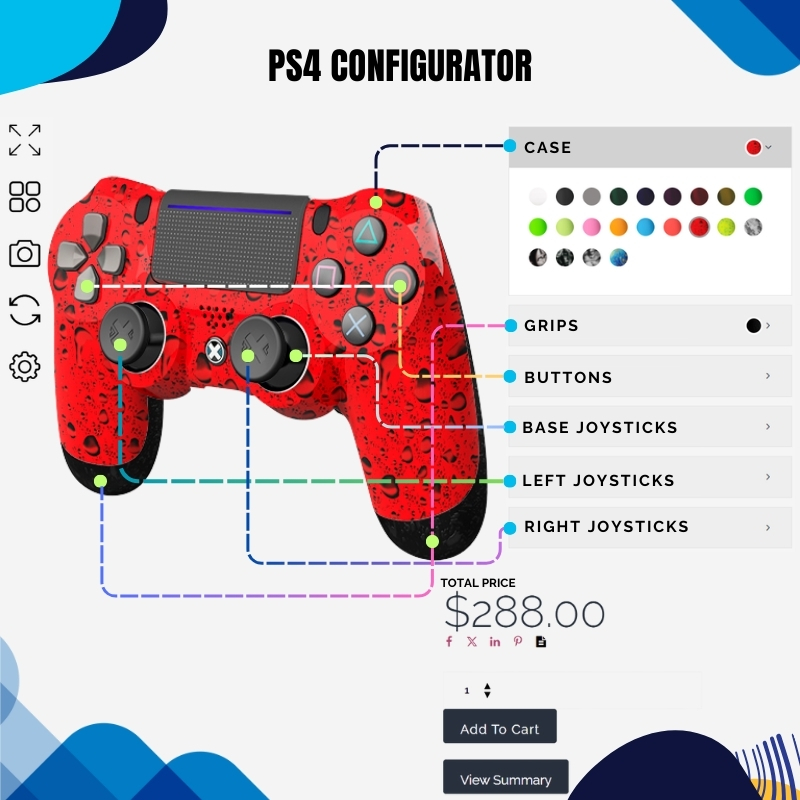
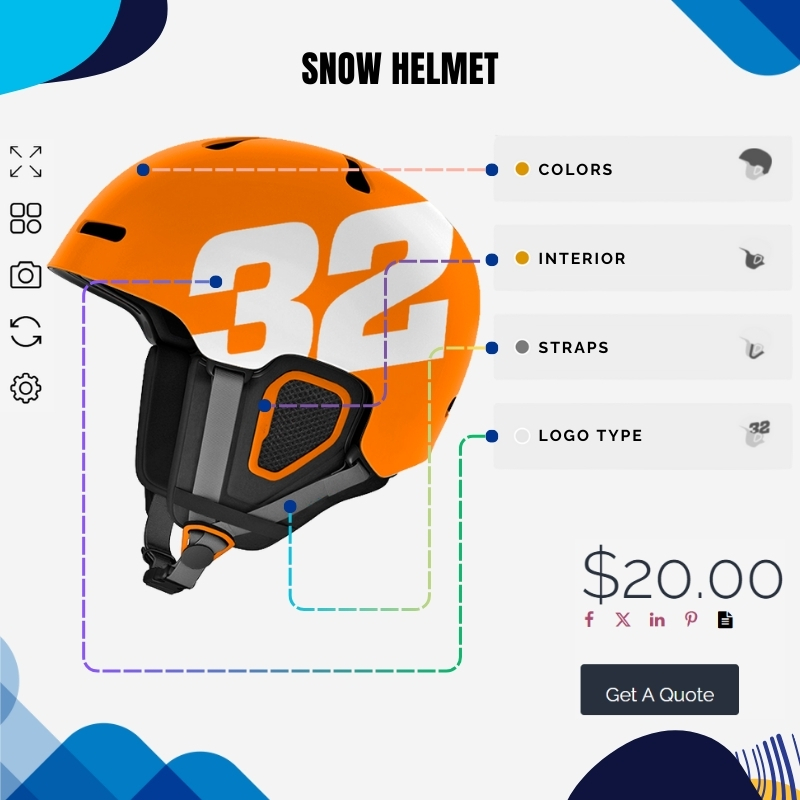
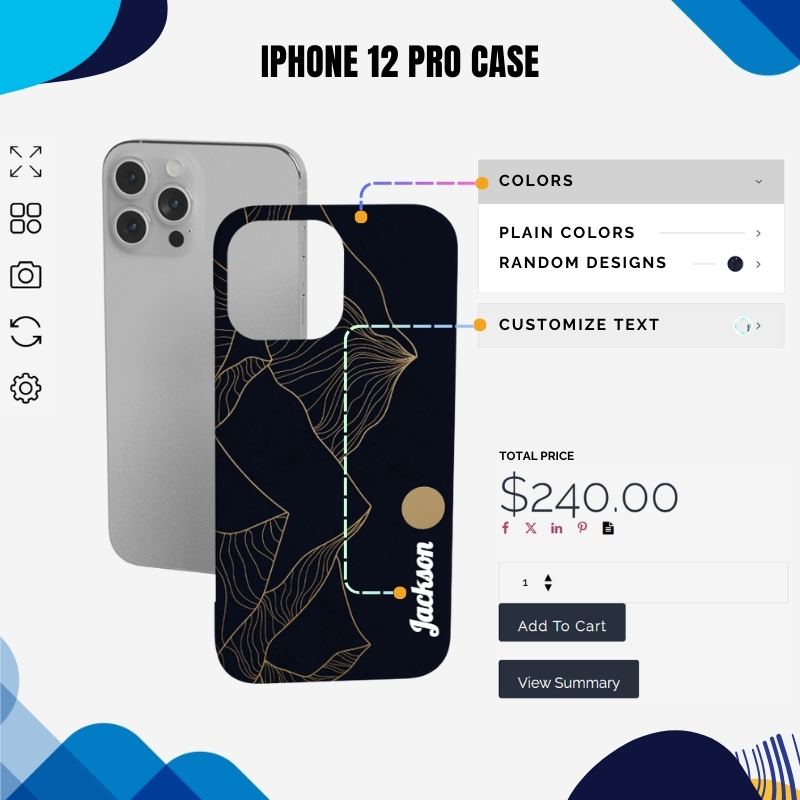
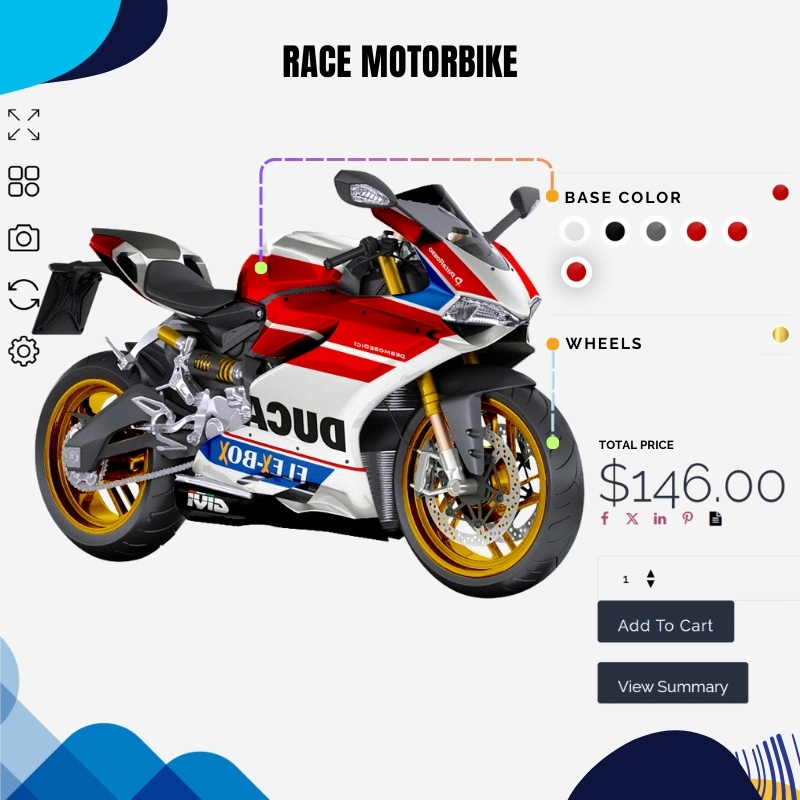
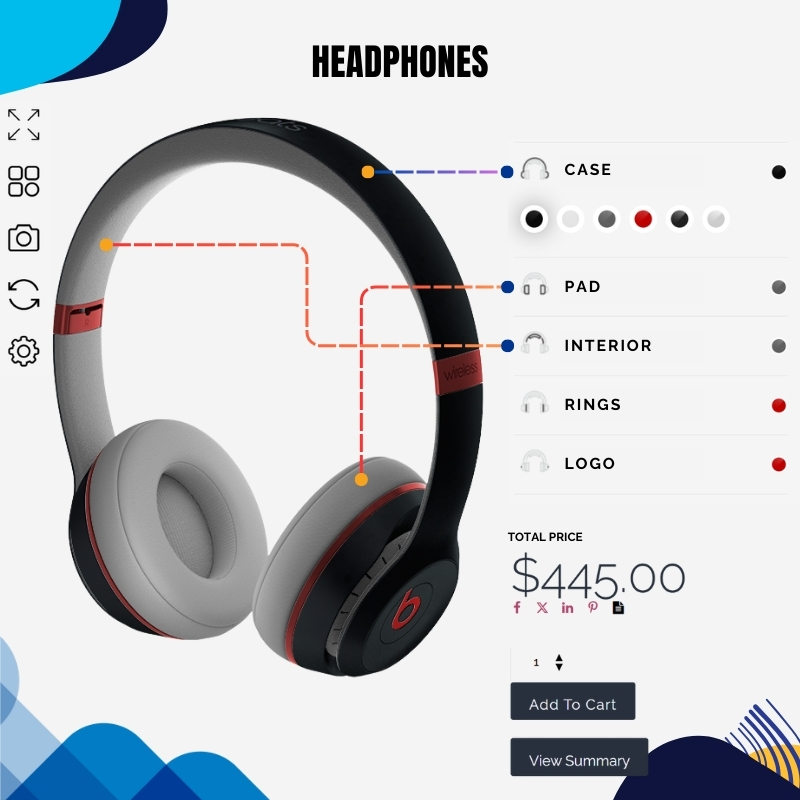
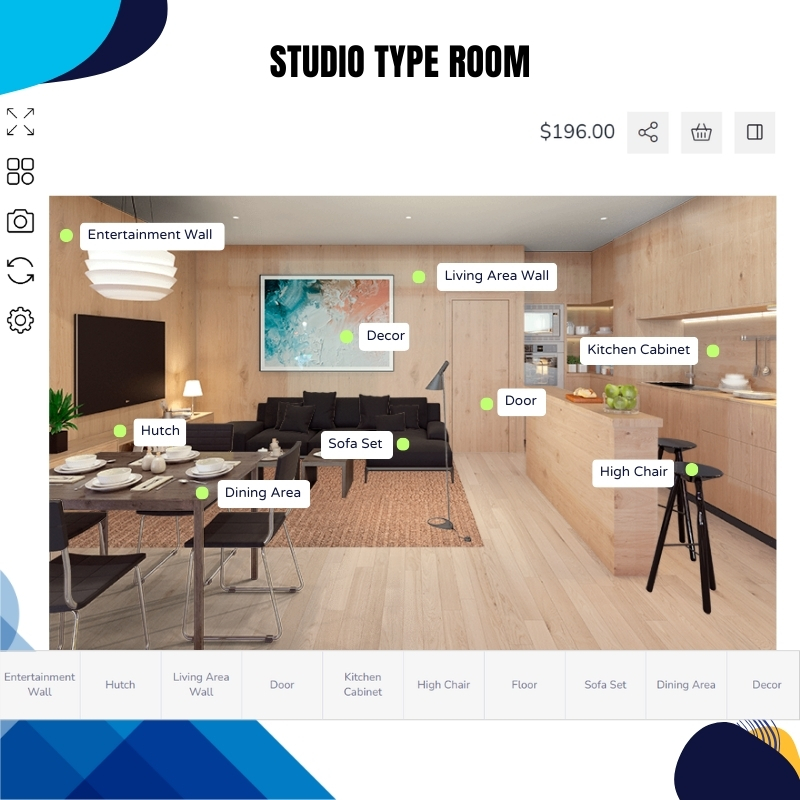
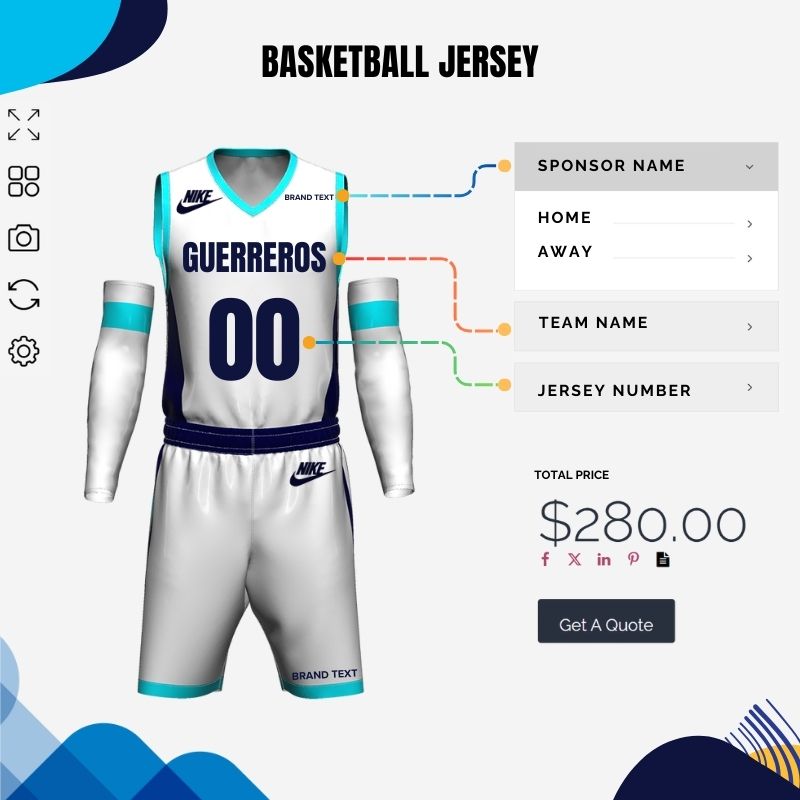
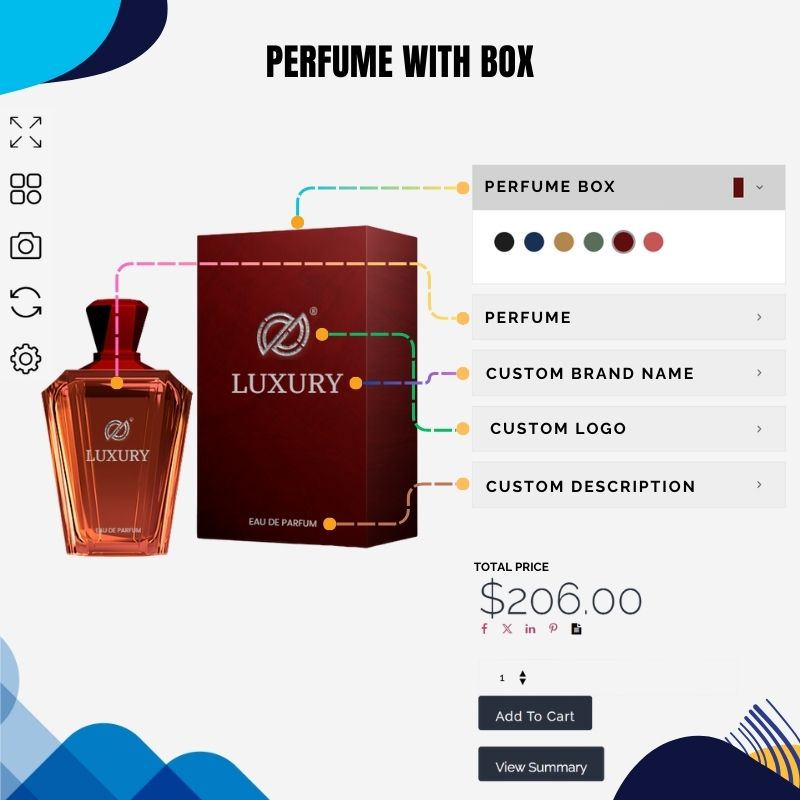
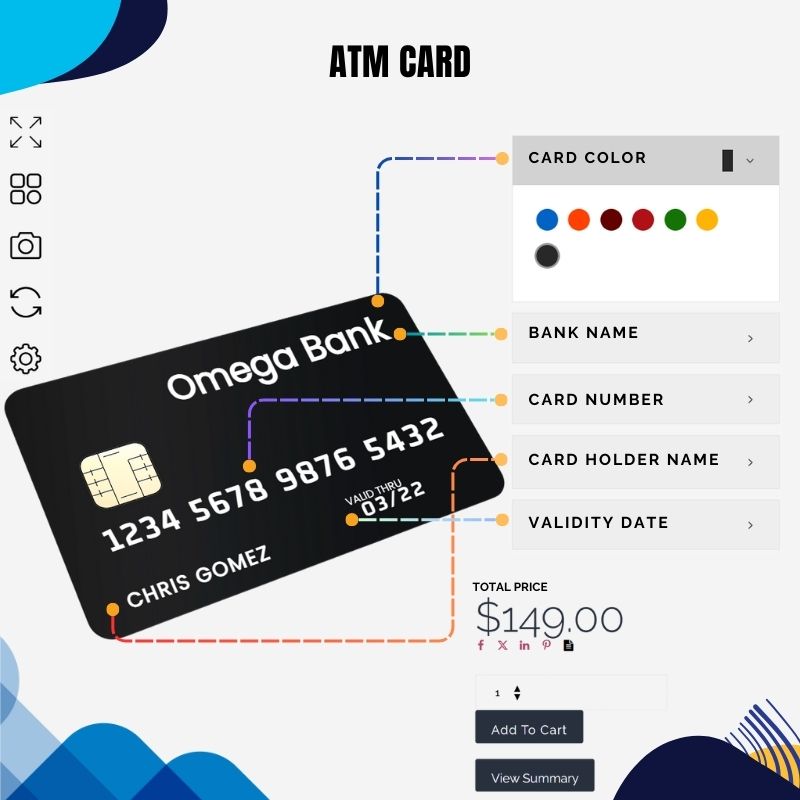
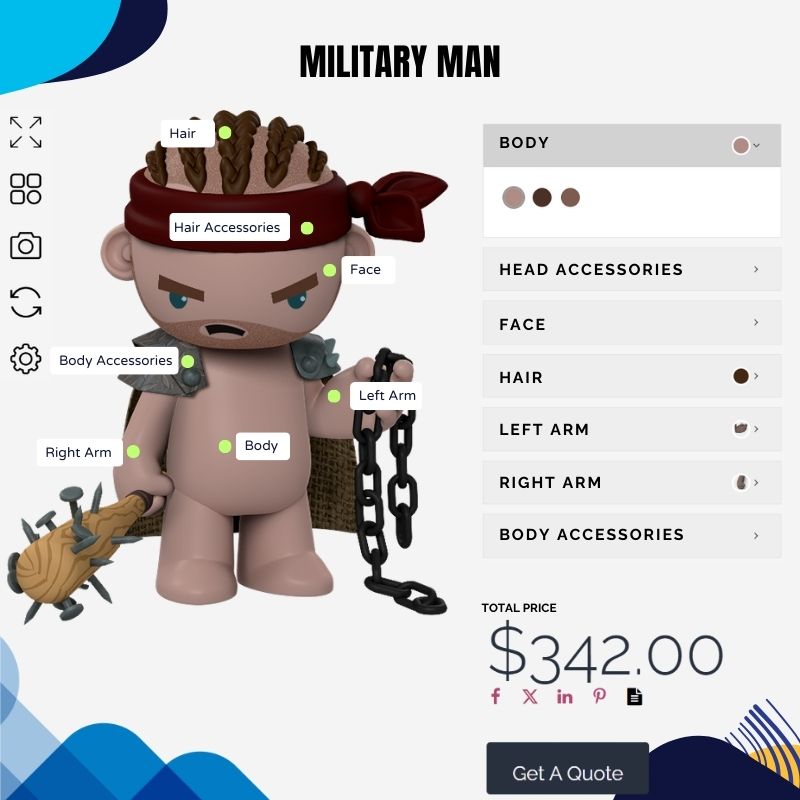
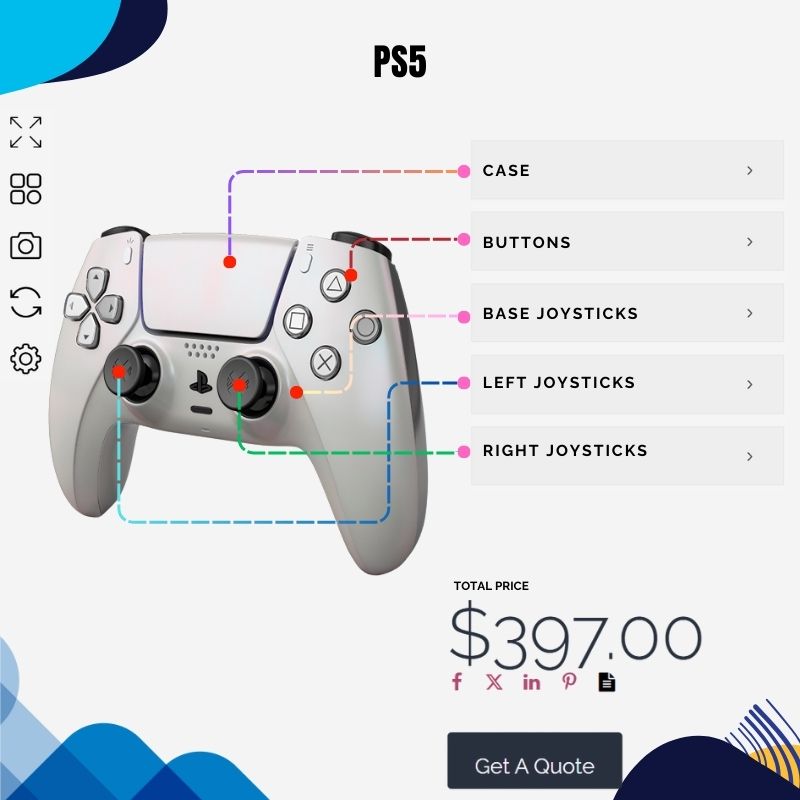
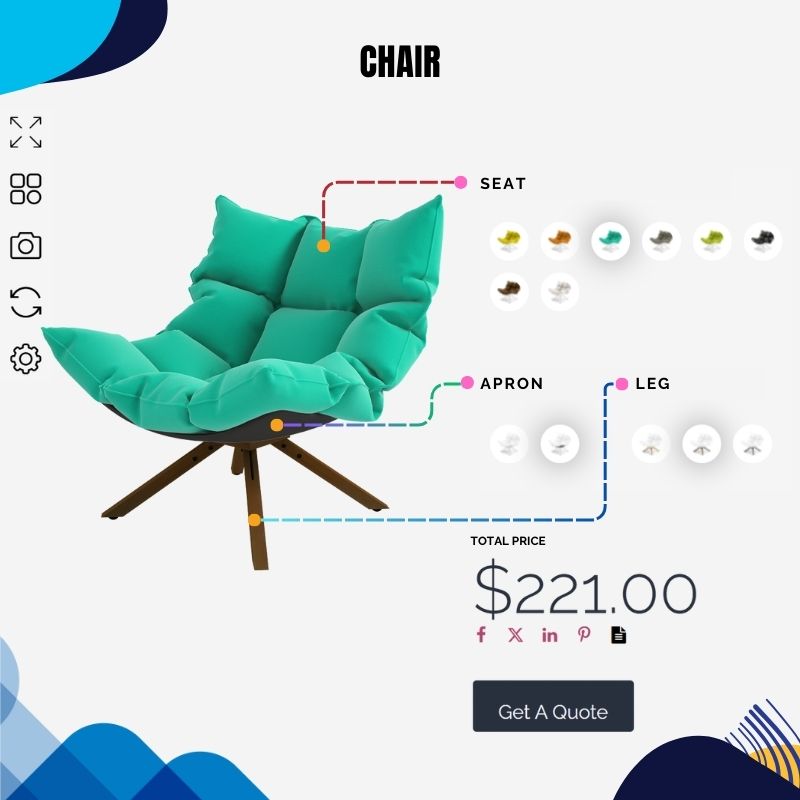
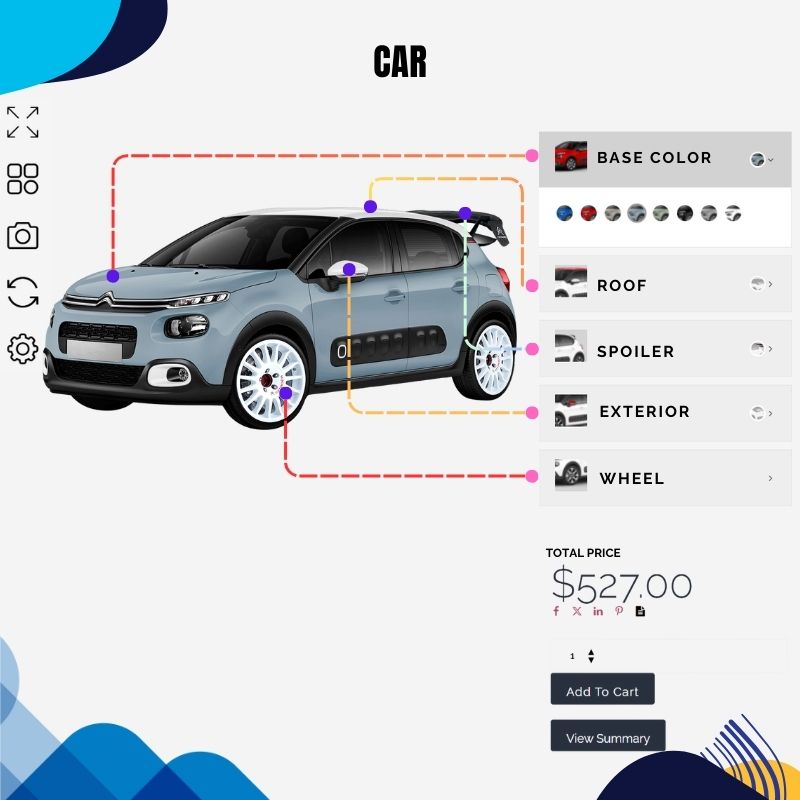
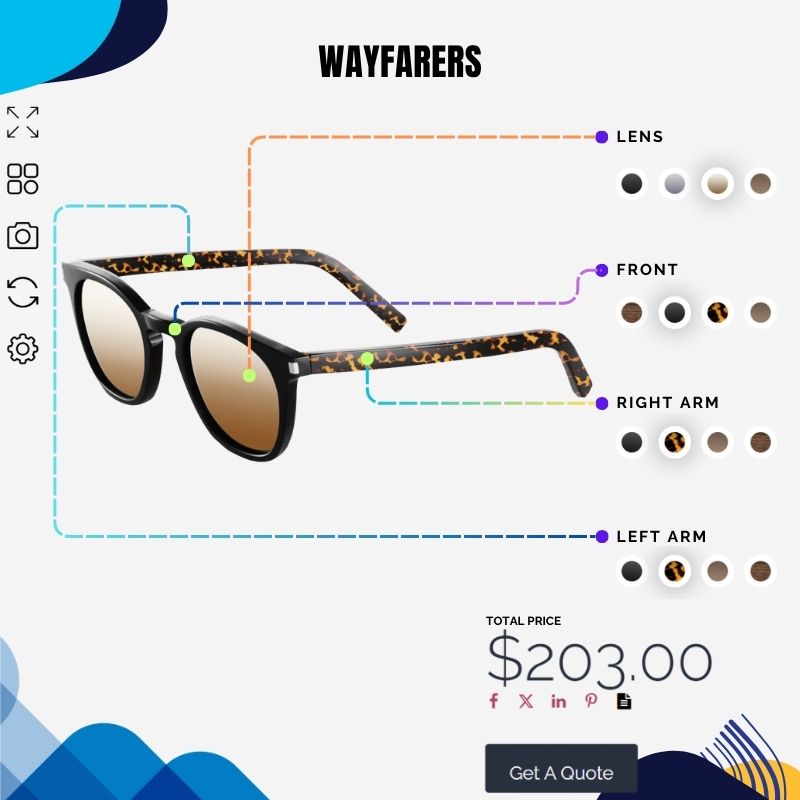
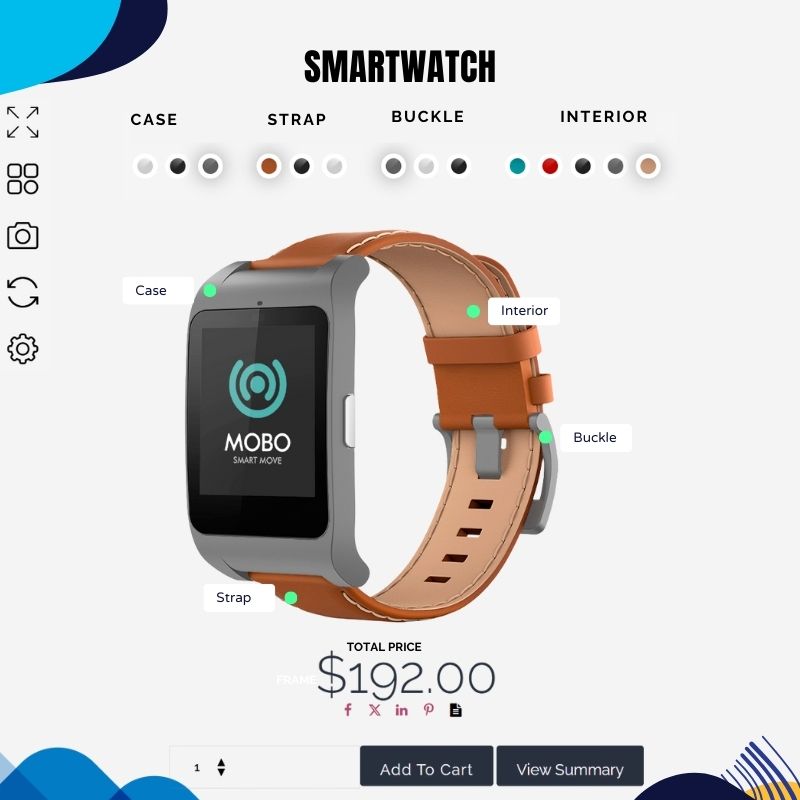
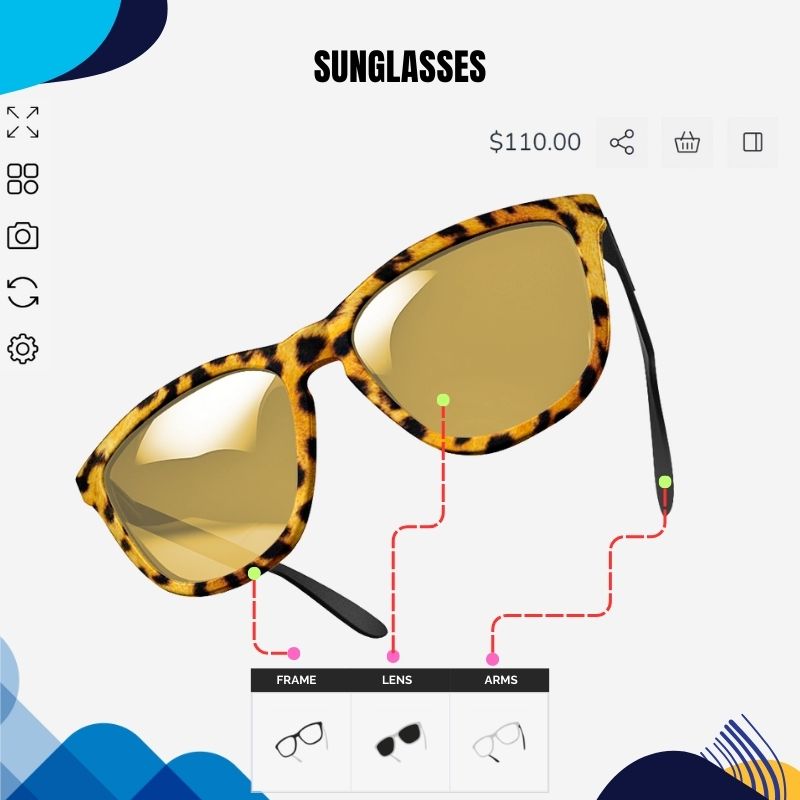
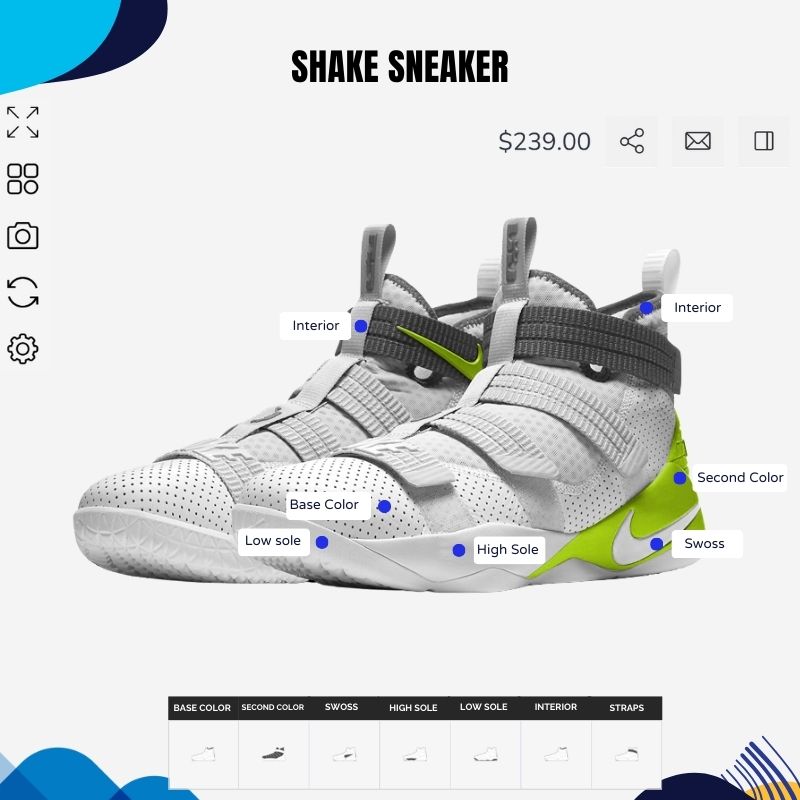
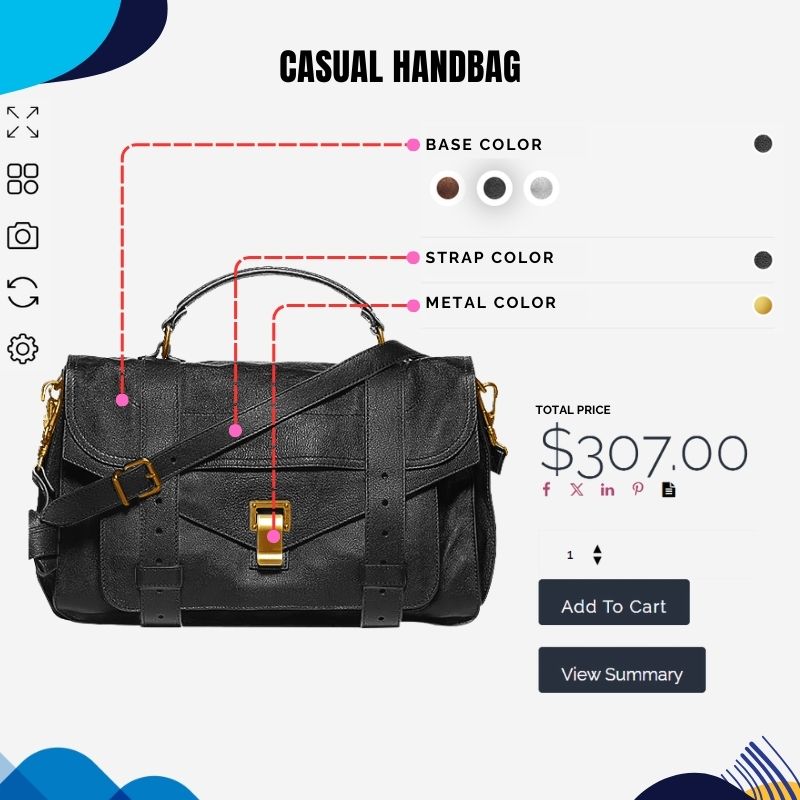
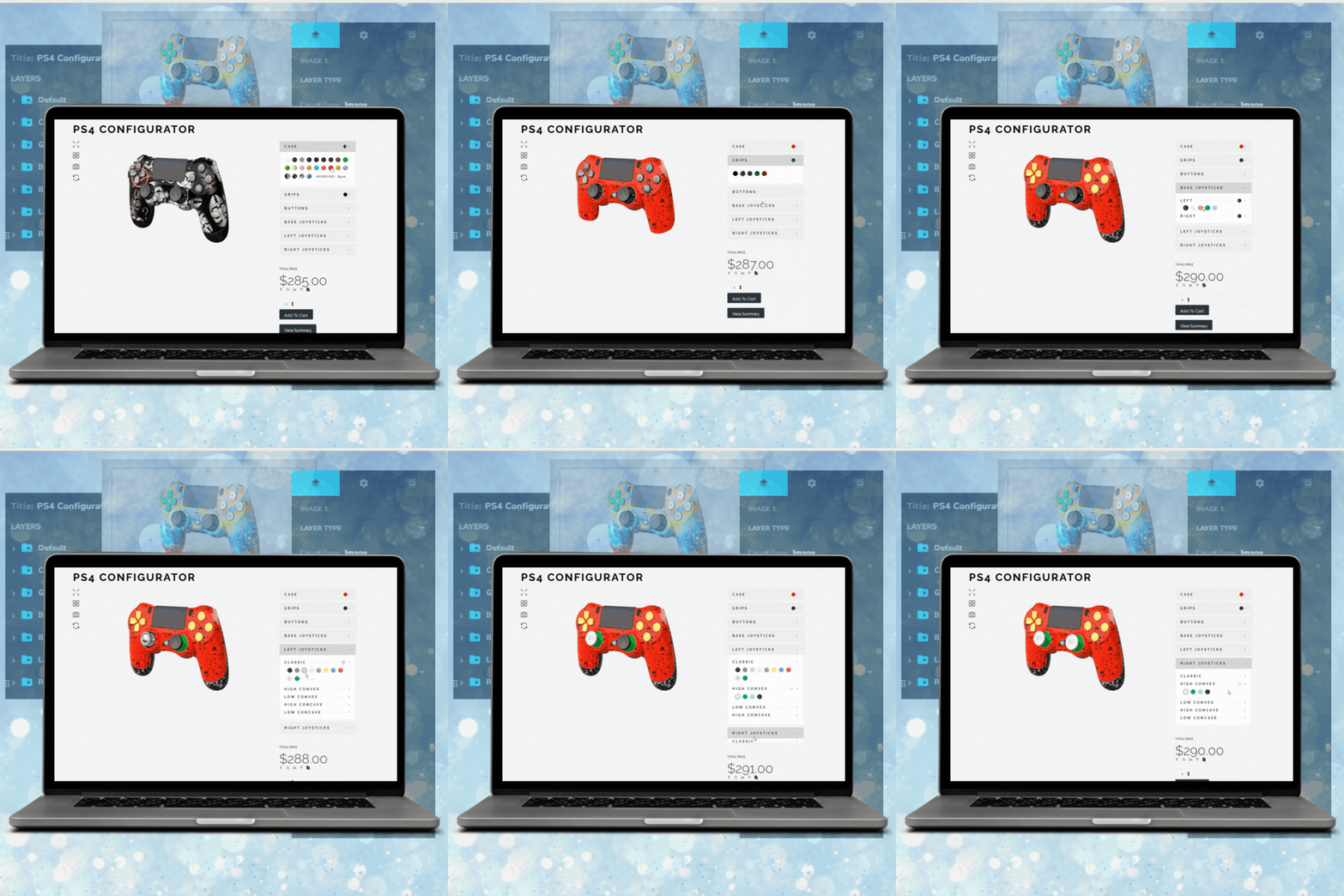
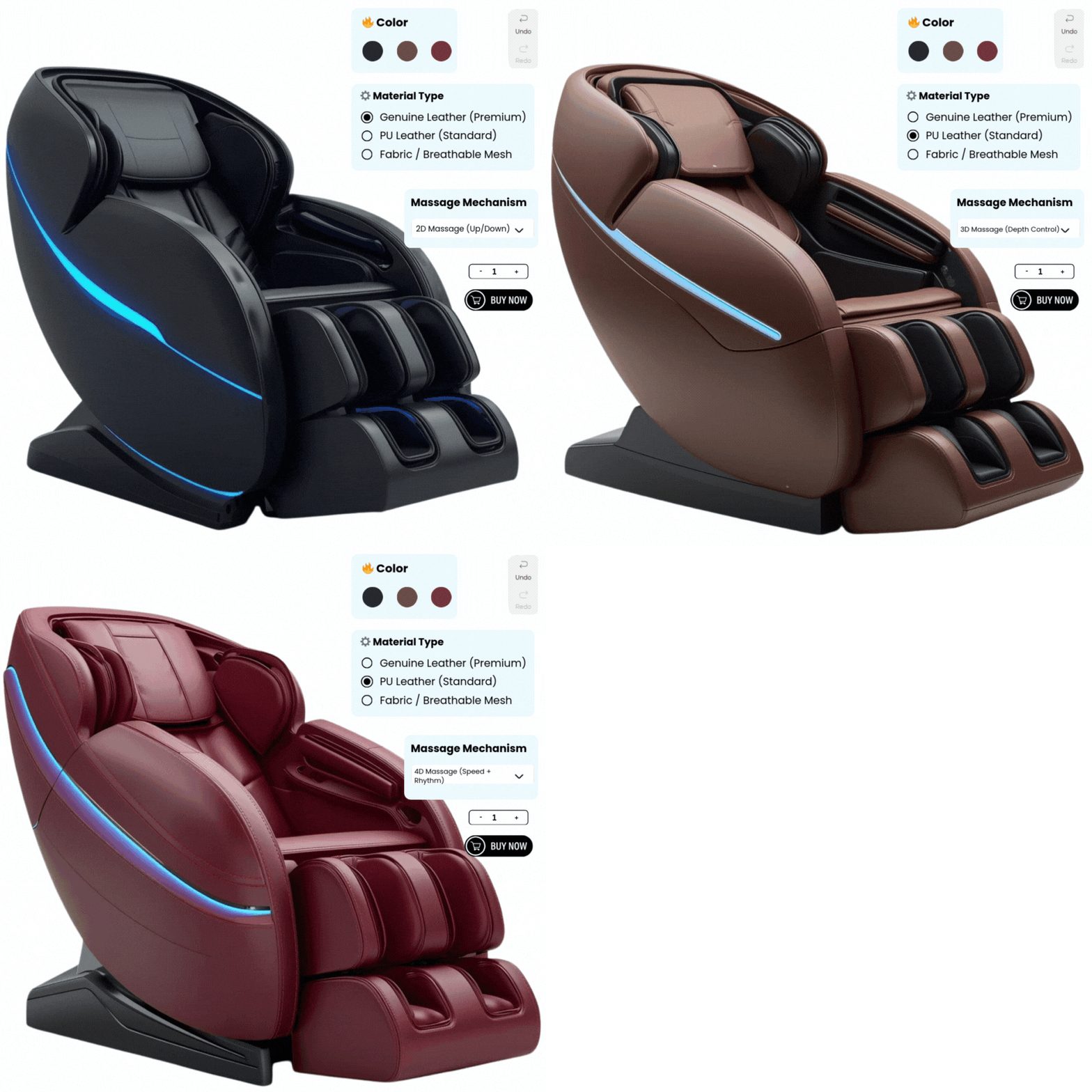
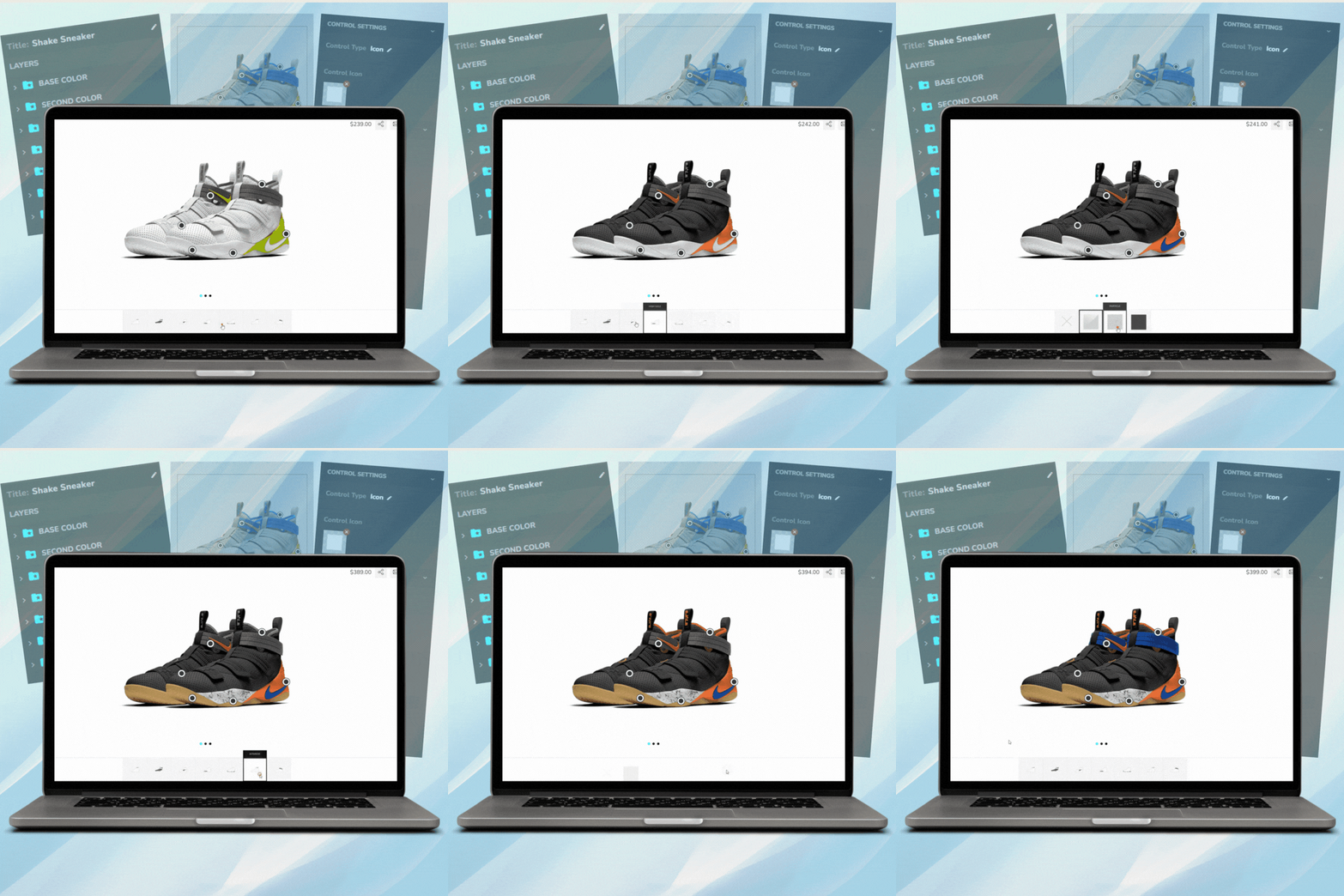
Let customers see real-time previews as they personalize colors, text, images, and more.

Designed for all devices with a smooth, user-friendly interface that drives conversions.

Easily sync with your store, manage orders, and offer a fully customizable shopping experience.

Turn shoppers into creators, increase time on site, and grow your revenue with interactive design tools.
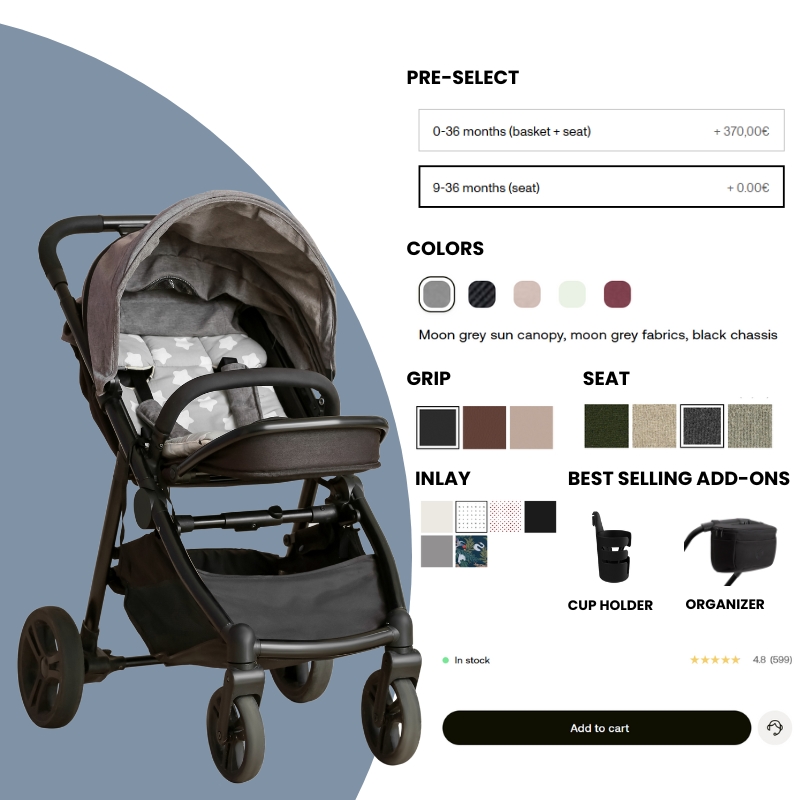
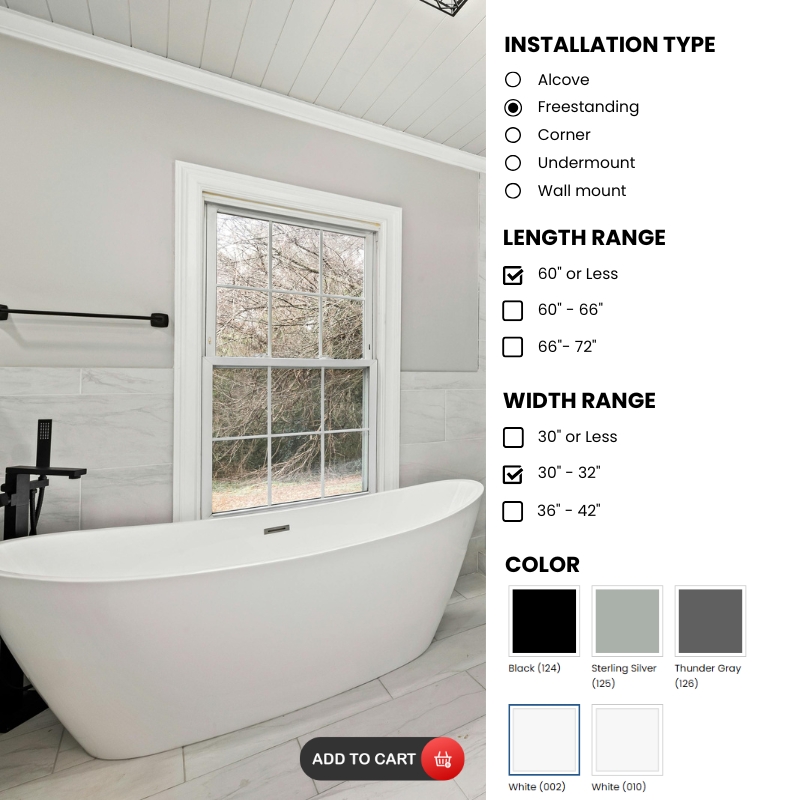
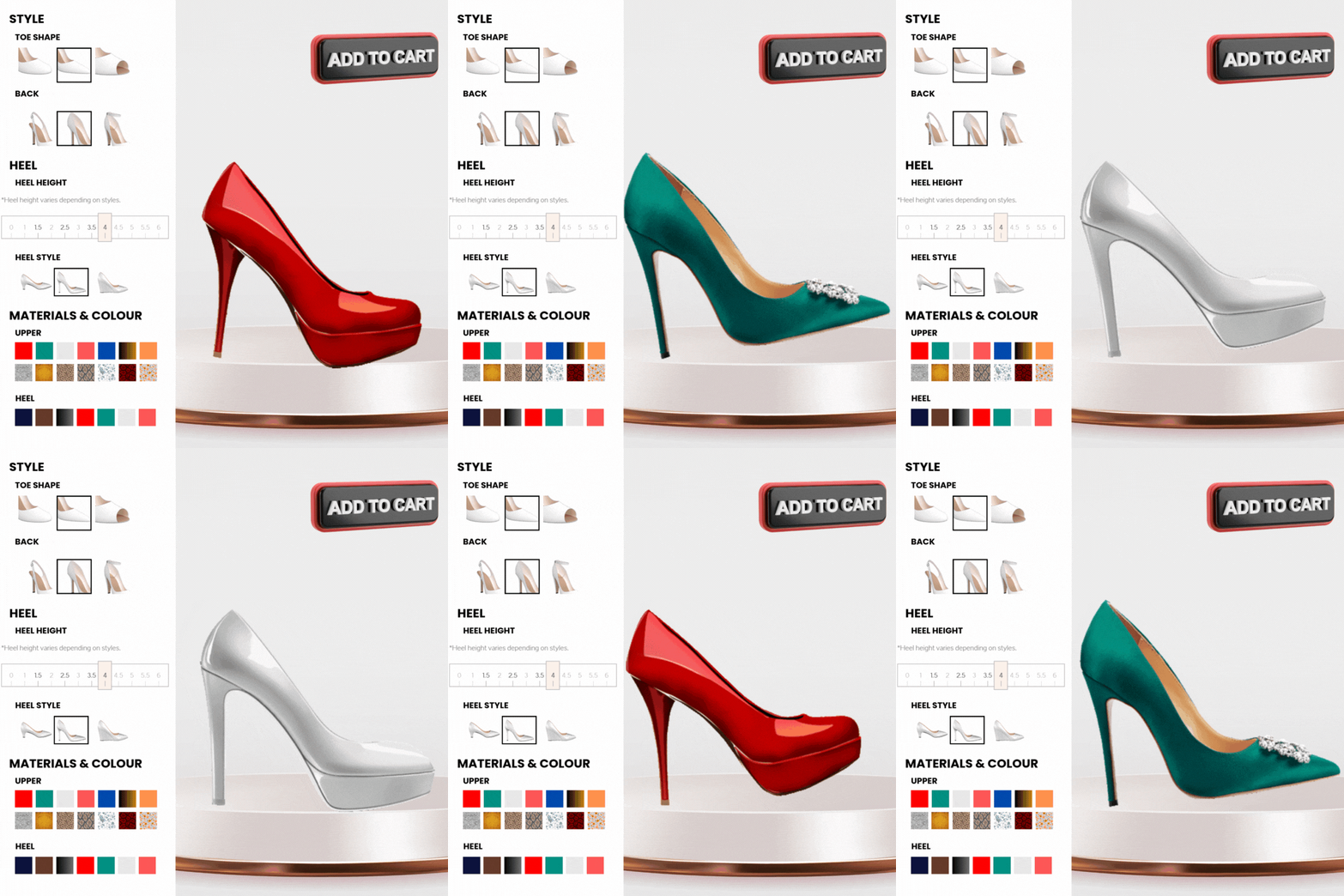
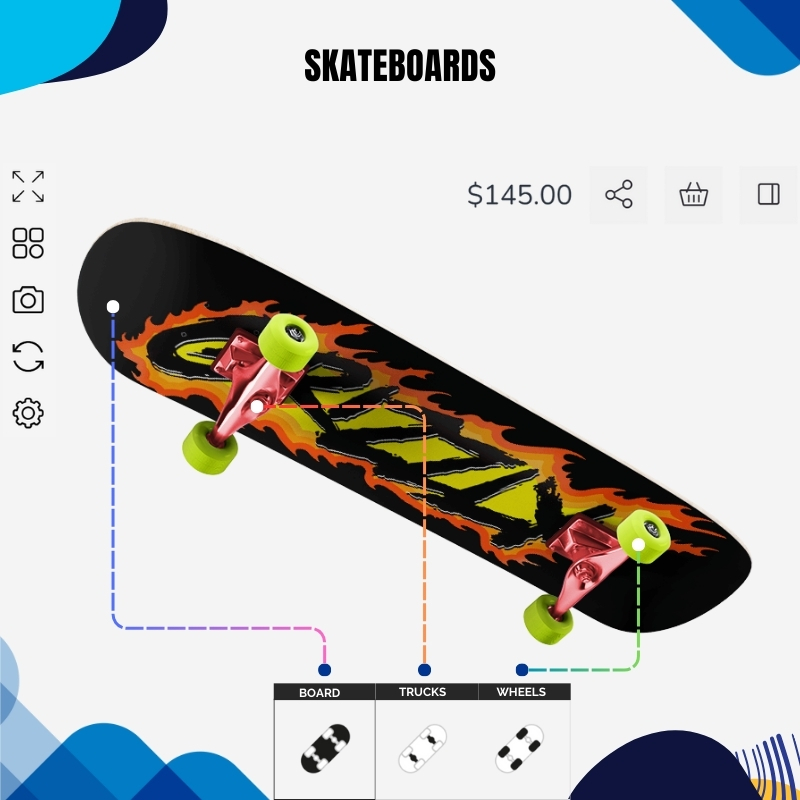
Customers can see their changes instantly—whether they add text, upload a photo, or choose a color. This helps them feel confident before buying.
A clean and simple layout makes it easy for anyone to use, even on mobile. No learning curve means more people will use it.
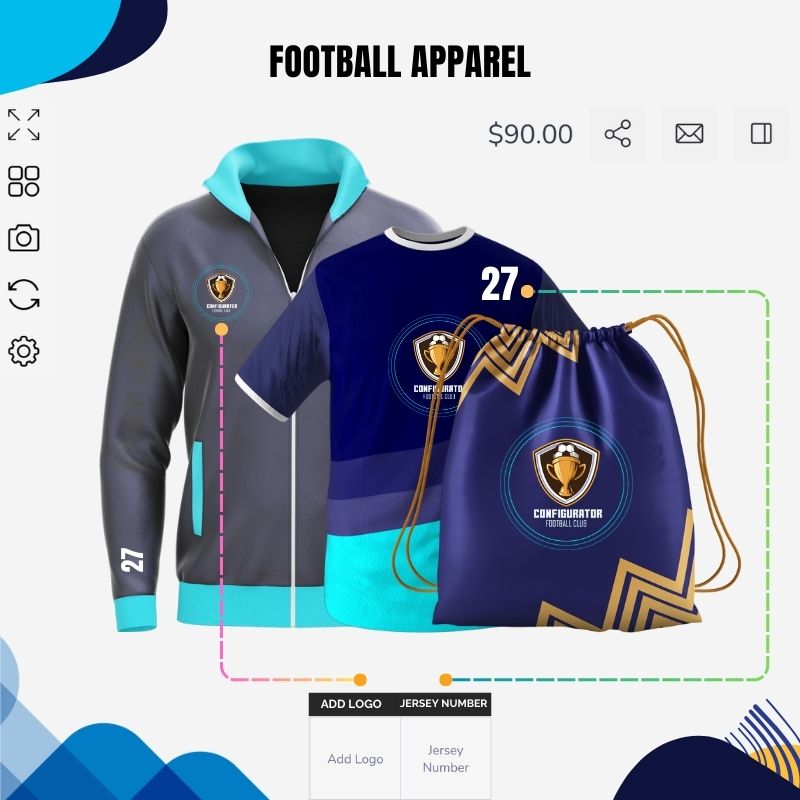
Shoppers can add their own text, change fonts, and upload images or logos to make the product truly personal.
Show different angles of your product (like front, back, or sides), so customers can design every part they want.

Promote creativity with text/image uploads

Speed and precision for layered visuals

End-to-end flow inside WordPress

WooCommerce Product Customizer is a tool that lets customers personalize products before buying them. It allows users to change colors, add text, upload images, and see their changes in real-time. For example, if someone is buying a t-shirt, they can choose the color, write a message, or add their own design.
Product designer plugins work by letting customers customize a product directly on your website. When someone clicks on a product, they’ll see options like adding text, uploading images, changing colors, or choosing styles. As they make changes, the product updates in real-time, so they can see exactly how it will look.
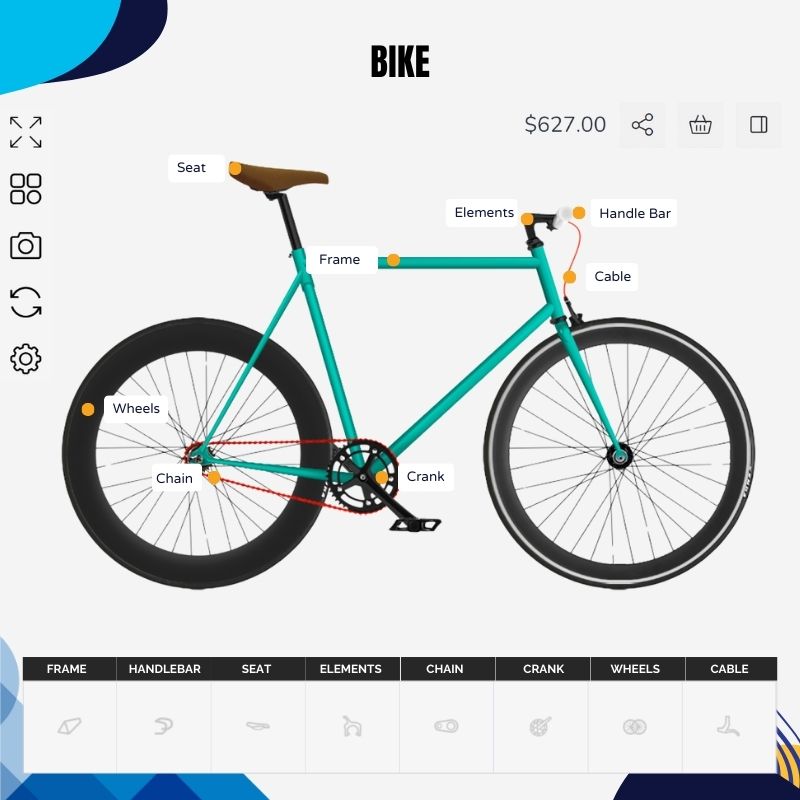
Yes, the product designer shows a live preview as you customize. You’ll see exactly how your design looks in real time before adding it to your cart.
Not at all! The tool is designed to be easy for everyone. Just click, drag, and type to customize your product. No design experience needed.
Yes, you can upload your own images, logos, or artwork directly into the designer. You can also move, resize, and place them where you like.
Some designers offer a save feature. If it's available, you can save your design and come back to finish it later. Be sure to check for a "Save" or "Download" option.
Yes, the product designer is mobile-friendly. You can easily create and preview your designs on smartphones and tablets without any trouble.
Yes. A good product designer for WooCommerce works with variable products (size, material, style) and can show the right design area/options per variation - so shoppers can build a personalized product without breaking your product setup.
Typically, yes. A WooCommerce product designer plugin can attach the customer’s design (preview image + design data) to the order so your team can download it for fulfillment, reprints, or approvals - no manual back-and-forth.
Yes. Most tools let you define “design zones” (front/back/side), limit fonts, allow only brand colors, and set image upload rules. This keeps personalization clean, consistent, and production-ready.
Many do. Look for export options such as high-res PNG/JPG and vector formats (PDF/SVG) so you can send artwork to print vendors with fewer edits - especially important for signage, apparel, and packaging workflows.
Yes. A solid custom product builder for WooCommerce can apply pricing rules - like charging for extra text lines, adding a fee for image uploads, or pricing premium materials - so your totals stay accurate before checkout.