




On this page
In a world where shoppers expect personalized solutions faster than ever, simple product listings just won’t cut it when you’re selling customized offerings. Whether printed gear, apparel, decor, or any tailored item, managing inventory across every variant, option, and layer becomes a major challenge.
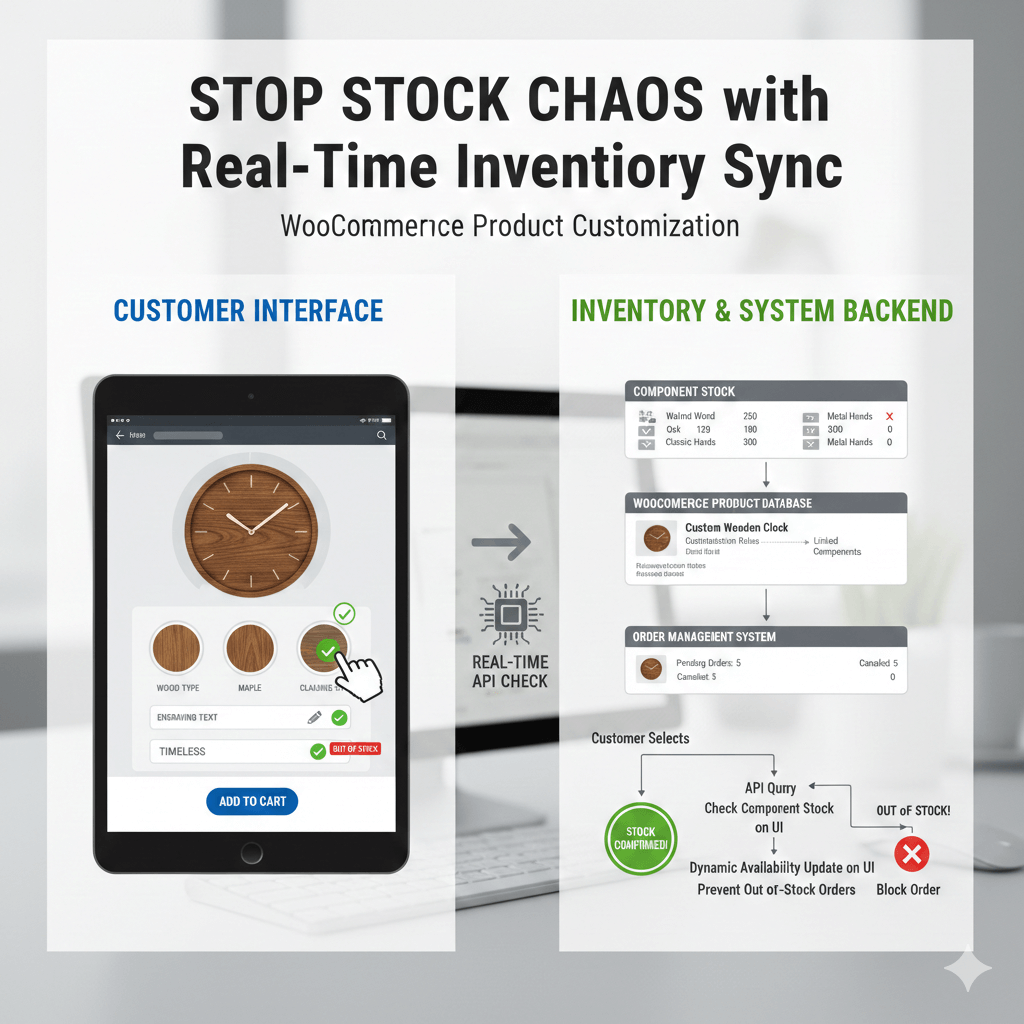
That’s where WP Configurator steps in. It is a powerful product configurator with built-in inventory sync designed for modern WooCommerce stores. This blog focuses on WooCommerce inventory management for customizable products.
Why Inventory Management Matters for Customised Products
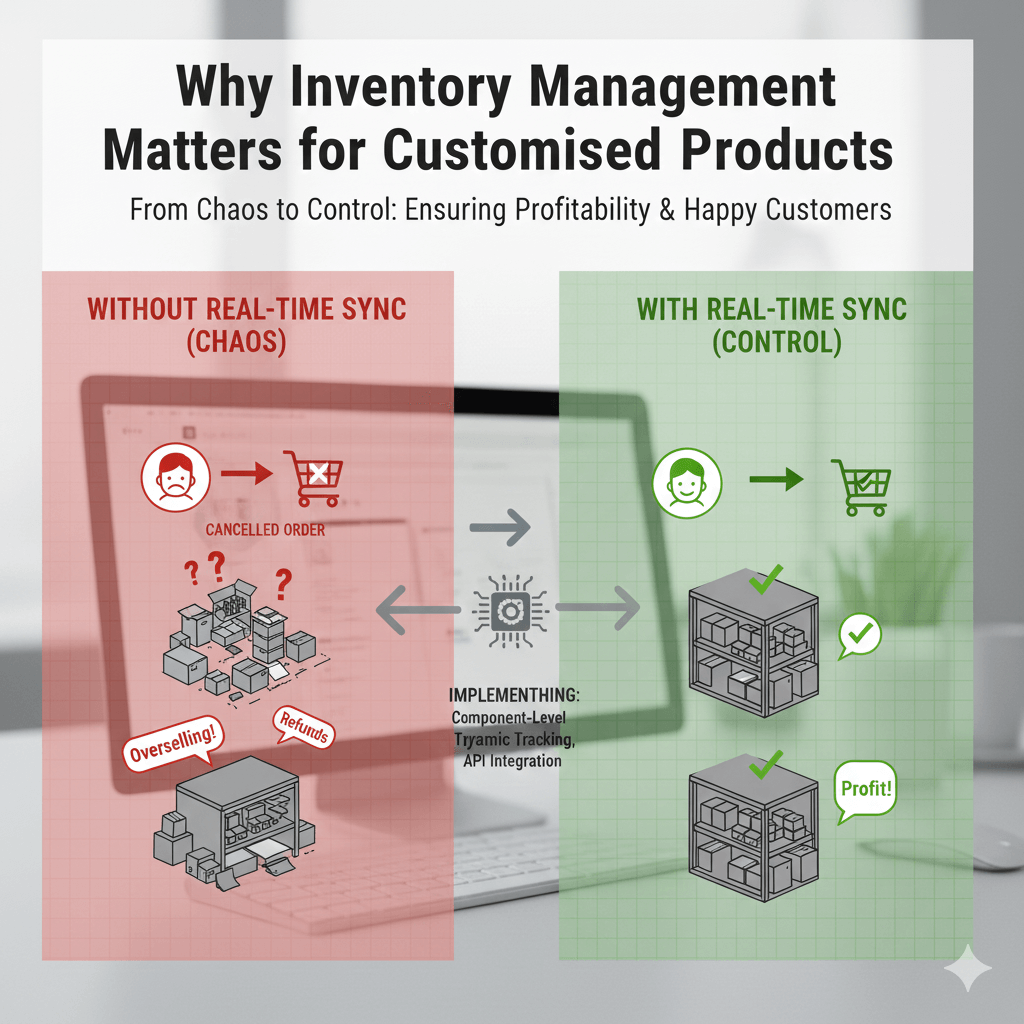
When you offer product customization, your customers are interacting with layered options — colors, finishes, materials, prints, up-loadable graphics, quantities, and more.
As per a research by ResearchGate, “Personalization plays a major role in how customers perceive your store’s reliability, with studies showing that tailored experiences significantly increase trust and purchase intention.”
Each unique combination creates a separate stock scenario. Without proper inventory tracking, you face risks like:
- Overselling: A customer orders a custom item, but one of its components is out of stock.
- Under-utilised stock: Materials sit idle because they’re not tied to your configurable products.
- Manual chaos: Your team spends hours adjusting stock, managing variants, and dealing with unhappy customers.
By using WP Configurator’s inventory management addon, you get real-time stock updates per layer and option, not just per base product. That means every “customized product” is backed by actual availability.
How WP Configurator Syncs Stock in Real Time
Let’s look at the mechanics behind how this works for your WooCommerce customization store:
- As a customer configures their item (choosing size, material, print finish, etc.), WP Configurator checks the live inventory for each selected layer and option. If one is out of stock, that option becomes unavailable or flagged.
- When the customer completes the order, the system automatically deducts stock from each selected option. Hence, no need for manual updates.
- Your back-end sees each SKU and layer-controlled stock level, helping with forecasting and material management.
- Because the system integrates directly with WooCommerce, it ties into orders, payments, inventory, and reporting — meaning you don’t have to build a separate system for custom stock.
The Business Advantage: From Chaos to Control with WooCommerce Inventory Management for Customizable Products
Here’s how using WP Configurator’s real-time inventory sync translates into real business wins:
- Fewer mistakes: When stock levels update instantly, you avoid promising unavailable options or having to cancel or modify orders later.
- Better customer trust: Customers only see what’s truly available. That leads to fewer disappointments and higher satisfaction.
- Faster turnaround: With inventory managed automatically, your team spends less time double-checking availability and more time fulfilling orders. This aligns with McKinsey findings that automation significantly reduces operational errors and boosts efficiency.
- Greater scalability: As you add more options, finishes, or product types, you don’t add proportional inventory headaches. The system scales.
- More profitable up-sells: With confidence in your availability, you can promote premium options or finishes (foil stamping, special materials, custom prints) without the fear of stock mismatch.
- Optimised operations: Inventory data becomes actionable — you can see which customised product options are moving, which stock is under-utilised, and adjust accordingly.
Real-World Example of WooCommerce Inventory Management for Customizable Products: A WooCommerce Customisation Store
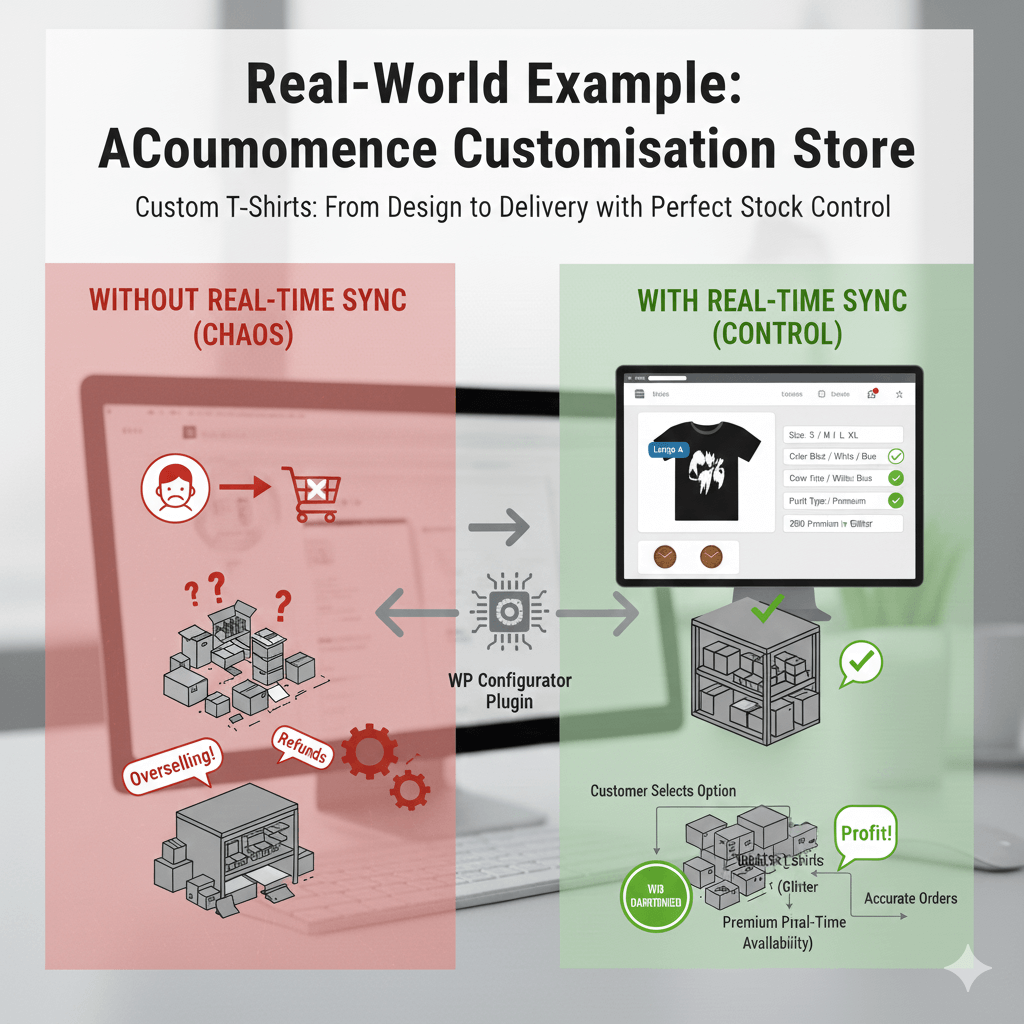
Imagine you run a WooCommerce store offering customised T-shirts — customers can select size, color, print material, upload a graphic, and choose finishing options. Without proper inventory logic, you might lose track of how many “Black / Large / Premium Print” items you have.
With WP Configurator’s inventory add-on, each layer (color: Black, size: Large, print finish: Premium) has its own stock count. The moment one of those is selected and purchased, the stock is updated automatically. No oversells. No last-minute cancellations.
Now scale that across dozens of product categories — drink-ware, posters, apparel, banners, corporate branded gear — and you’ve turned customization from a potential headache into a smooth growth engine.
Choosing the Right Plugin for Customisation + Inventory
When you’re comparing options for a product configurator or product customization plugin for WordPress/WooCommerce, it’s important to look beyond simple design tools. A strong solution should support both front-end customization and the operational needs behind it. Here are the essentials to look for:
- Real-time stock sync for each configurable option or layer: Your system should update inventory instantly as customers build their customised products. This ensures accuracy at every step.
- Ability to prevent out-of-stock selections: A reliable plugin makes unavailable combinations un-selectable. Therefore, customers never choose options you can’t fulfil.
- Smooth WooCommerce integration for orders, SKUs, and inventory: Everything from product components to material quantities should tie naturally into WooCommerce, keeping your workflow clean and centralised.
- An intuitive interface for managing layer-level stock: Your team should be able to edit, track, and adjust inventory for individual parts of a design without digging through complicated settings.
- Flexibility to support a wide range of customised product examples: Whether you sell apparel, prints, signage, gifts, or made-to-order items, your plugin should adapt to different categories and customization flows.
WP Configurator checks all these boxes and more. It gives you the customization power customers love while ensuring your backend stays organised and accurate.
If you’re serious about selling customised products without the inventory headaches, WP Configurator keeps both your front-end experience and your internal operations running smoothly.
How to Get Started with WP Configurator for Inventory Management
- Install WP Configurator Pro and the Inventory Management Add-On.
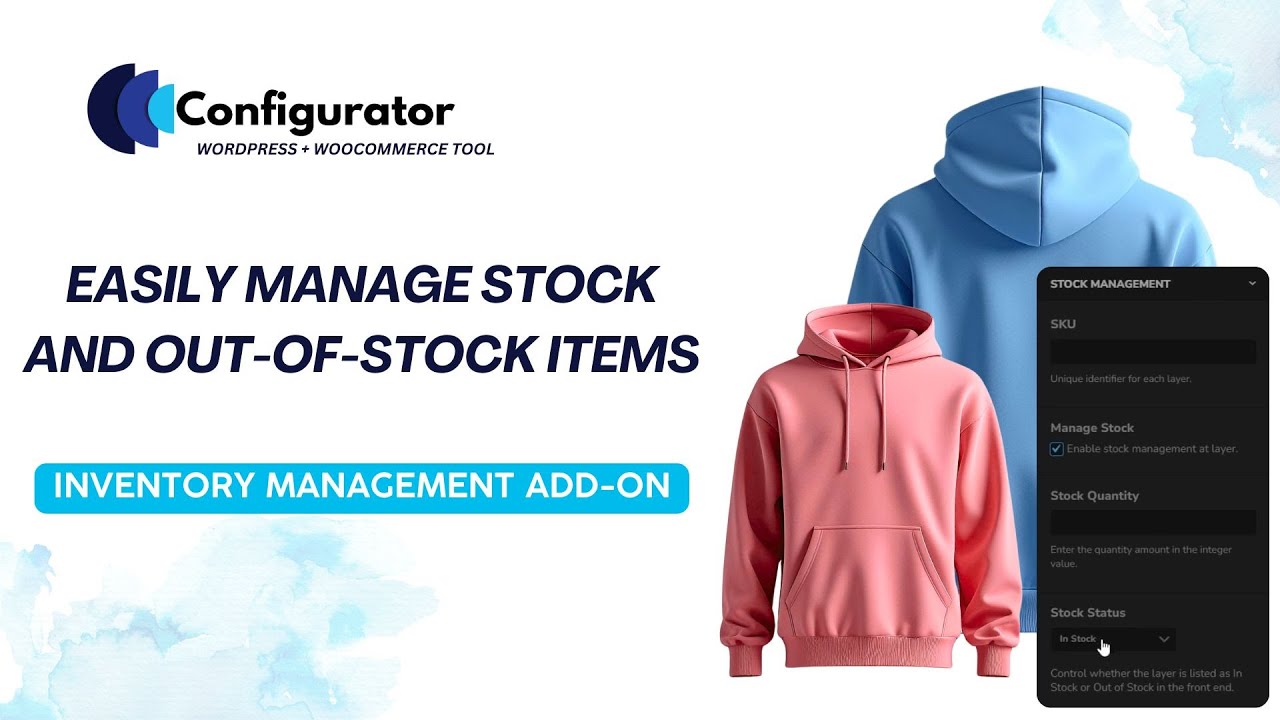
- In each configurator product, enable stock management for layers. Add SKUs, set quantity thresholds, and initial stock per option.
- Test combinations on the front-end: ensure that when an option is out of stock, it cannot be selected.
- Monitor your analytics: check which customization options are driving sales, which combinations hit stock limits, and refine accordingly.
- Integrate with your fulfilment workflow: because the system supports SKUs and layer-level inventory, you can tie into ERP or warehouse logic if needed.
Why This Matters More Than You Think
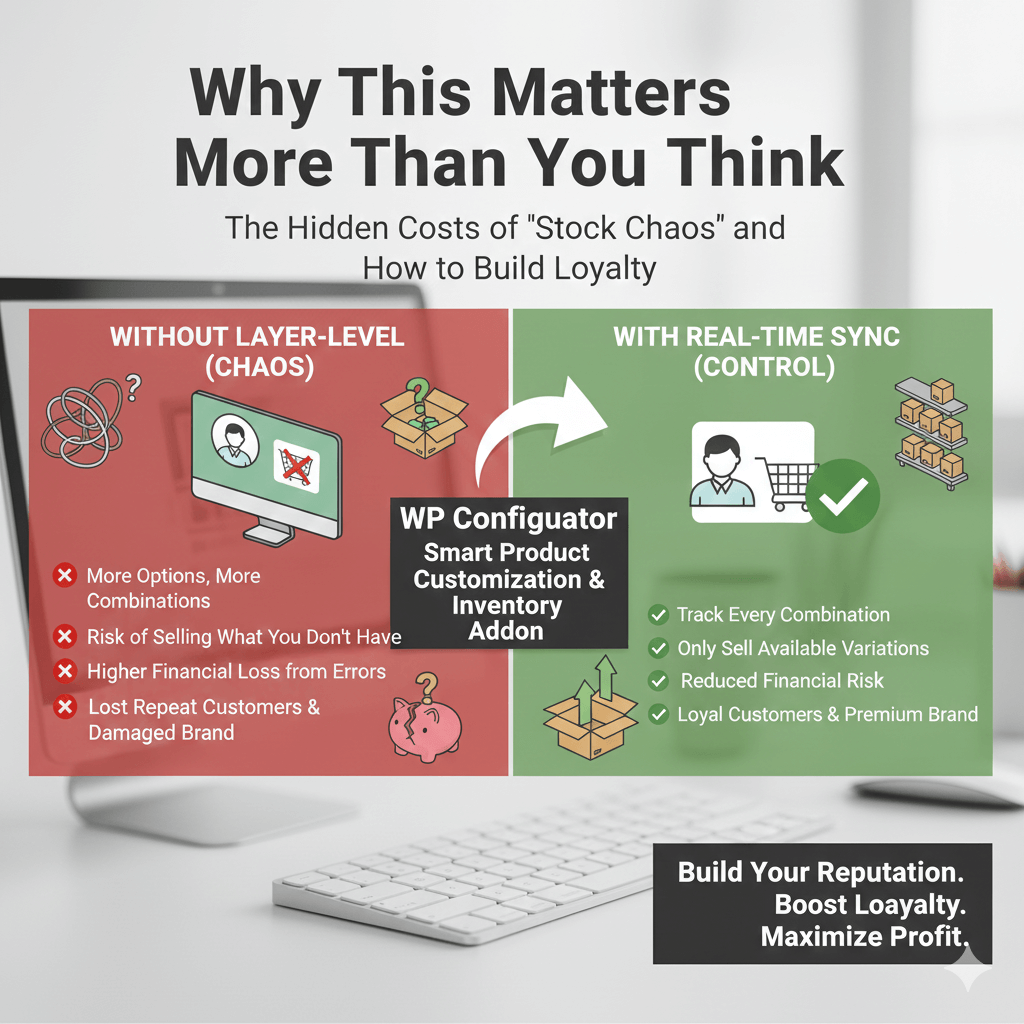
Many stores underestimate how much “stock chaos” customization can introduce:
- The more options you offer, the more combinations you create — each needs tracking.
- Without layer-level inventory control, you risk selling variations you don’t actually have.
- Customised products often carry higher production costs and fulfilment complexity — so errors hit harder financially.
- A single bad experience (e.g., out-of-stock custom choice) can cost you a repeat customer and damage your brand.
By leaning into real-time inventory sync with WP Configurator, you’re not just improving stock tracking — you’re supporting a premium, professional customization experience that builds your reputation and boosts loyalty.


WPConfigurator Dev
Archie is a WordPress specialist with a strong background in technical support, website customization, and e-commerce solutions. He focuses on helping businesses improve their platforms through efficient configurations and seamless integrations. At WPConfigurator, he assists clients with setup, troubleshooting, and optimizing their overall website experience. He is highly proficient in WordPress and various modern web tools.
You might also enjoy


100% No-Risk Money Back Guarantee
You are fully protected by our 100% Money Back Guarantee. If you aren’t completely satisfied within 15 days of purchase, you’re more than welcome to a full refund.
Frequently Asked Questions (FAQ’s)
How does WP Configurator handle inventory for every custom option?
It tracks stock at the layer and option level, not just the base product. That means every unique customised product combination is backed by accurate availability.
Can I stop overselling customised products with this plugin?
Yes. WP Configurator’s Inventory Management addon automatically disables out-of-stock combinations so customers only select items you actually have.
Will this work with my existing WooCommerce store and theme?
Absolutely. WP Configurator is built to integrate seamlessly with WooCommerce, so you keep your checkout, payment, and order flow — while adding advanced customisation + inventory sync.
What kinds of customised products are supported?
You can offer anything from personalised apparel and printed gifts, to banners, corporate branded swag, furniture finishes, and more — basically any product customiser scenario you can imagine.
How quickly can I set up layer-level stock management?
Very quickly. After installing the addon, you simply enable stock management per product layer, assign SKUs and quantities, and you’re ready. No complex coding required.
Does this help me scale my business and increase revenue?
Yes — by giving you confidence over stock, allowing you to promote premium finishes or upgrades, and by reducing cancellations and refunds due to stock issues, you build a smoother, more profitable customisation workflow.
What happens if a particular option runs out of stock mid-sale?
Once the option stock reaches zero, that choice is disabled in the front-end configurator. If you want to alert customers to restock or back-order, you can adjust your settings accordingly.