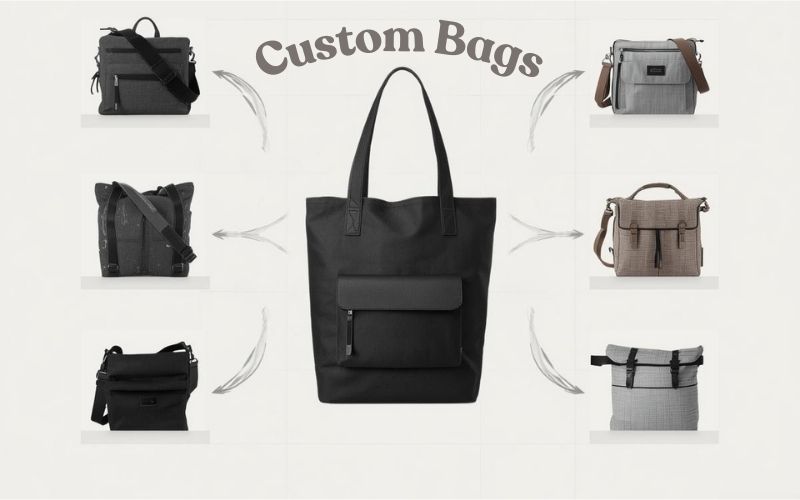
In the e-commerce world today, personalization has become a driving force behind better shopping experiences. As shoppers look for ways to make purchases unique—whether through selecting colors, choosing materials, or adding personal touches—product configurators have become essential. These tools allow customers to design products to their liking, making online shopping feel a bit more personal.
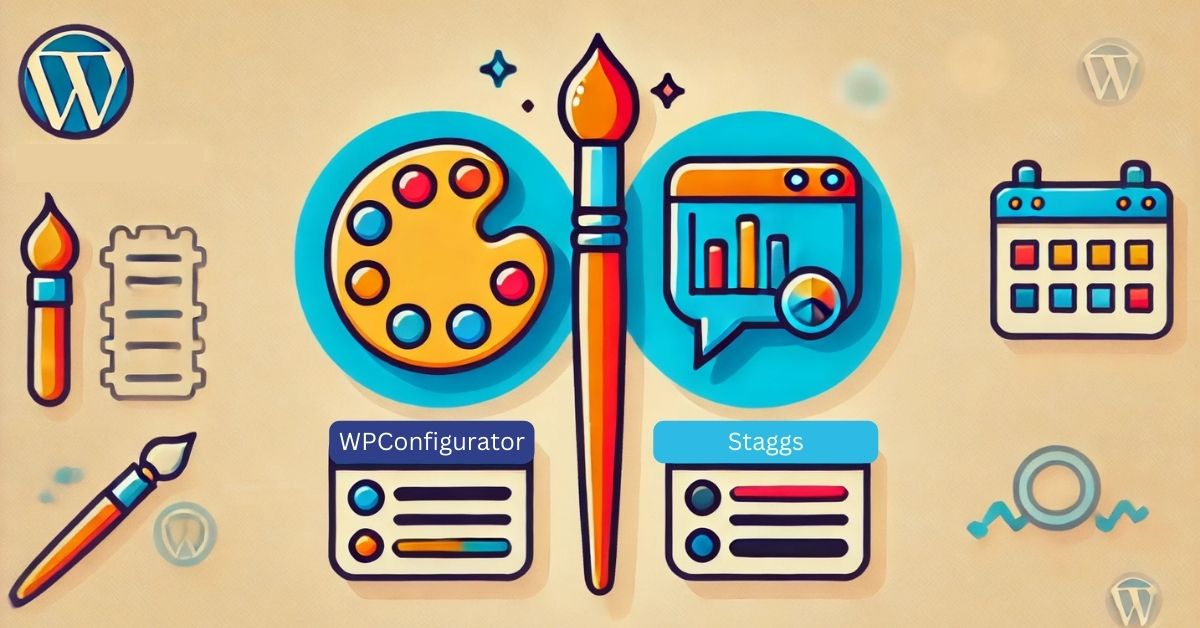
If you’re running an e-commerce store, choosing the right configurator is crucial. Here, we’ll dive into the features of two popular options: WP Configurator and Staggs. By the end, you’ll know which one is better suited to meet your needs.
WP Configurator: Perfect for WordPress and WooCommerce Stores
WP Configurator is tailor-made for e-commerce sites using WordPress and WooCommerce. This means that if your store is on WordPress, WP Configurator will fit right in without requiring any complex installations or technical steps. Let’s look at what WP Configurator brings to the table:
Feature |
WPConfigurator |
Staggs |
Compatibility with WordPress |
Yes |
Yes |
Compatibility with Woocommerce |
Yes |
Yes |
|
Social Share: Option to share your personalized product instantly on social platforms. |
Yes, you can share on Linkedin, Facebook, Pinterest, and X. |
No |
Tailored Inspiration by Seller |
Yes |
No |
How many views the plugin support |
Unlimited view |
Not known |
Option to Save and Download high quality image for user |
Yes |
User can download PDF |
One click refresh to load the base design |
Yes |
No |
Free Skin |
6 Free Skin, 2 Premium Skin which comes at extra cost |
6 Free Skin, 2 Premium Skin which comes at extra cost |
Cost |
USD 79/- Annual |
USD 59/- Annual |
Responsive |
Yes |
Yes |
Demo Method |
Faster, Full admin access to get a feel of the plugin before buying, try both frontend and backend. Images are available.Add-ons can be tested as well. |
Requires more time. Install the Lite version, Need to build from scratch. Arrange the images for getting a feel of the product. Add-on features cannot be tested. |
Support |
Chat and Support Ticket- Excellent |
Support Ticket |
User Friendly |
Known for being user-friendly |
Could require technical expertise for setup, depending on its integration process. |
Making the Right Choice for Your Business
Selecting the right product configurator really depends on your business setup. If you are looking to offer an intuitive option to your customer, seamless integration, interactive 2D previews, and a range of customization options, WP Configurator offers a smooth, feature-rich experience.
Are you ready to bring WP Configurator to your WooCommerce store? Let us show you how easy it is to create a personalized, interactive shopping experience that drives sales.