



On this page
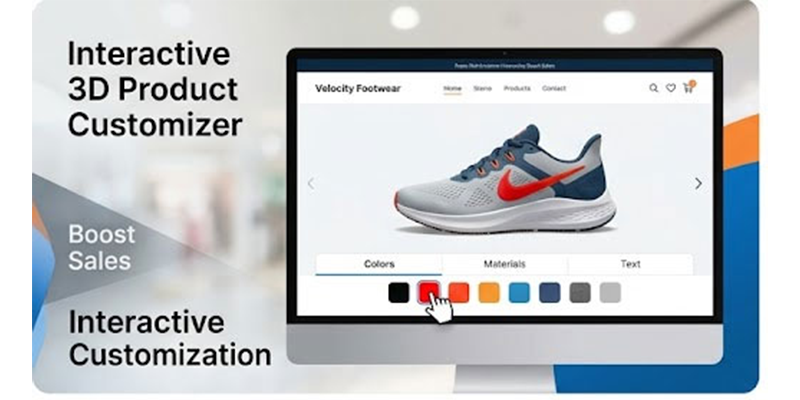
Most online shoppers hesitate to buy because they can’t fully visualize the product. This uncertainty leads to abandoned carts and lost revenue. A WooCommerce 3D product customizer solves this by letting customers interact with products in real time—boosting confidence and conversions.
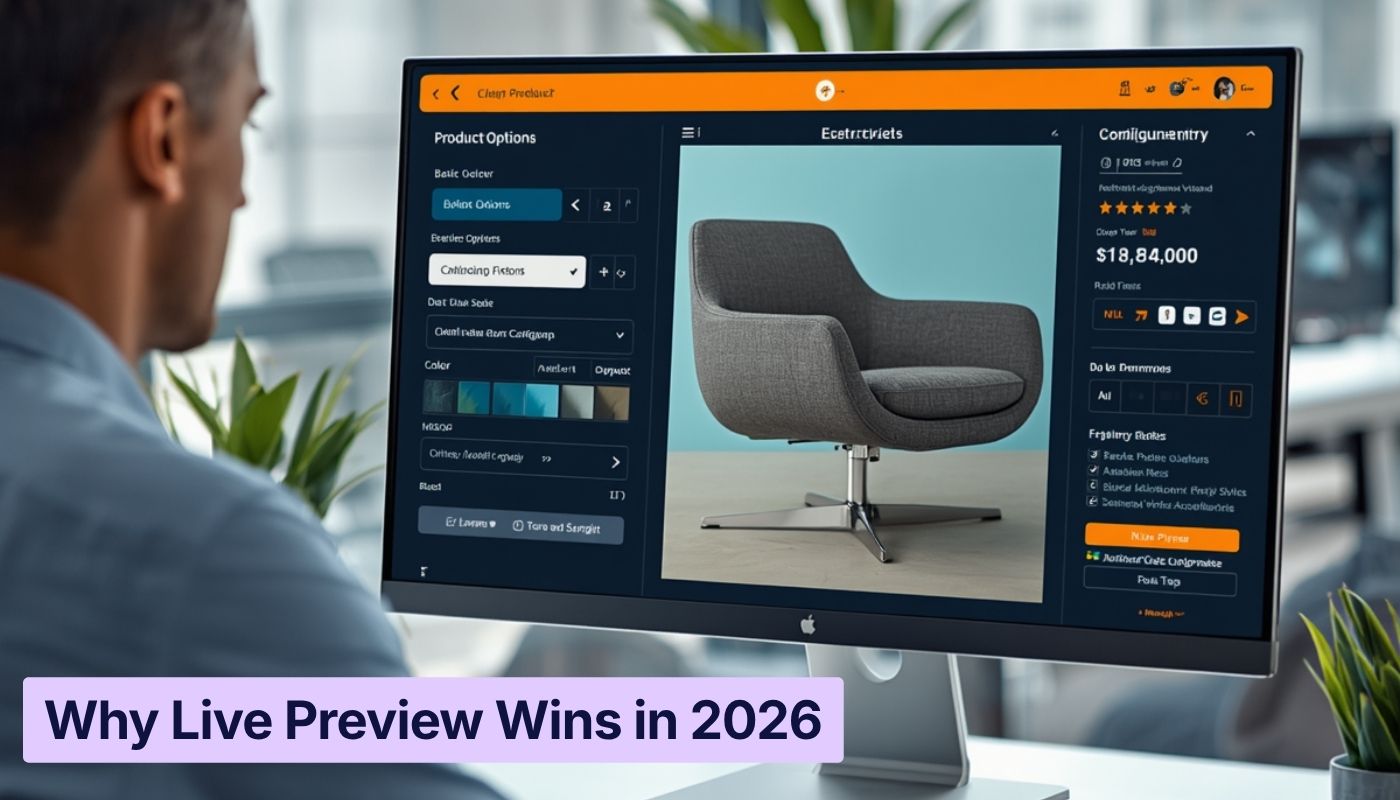
From furniture and fashion to electronics and personalized gifts, interactive product experiences can dramatically improve engagement and conversions. A WooCommerce 3D Product Customizer allows customers to rotate products, modify colors, change materials, and preview different configurations in real time.
This article explores how interactive 3D customization works, why it increases online sales, and how WooCommerce store owners can implement it effectively using tools like WP Configurator.
What Is a WooCommerce 3D Product Customizer?
A WooCommerce 3D Product Customizer is a visual customization tool that lets shoppers personalize products directly on a WooCommerce product page.
Instead of selecting product options through standard dropdown menus, customers can interact with a 3D model and see their selections instantly.
Typical customization features include:
- Color changes
- Material selection
- Component replacement
- Size adjustments
- Real-time price updates
This transforms the shopping experience from static browsing into interactive product design, helping customers feel confident before buying.
Why Interactive Product Experiences Increase Sales
Interactive shopping experiences help customers make faster purchasing decisions. When buyers can visualize products clearly, uncertainty is reduced. Research from McKinsey shows that companies excelling at personalization generate around 40% more revenue than slower-growing competitors, highlighting the value of tailored digital customization experiences in modern eCommerce.
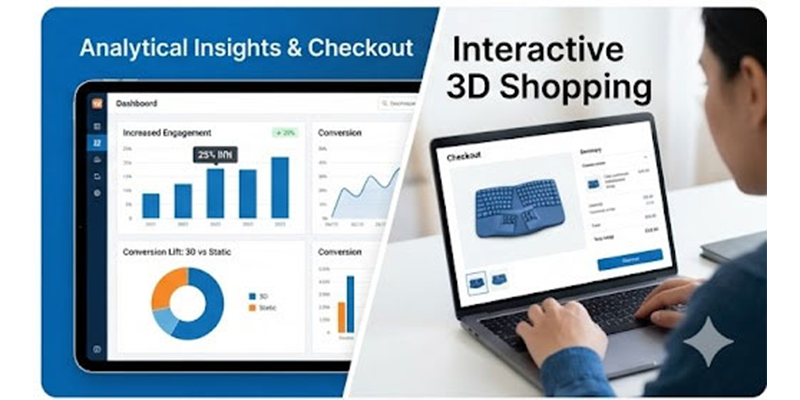
For example, a custom furniture store using a 3D configurator saw a 25–30% increase in conversion rates and a significant drop in product returns because customers could preview materials and colors before purchasing.
Key advantages include:
Higher Customer Engagement
Customers spend more time exploring interactive product pages compared to traditional product pages.
Better Purchase Confidence
Seeing customization options in real time reduces doubts about color, style, or fit.
Increased Average Order Value
Interactive customization encourages customers to add premium features, accessories, or upgrades.
Reduced Product Returns
When customers clearly understand what they are buying, the chances of dissatisfaction and returns decrease.
A WooCommerce 3D product configurator to increase sales helps bridge the gap between imagination and reality.
Why WordPress Stores Need a Native WooCommerce Solution
Many configurator tools exist in the market, but not all are designed specifically for WooCommerce.
Some platforms operate as SaaS solutions that connect to WooCommerce through external integrations. While these solutions work well for some businesses, WooCommerce-native stores often benefit from plugins built directly within the WordPress ecosystem.
A native WooCommerce solution offers several advantages:
- Seamless integration with WooCommerce product data
- Compatibility with WooCommerce variations and pricing rules
- Better control over hosting and performance
- No dependency on external infrastructure
- Easier management through the WordPress dashboard
For store owners who rely heavily on WooCommerce workflows, a native plugin like WP Configurator allows deeper integration and more flexible customization options.
Different models serve different business needs, but WooCommerce-native tools often align better with stores built entirely on WordPress.
Best WooCommerce 3D Product Customizer Plugin for Online Stores
Choosing the best WooCommerce 3D product customizer plugin for online stores depends on several factors, including product complexity, customization options, and store scalability.
When evaluating plugins, store owners should look for:
- Smooth 3D rendering performance
- Compatibility with WooCommerce product variations
- Dynamic pricing updates
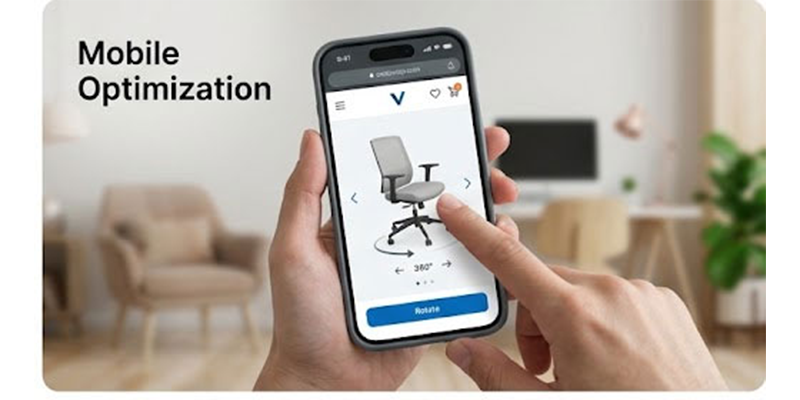
- Mobile responsiveness
- Easy configuration setup
WP Configurator is designed specifically for WooCommerce stores that want to offer advanced product customization without leaving the WordPress environment.
How to Add a 3D Product Customizer in WooCommerce
Store owners often assume that implementing 3D customization requires complex development work. However, modern WooCommerce plugins make the process much easier.
Here is a simplified workflow for how to add a 3D product customizer in WooCommerce:
Step 1: Install a WooCommerce Configurator Plugin
Install a product configurator plugin designed for WooCommerce.
Step 2: Create Product Layers or Options
Define customizable elements such as colors, materials, or components.
Step 3: Upload Product Visual Assets
Add product images or 3D assets representing each customization option.
Step 4: Set Pricing Logic
Configure price adjustments for premium materials, add-ons, or upgrades.
Step 5: Integrate With WooCommerce Product Pages
Once configured, the customizer appears on product pages and integrates directly with the cart and checkout system.
Plugins like WP Configurator streamline this process by providing a visual configuration interface.
WooCommerce 3D Product Configurator to Increase Sales
It works by transforming the traditional product page into an interactive design environment.
Instead of browsing options passively, customers actively create their own product.
This interaction leads to:
- Greater emotional investment in the purchase
- Stronger product understanding
- Higher perceived product value

Interactive 3D Product Viewer for WooCommerce Website
This functionality allows customers to examine products from multiple angles.
Key capabilities include:
- 360-degree product rotation
- Zoom and detail inspection
- Real-time configuration preview
- Interactive material and texture switching
This is particularly valuable for industries where product appearance matters significantly, such as:
- Furniture
- Home decor
- Apparel
- Jewelry
- Electronics
WooCommerce Visual Product Customizer for Complex Products
Some products require complex configuration logic.
Examples include:
- Modular furniture systems
- Custom bicycles
- Industrial equipment
- Personalized gift products
A WooCommerce visual product customizer for complex products helps manage these customization scenarios while keeping the interface simple for customers.
Advanced configuration systems allow businesses to:
- Create conditional options
- Limit incompatible combinations
- Show dynamic previews based on selections
- Adjust prices automatically
SaaS vs Native WooCommerce Customizers
While discussing product customizers, it’s useful to briefly understand the difference between SaaS platforms and WooCommerce-native plugins.
SaaS Configurators
SaaS tools are hosted externally and often support multiple eCommerce platforms.
Advantages:
- Managed infrastructure
- Regular platform updates
- Cross-platform compatibility
Considerations:
- Subscription-based pricing
- External integration with WooCommerce
WooCommerce-Native Plugins
WooCommerce-native tools operate directly inside WordPress.
Advantages:
- Deep WooCommerce integration
- Store-controlled hosting
- More predictable long-term costs
- Greater customization flexibility
Why WP Configurator Stands Out
WP Configurator is built specifically to help WooCommerce stores deliver powerful customization experiences.
Key benefits include:
- Native WooCommerce integration
- Flexible product configuration workflows
- Real-time visual customization
- Dynamic pricing logic
- Support for complex product setups
Because it operates inside the WordPress environment, store owners maintain full control over their product configuration system.
The Future of Interactive eCommerce
Interactive shopping experiences are quickly becoming the standard in modern eCommerce.
Customers increasingly expect:
- Personalized product options
- Visual customization tools
- Real-time previews
- Seamless mobile experiences
Stores that implement interactive customization tools early can gain a significant competitive advantage.
A WooCommerce 3D Product Customizer helps transform product pages into engaging shopping experiences that encourage customers to explore, customize, and purchase.


WPConfigurator Dev
Archie is a WordPress specialist with a strong background in technical support, website customization, and e-commerce solutions. He focuses on helping businesses improve their platforms through efficient configurations and seamless integrations. At WPConfigurator, he assists clients with setup, troubleshooting, and optimizing their overall website experience. He is highly proficient in WordPress and various modern web tools.
You might also enjoy



100% No-Risk Money Back Guarantee
You are fully protected by our 100% Money Back Guarantee. If you aren’t completely satisfied within 15 days of purchase, you’re more than welcome to a full refund.
Frequently Asked Questions (FAQ’s)
What is a WooCommerce 3D Product Customizer?
A WooCommerce 3D Product Customizer is a tool that allows customers to visually customize products in real time within a WooCommerce store. It enables users to change colors, materials, or components while viewing the updated product instantly.
What is the best WooCommerce 3D product customizer plugin for online stores?
The best plugin depends on your product complexity and store requirements. Solutions like WP Configurator are designed specifically for WooCommerce stores that want deep integration and flexible product customization capabilities.
How do I add a 3D product customizer in WooCommerce?
You can add a 3D product customizer by installing a WooCommerce configurator plugin, defining customization options, uploading visual assets, and integrating the configurator with WooCommerce product pages.
Can a WooCommerce 3D product configurator increase sales?
Yes. Interactive customization improves customer engagement, builds purchase confidence, and often increases average order value by encouraging users to add premium options or upgrades.