



On this page
As product customization becomes more common in eCommerce, many WooCommerce store owners are adopting a WooCommerce 3D Product Configurator to deliver interactive buying experiences. Whether selling furniture, apparel, accessories, or personalized merchandise, visual customization helps customers see exactly what they are purchasing before checkout.
However, when choosing a configurator solution, store owners often face a critical decision:
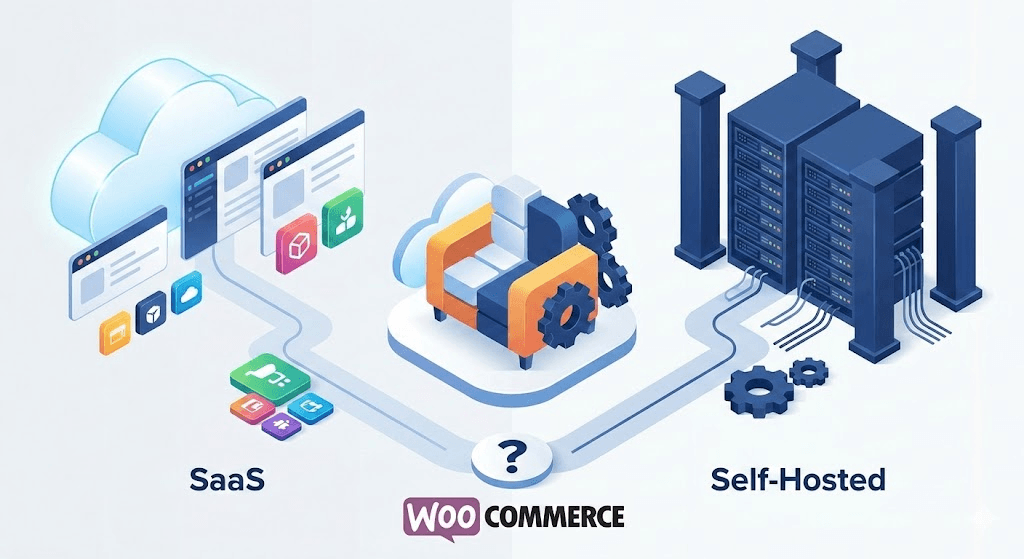
Should you use a SaaS-based tool or a self-hosted WooCommerce plugin?
Both models offer interactive product customization features, but they differ significantly in architecture, cost structure, scalability, and long-term control.
This guide explains the differences between SaaS tools and self-hosted solutions so WooCommerce businesses can make the right decision for their needs.
Why WooCommerce Stores Are Adopting 3D Product Configurators
Traditional product pages rely on static images and dropdown menus. While that approach works for simple products, it becomes limiting when customers want customization.
A WooCommerce 3D Product Configurator allows customers to visually modify products in real time.
For example, buyers can:
- Change colors and materials
- Switch components or add-ons
- Rotate and zoom the product
- Preview design changes instantly
- See price updates dynamically
This creates a far more engaging experience compared to static product pages.
An Interactive 3D Product Configurator transforms customization into a visual journey, helping customers feel confident before placing an order.
Two Main Models: SaaS vs Self-Hosted Solutions
Most 3D configurator tools fall into two main categories:
- SaaS-based configurators
- Self-hosted WooCommerce plugins
While both can provide customization features, the way they integrate with WooCommerce and how they are managed differs significantly.
What Is a SaaS 3D Product Configurator?
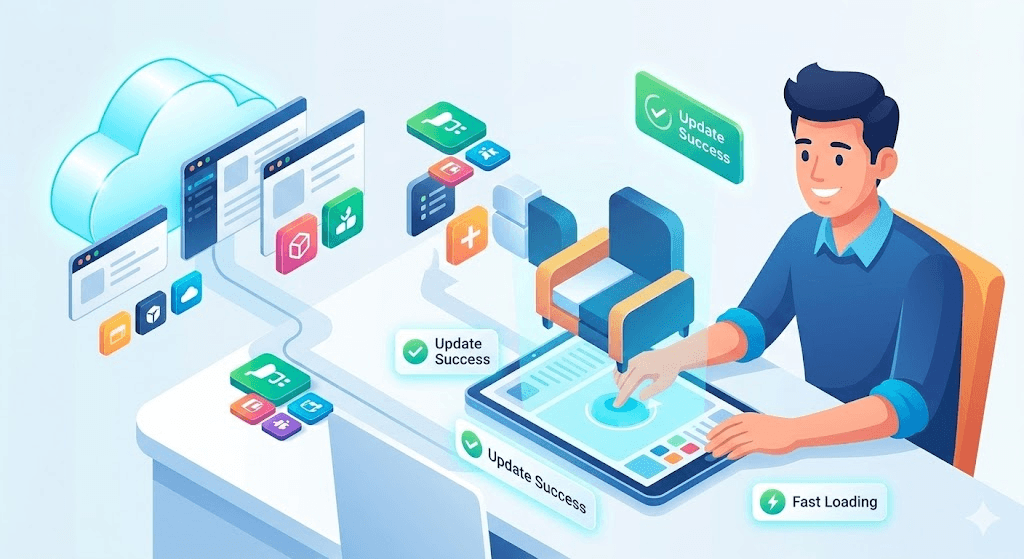
A SaaS (Software-as-a-Service) configurator is hosted on an external platform. Store owners typically connect their website to the SaaS service through APIs or integrations.
Key characteristics include:
- Hosted on external infrastructure
- Subscription-based pricing
- Updates handled by the SaaS provider
- Integration via scripts or APIs
These tools may support multiple platforms like Shopify, Magento, or custom websites.
However, many SaaS configurators are not built specifically for WooCommerce, which means integration sometimes relies on connectors rather than native compatibility.
What Is a Self-Hosted WooCommerce 3D Product Configurator?
A self-hosted 3D product configurator runs directly within the WordPress and WooCommerce ecosystem.
Instead of relying on external infrastructure, the configurator works as a WooCommerce 3D Product Configurator Plugin installed inside the store.
This approach offers:
- Native WooCommerce integration
- Store-controlled hosting
- Direct product variation compatibility
- Full control over assets and customization
Solutions like WP Configurator are designed specifically for WooCommerce stores, making them easier to manage inside the WordPress dashboard.
SaaS vs Self-Hosted Configurator: Key Differences
Below is a simple comparison to clarify how these two models operate.
| Feature | SaaS Configurator | Self-Hosted WooCommerce Plugin |
| Hosting | External servers | Hosted within your WordPress environment |
| Pricing | Subscription-based | License or store-controlled model |
| WooCommerce Integration | API-based | Native integration |
| Asset Ownership | Managed by provider | Controlled by store owner |
| Customization Flexibility | Platform-dependent | Fully customizable within WooCommerce |
| Long-Term Cost | Recurring monthly fees | More predictable over time |
| Scalability | Managed by SaaS provider | Depends on hosting resources |
Both approaches can work well depending on business requirements.
Cost Structure: Subscription vs Store-Controlled Model
Cost is one of the biggest considerations when choosing a 3D Product Configurator for WooCommerce.
SaaS Pricing Model
SaaS platforms usually operate through recurring subscriptions.
Typical pricing structure includes:
- Monthly or annual fees
- Feature-based tiers
- Possible usage or order limits
This model works well for businesses that prefer managed services and predictable monthly billing.
However, costs may increase as the store scales.
Self-Hosted Plugin Model
Self-hosted solutions such as WP Configurator typically use license-based pricing.
Benefits include:
- Greater control over operational costs
- No dependency on external subscription scaling
- Ability to manage infrastructure internally
For WooCommerce-native businesses, this structure often aligns better with long-term store growth.
Integration Matters for WooCommerce Stores
One important nuance when comparing solutions is platform compatibility.
Many SaaS configurators are designed to support multiple eCommerce systems. Because of this, WooCommerce integration may rely on third-party connectors.
A WooCommerce 3D Product Configurator Plugin, on the other hand, is built specifically for the WooCommerce architecture.
This allows deeper integration with:
- Product variations
- Dynamic pricing rules
- Cart and checkout workflows
- Inventory management
Native integration often results in smoother performance and easier maintenance.
Scalability Considerations
Scalability means different things depending on the business model.
SaaS Tools
SaaS solutions scale through their infrastructure.
Advantages include:
- Managed server resources
- Platform-managed performance optimization
- Reduced technical management
However, scaling usage may increase subscription costs.
Self-Hosted Configurators
A self-hosted 3D product configurator scales according to your hosting resources.
Advantages include:
- Full control over performance optimization
- Flexibility to upgrade hosting as needed
- No automatic cost increase based on store growth
For WooCommerce stores with dedicated hosting strategies, this model can provide long-term scalability.

When SaaS Configurators Make Sense
SaaS tools can be a good choice when:
- Businesses operate across multiple platforms
- Technical management needs to be minimal
- Teams prefer outsourced infrastructure
- Stores want a managed solution with minimal setup
These platforms work well for companies that prioritize convenience and cross-platform compatibility.
When Self-Hosted WooCommerce Plugins Make More Sense
A WooCommerce plugin vs SaaS tool comparison often favors plugins when the store is deeply rooted in WooCommerce.
Self-hosted plugins are often better suited when:
- WooCommerce is the primary platform
- Store owners want full control over customization
- Long-term cost predictability is important
- Businesses prefer owning their store infrastructure
WP Configurator was designed with this specific use case in mind.
It provides an Interactive 3D Product Configurator built directly for WooCommerce stores without relying on external SaaS infrastructure.
Benefits of WooCommerce 3D Product Customization
Regardless of the deployment model, implementing WooCommerce 3D product customization offers major advantages.
Key benefits include:
- Higher customer engagement
- Increased product understanding
- Greater buyer confidence
- Improved conversion rates
- Reduced product return rates
When customers can visualize exactly what they are buying, they are more likely to complete the purchase. Research from McKinsey shows that companies that excel at personalization generate up to 40% more revenue from those activities compared to average players, highlighting how tailored digital experiences are becoming essential in modern eCommerce.
Why WP Configurator Works Well for WooCommerce Stores
WP Configurator focuses on WooCommerce-native customization rather than cross-platform SaaS infrastructure.
Key advantages include:
- Native WooCommerce integration
- Visual customization workflows
- Flexible product configuration logic
- Store-controlled asset management
Because it runs directly within the WordPress ecosystem, WooCommerce stores can manage their entire customization experience without relying on external services.
Final Thoughts
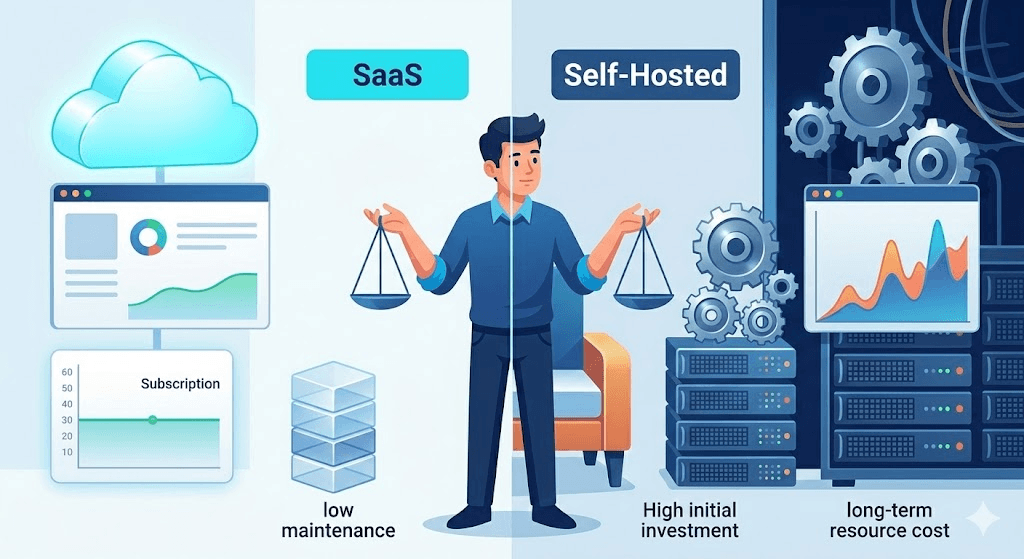
Choosing between a SaaS tool and a self-hosted plugin depends largely on how your store operates.
SaaS platforms provide managed infrastructure and cross-platform compatibility. They work well for businesses that prefer subscription-based services and minimal technical management.
Self-hosted solutions like WP Configurator, on the other hand, are designed specifically for WooCommerce stores that want full control, native integration, and predictable long-term costs.
Both models serve different business needs. The key is selecting the approach that aligns with your platform, budget, and growth strategy.
For WooCommerce-focused stores looking to offer advanced product customization, a WooCommerce 3D Product Configurator Plugin built natively for the platform can often provide the most seamless experience.


WPConfigurator Dev
Archie is a WordPress specialist with a strong background in technical support, website customization, and e-commerce solutions. He focuses on helping businesses improve their platforms through efficient configurations and seamless integrations. At WPConfigurator, he assists clients with setup, troubleshooting, and optimizing their overall website experience. He is highly proficient in WordPress and various modern web tools.
You might also enjoy



100% No-Risk Money Back Guarantee
You are fully protected by our 100% Money Back Guarantee. If you aren’t completely satisfied within 15 days of purchase, you’re more than welcome to a full refund.
Frequently Asked Questions (FAQ’s)
What is a WooCommerce 3D Product Configurator?
A WooCommerce 3D Product Configurator allows customers to customize products visually in real time within a WooCommerce store. It lets buyers change colors, materials, and features while previewing the final product before purchase.
What is the difference between a SaaS configurator and a self-hosted 3D product configurator?
A SaaS configurator is hosted on an external platform and typically requires a subscription. A self-hosted 3D product configurator runs directly inside your WooCommerce store as a plugin and is managed within your own hosting environment.
Is a WooCommerce plugin better than a SaaS tool for customization?
It depends on your business model. WooCommerce-native plugins offer deeper integration and more control, while SaaS tools provide managed infrastructure and cross-platform compatibility.
Can a WooCommerce 3D product customization tool increase conversions?
Yes. Visual customization helps customers better understand products and increases purchase confidence, which often leads to higher conversion rates.
Does a self-hosted 3D product configurator require technical knowledge?
Basic WordPress and WooCommerce familiarity is usually sufficient. More advanced customization setups may require technical assistance depending on the complexity of product configurations.